49
BT37 MarkII: Service Manual MA200606 1.0.0
Component replacement
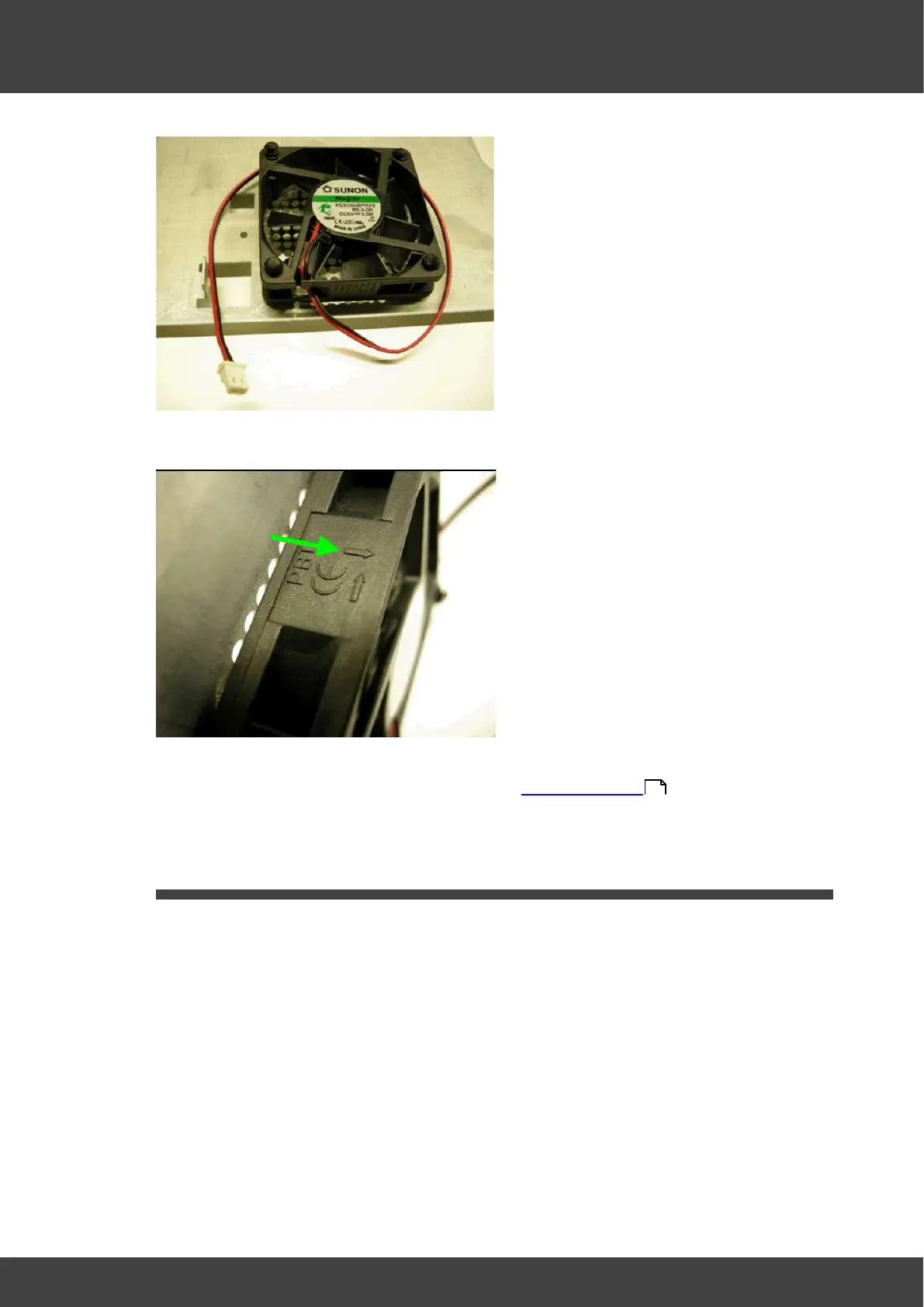
Fig.1 Fan cable exit adjacent to bottom of rear panel
Fig.2 Flow arrow on body of fan.
4) Refit the rear panel to the incubator as described in Opening the BT37 .
3.7 Fuse
For continued protection fuses must only be replaced with fuses of the correct type and
rating. Fuses should only be replaced after the cause of the original failure has been
determined and corrected as appropriate.
To replace the two mains inlet fuses in the IEC inlet socket: Disconnect and remove the
mains inlet cable from the IEC inlet socket. Slide the fuse tray out of the IEC inlet to
access the fuses, see Fig.1
36



 To Next Page