22
BT37 MarkII: Service Manual MA200606 1.0.0
Operation
2 Operation
1. Switch on the mains supply to the BT37.
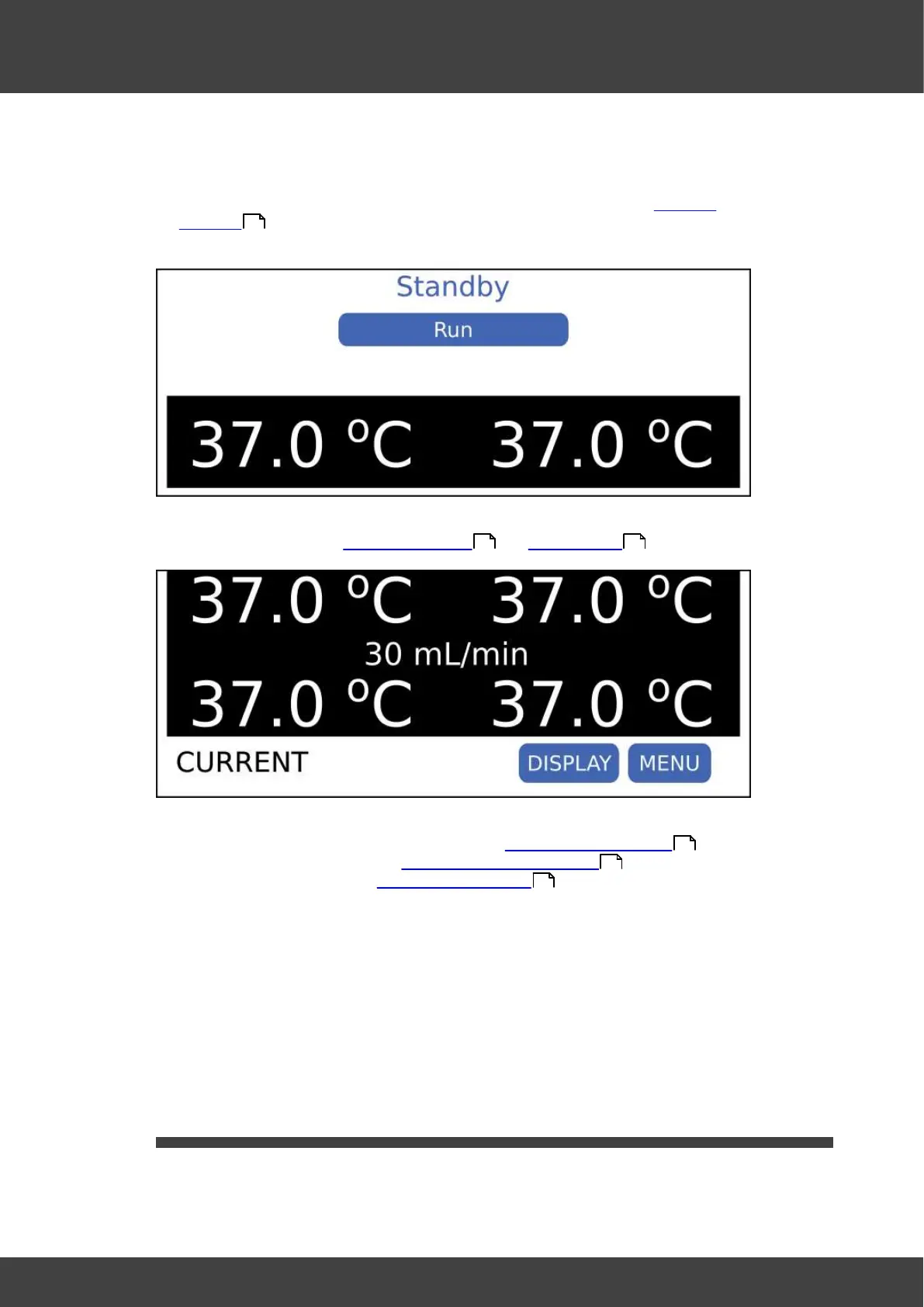
2. When the system powers on, it will normally enter standby mode; see Theory of
operation . In this mode, no gas is supplied to the chambers and the lid and base
are not heated.
3. Press the Run button to leave standby mode and enter the normal run mode. For
more details refer to the Theory of operation and User interface sections.
4. If this is the first time the BT37, has been used follow the steps below:
a. Set the access code to restrict access. See Setting the Access code .
b. Check the configuration. See Changing the control settings .
c. Install the humidifier. See Installing the humidifier .
d. Wait one day before adding samples.
e. In normal run mode, disconnect power and confirm the unit can run from the
battery for 30 minutes. Note the available hold-up time following the test will have
been reduced and it may take up to 24 hours for full capacity to be restored.
f. Check the gas supply to the chambers by using culture medium containing
phenol red indicator.
i. Place the medium in culture dishes and leave them in both the left and right
chambers overnight.
ii. Next day, check the phenol red indicator has changed to the expected
salmon pink colour.
2.1 Setting the access code
Access to the BT37 settings requires an access code to be entered. This is a 5 digit
number used to control access to the menus. This can be changed as follows:
8
8 10
22
23
24



 To Next Page