47
BT37 MarkII: Service Manual MA200606 1.0.0
Component replacement
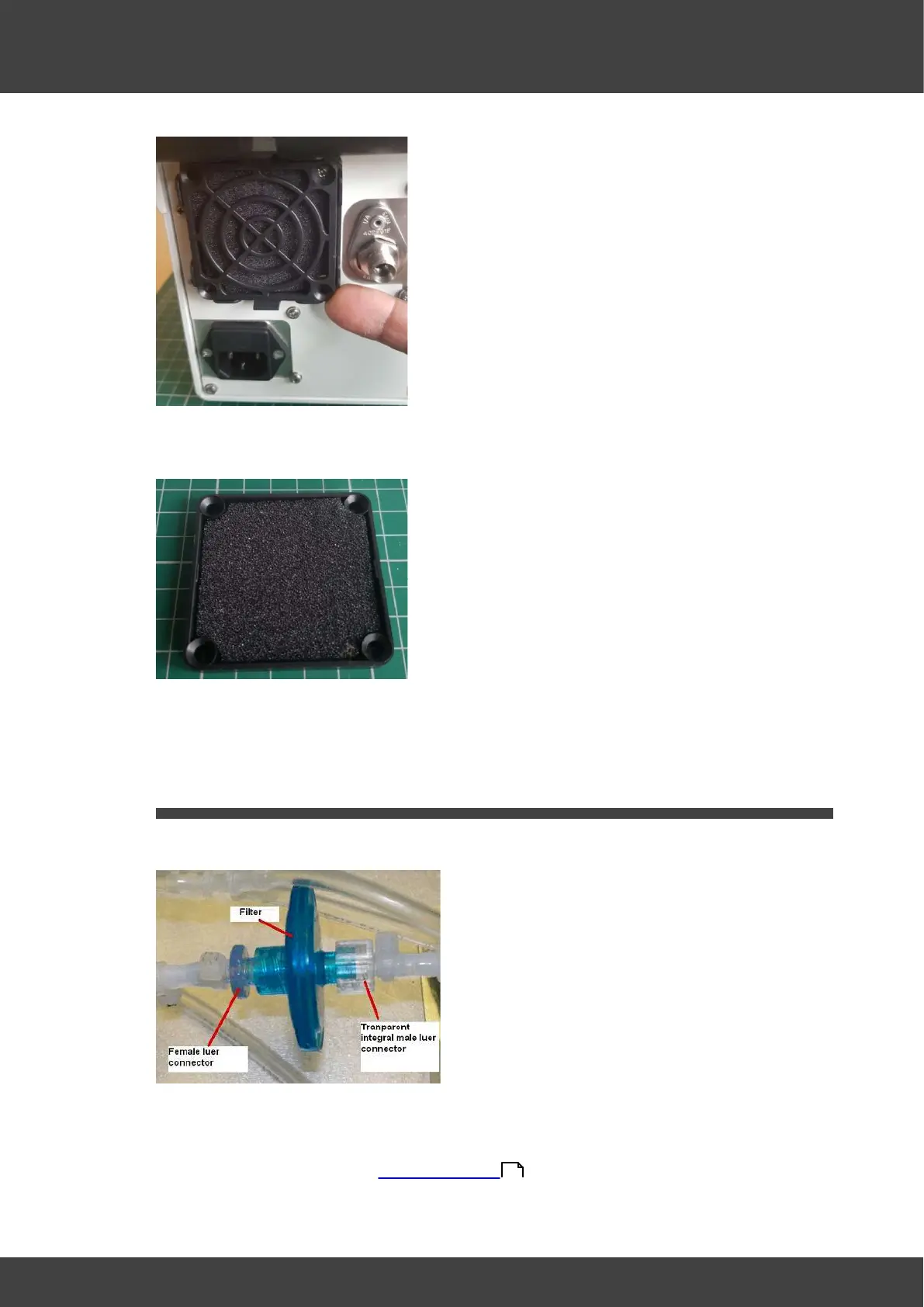
Fig.2 Removing the filter guard
3) Detach the filter guard and old filter
Fig.3 Showing filter held in filter guard. Please note that the filters may be black or white
4) Remove the old filter from the guard and fit the new one.
5) Push the filter guard and new filter back into position.
3.5 Internal air filter
Internal filter replacement.
Fig.1 Showing the male luer connector. the filter replacement requires the removal of the
rear panel and the right lid assembly. The instructions below describe the filter removal.
1) Remove the incubator rear panel and right lid assembly (as viewed from the front of
the incubator) as described in Opening the BT37 .
2) Remove the old filter by unscrewing the two luer fittings shown in Fig.2
36



 To Next Page