68
BT37 MarkII: Service Manual MA200606 1.0.0
Component replacement
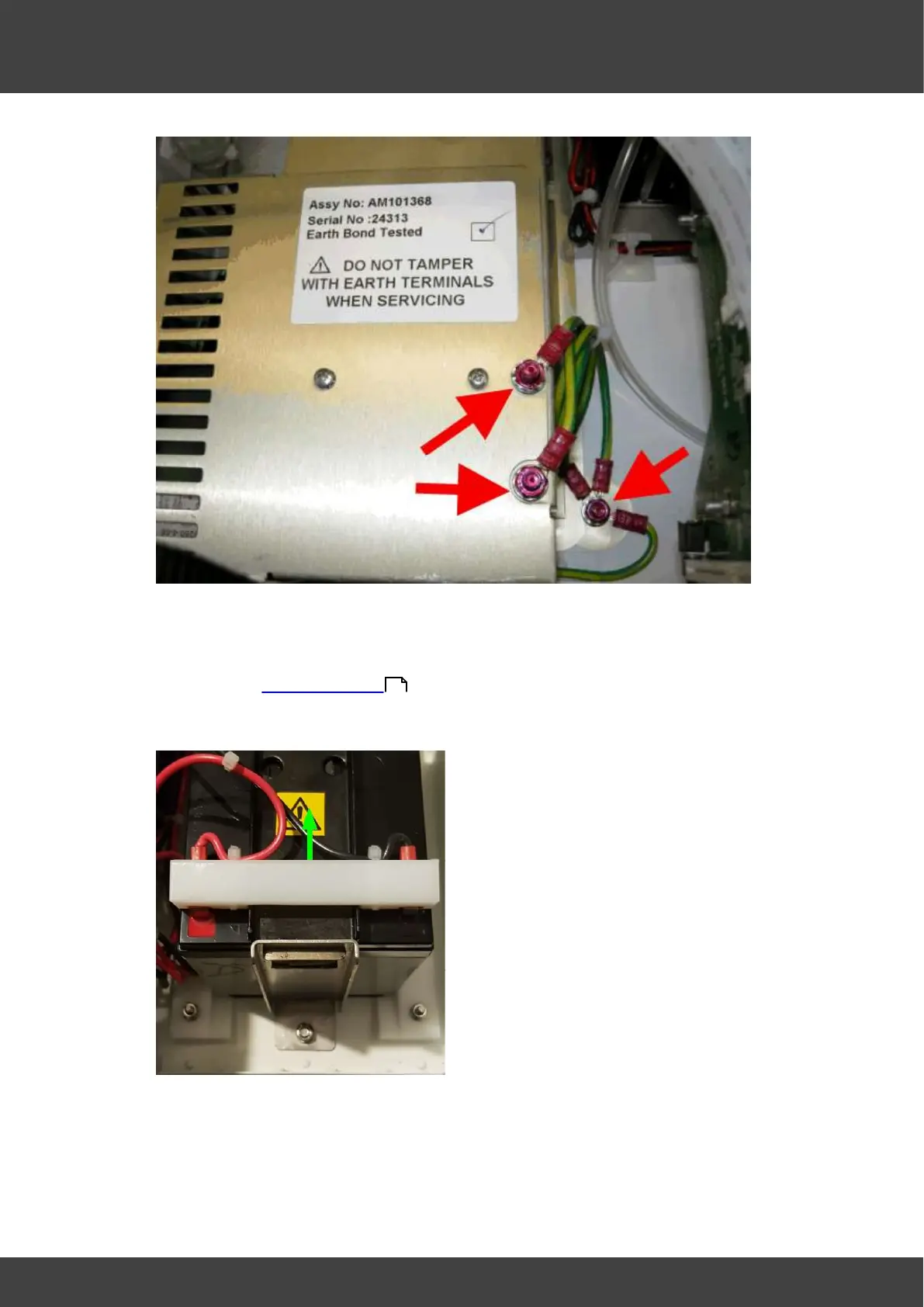
Fig.1 Do not undo or tamper with these nuts
1) Remove the rear panel from the incubator and the left and right hand lid assemblies as
described in Opening the BT37 .
2) Disconnect the battery by pushing the reverse_polarity_protection_bar in the direction
of the arrow shown in Fig.2.
Fig.2 showing reverse polarity protection bar
3) Insulate the exposed battery terminals with insulating tape before
proceeding.
4) Disconnect the rear panel gas manifold assembly from the internal gas filter and
control valves by rotating the luer connectors that secure the internal filter, see Fig.3
36



 To Next Page