EasyManua.ls Logo

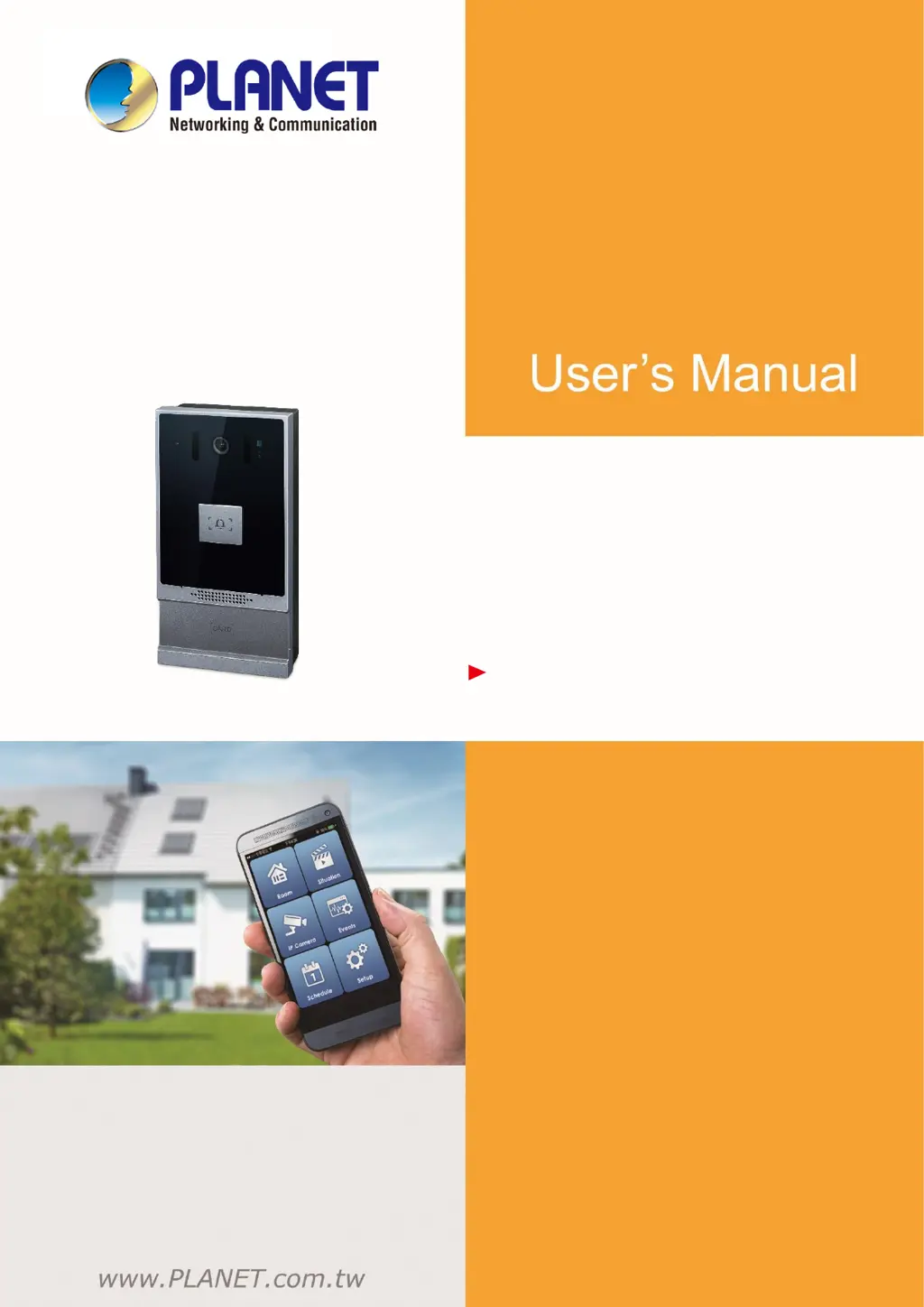
Planet HDP-1261PT - User Manual

Planet HDP-1261PT
94 pages
Print Icon
To Next Page IconTo Next Page
Loading...
1080p SIP Vandalproof Door Phone with RFID and PoE
HDP-1261PT
1
1080p SIP Vandalproof Door
Phone with RFID and PoE
HDP-1261PT

Table of Contents

Questions and Answers

  • E
    Emily StoneAug 9, 2025
    What to do if Planet HDP-1261PT device could not register to a service provider?
    • K
      Kenneth DyerAug 9, 2025
      First, ensure the device is connected to the network. If the network connection is stable, double-check your line configuration. If the issue persists, contact your service provider for support, or obtain a registered network packet and send it to the Support Email for analysis.
  • L
    Lisa AliAug 25, 2025
    Why Planet HDP-1261PT device could not boot up?
    • C
      Courtney GeorgeAug 25, 2025
      If the Planet Intercom System fails to boot up, it may be due to the external power supply. Use the standard power adapter provided or a PoE switch that meets the specification requirements, and verify that the device is properly connected to the power source. If the device enters 'POST mode' (the SIP/NET and function button indicators are always on), please contact your location technical support to help you restore your equipment system.

Planet HDP-1261PT Specifications

General IconGeneral
BrandPlanet
ModelHDP-1261PT
CategoryIntercom System
LanguageEnglish

Related product manuals