Internet Telephony PBX System
IPX-330/IPX-2100
45
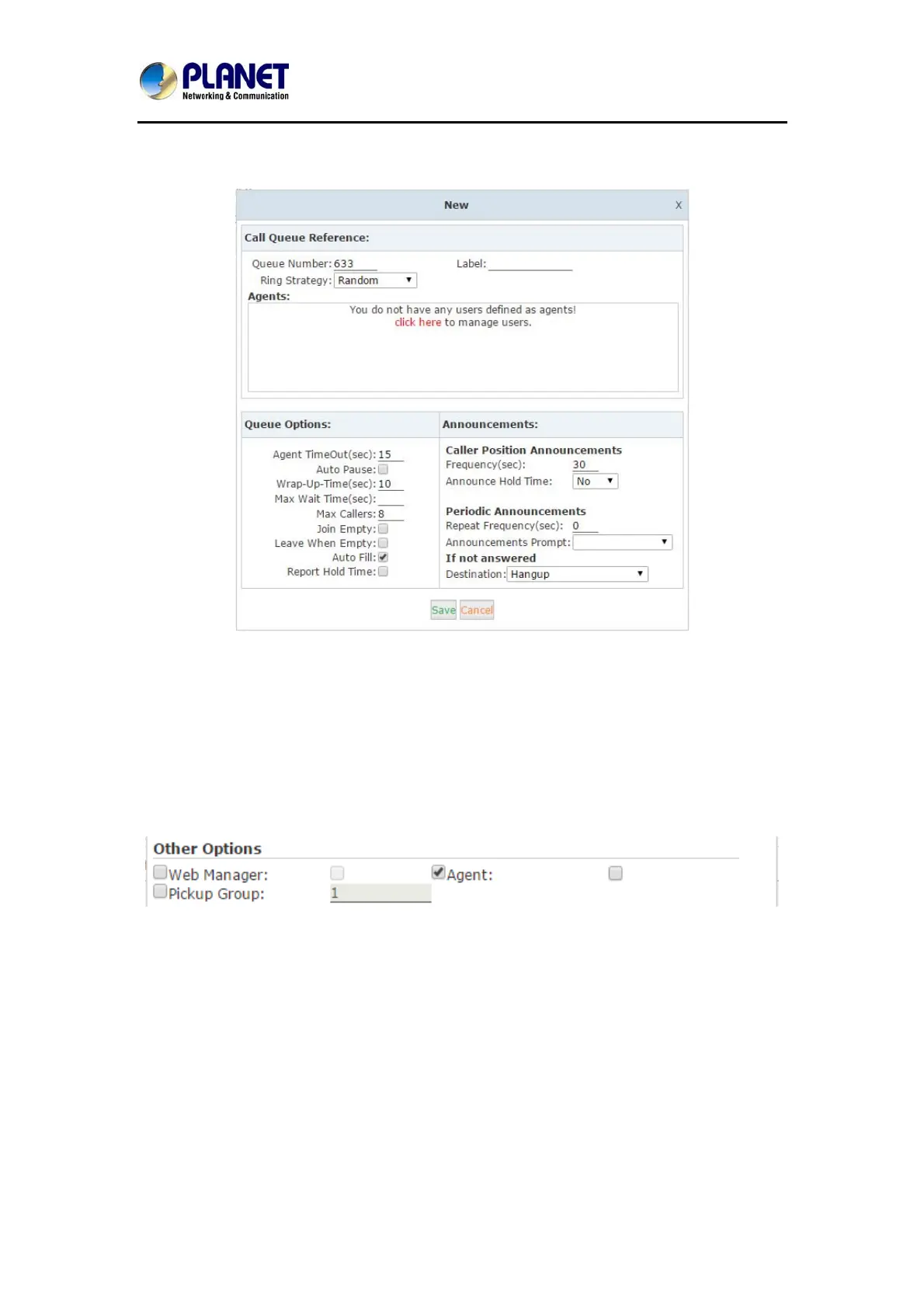
There are 3 existing call queues. All you have to do is click the “Edit” button to configure them.
If you want more call queues, you can click “New Call Queue” to add more queues.
Here we can see in the “Agents” field there’re no available agents to be assigned to the call
queues. Click “click here” you’ll be redirected to the extension page to determine which
extensions will be employed as call queue agents.
Tick the checkbox of the extension numbers which will be employed as call queue agents, then
click “Edit Selected” button and tick the “Agent” option in “Other Options” section.



 To Next Page