NetworkVideoRecorderwithHDMI
NVR‐820/NVR‐1620
To add an SMTP server,
1. Enter the host name or the IP address of the SMTP server.
2. Enter the port of the SMTP server.
3. Specify the sender’s name in the “Sender’s name” field.
4. Enter the sender’s e-mail address.
5. Check “Enable Authentication” and enter the user name and password of the SMTP server
if it requires authentication.
6. Click “Apply” to save the configuration.
*The NVR supports SMTP servers that use base64 or MD5 authentication methods.
We have finished defining how an event will be triggered and which servers will be receiving
notifications in the previous two sections, now we can finish up the event configuration by
setting:
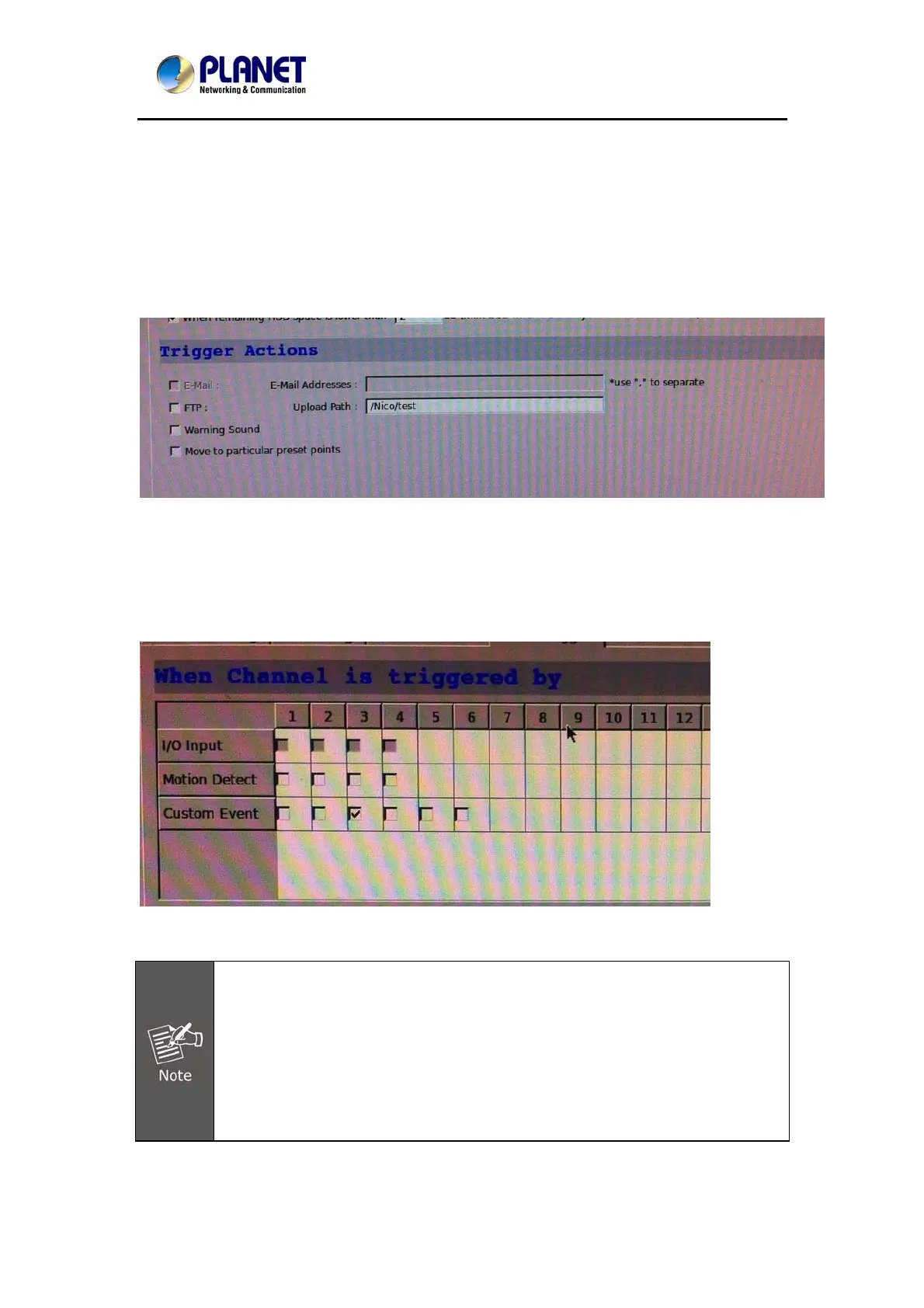
•Which channels will have event trigger function enabled
•Add system events if you will
•Where the warnings will be sent to and how they will be sent.
Use the checkbox to enable event trigger on the desired channels.
*Once motion detection is enabled on this page, please configure the motion area
and enable motion detection in the corresponding channels (cameras) from
camera's own web UI. The NVR only detects the first motion area set in the
camera. The NVR recognizes the first motion area by its ID number set in the
camera.
* Grayed out checkboxes represent the function that is either not available on the
camera, or the event notification method used in the camera is not supported by
the NVR.
* Enabling "Custom Event" allows events from the CMS software to trigger the
NVR to start recording.
112



 To Next Page