User Manual of WDAP-C7210E_WDAP-W1200E_WDAP-850AC
-75-
LAN IP
Enter the IP address that you need for port forwarding
External Port
Enter the external port range
Internal Port
Enter the internal port range
Mark
Enter the mark string, or not
Enable/disable Port Mapping function
Figure 5-49 Port Mapping
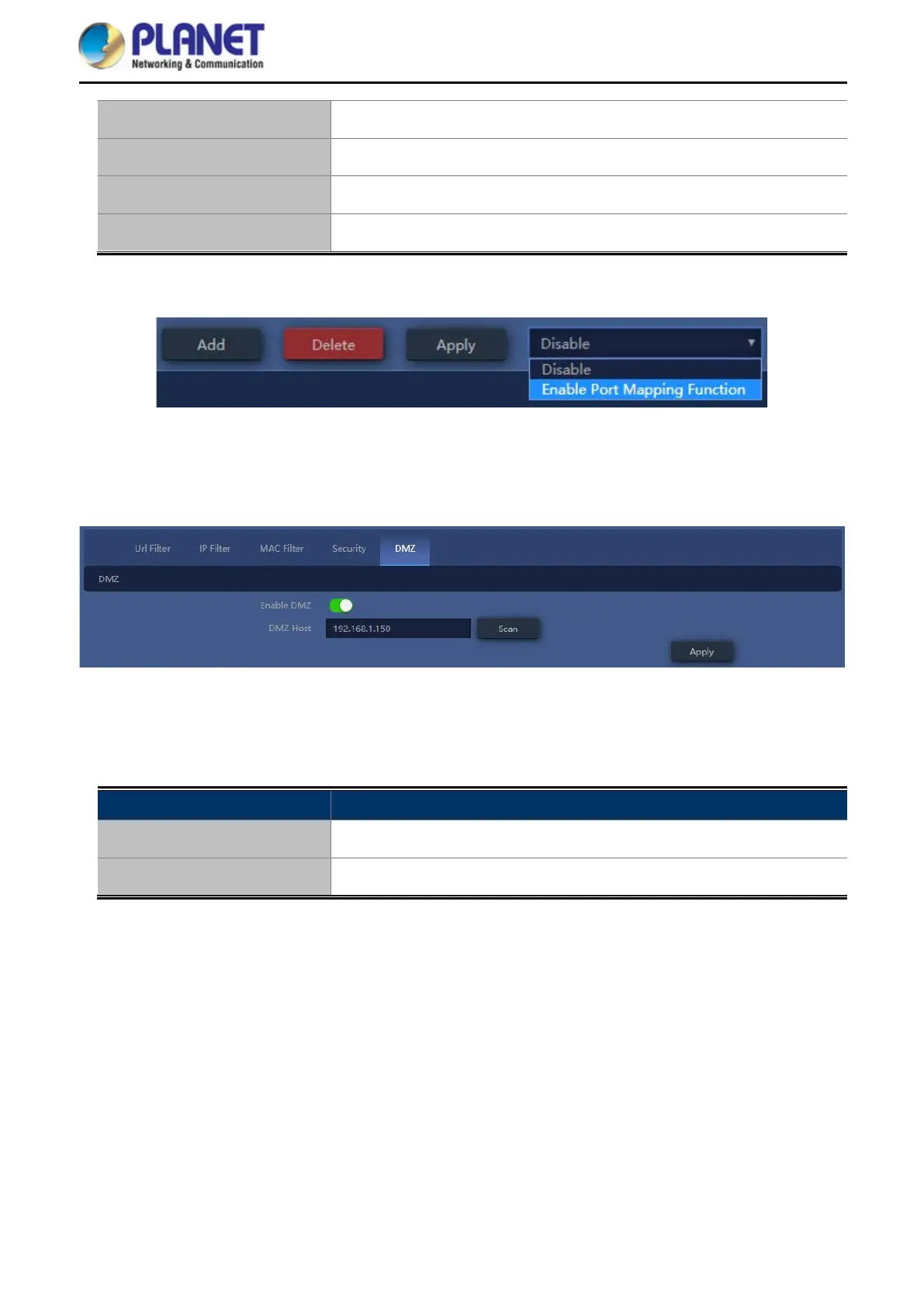
4.7.6.5. DMZ
Figure 5-50 DMZ
The page includes the following fields:
Object Description
Enable DMZ
Select Enable DMZ Host or Disable
DMZ Host IP
Enter the DMZ LAN IP














 To Next Page