User Manual of WDAP-C7210E_WDAP-W1200E_WDAP-850AC
-78-
Confirm Password
Enter new password again
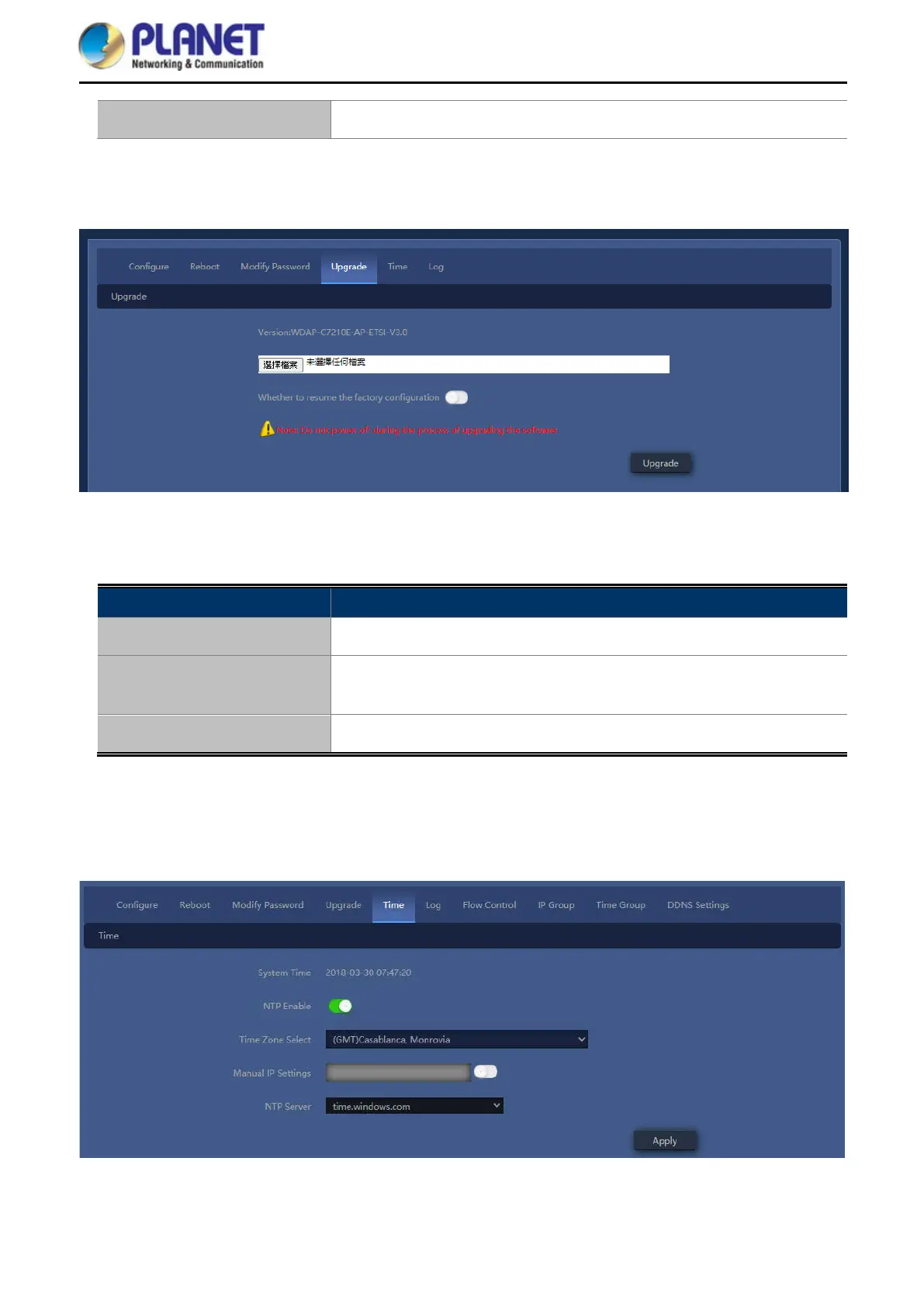
4.7.7.4. Upgrade
Figure 5-54 Upgrade Firmware
The page includes the following fields:
Object Description
Choose File
Press to select the firmware file
Whether to resume the
factory configuration
Select to reset the device to default when upgrading firmware
Upgrade
Press to upgrade the firmware
Note: Do not power off during the process of upgrading the software
4.7.7.5. Time
Figure 5-55 Setting System Time














 To Next Page