User Manual of WDAP-C7210E_WDAP-W1200E_WDAP-850AC
-77-
4.7.7.2. Reboot
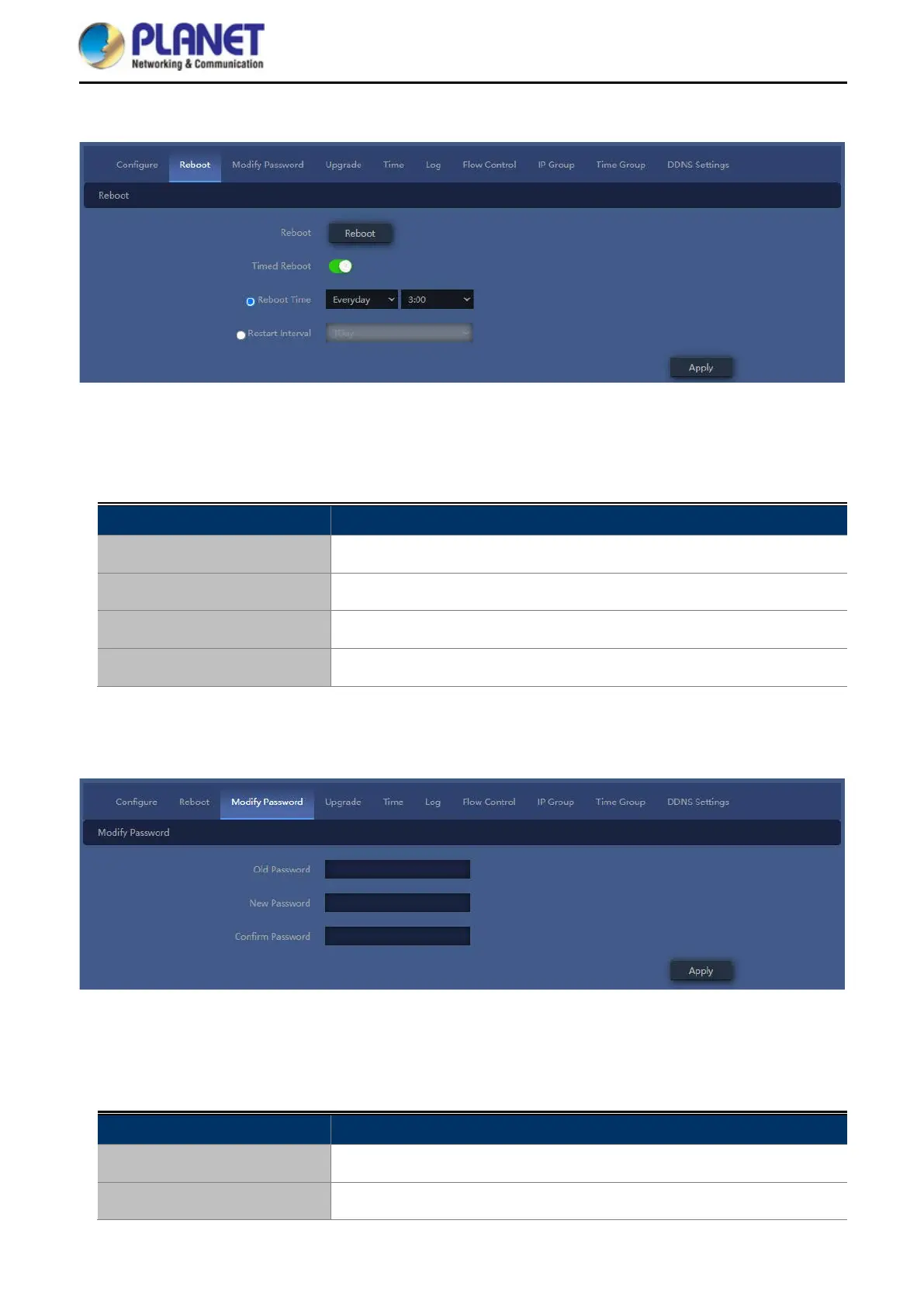
Figure 5-15 Reboot
The page includes the following fields:
Object Description
Reboot
Reboot device immediately
Timed Reboot
Select Enable or Disable to start schedule reboot
Reboot Time
Select reboot time for clock
Restart Interval
Select reboot duty by day
4.7.7.3. Modify Password
Figure 5-16 Modify password
The page includes the following fields:
Object Description
Old Password
Enter old password for change the password
New Password
Enter new password














 To Next Page