User’s Manual of WNRT-627
-113-
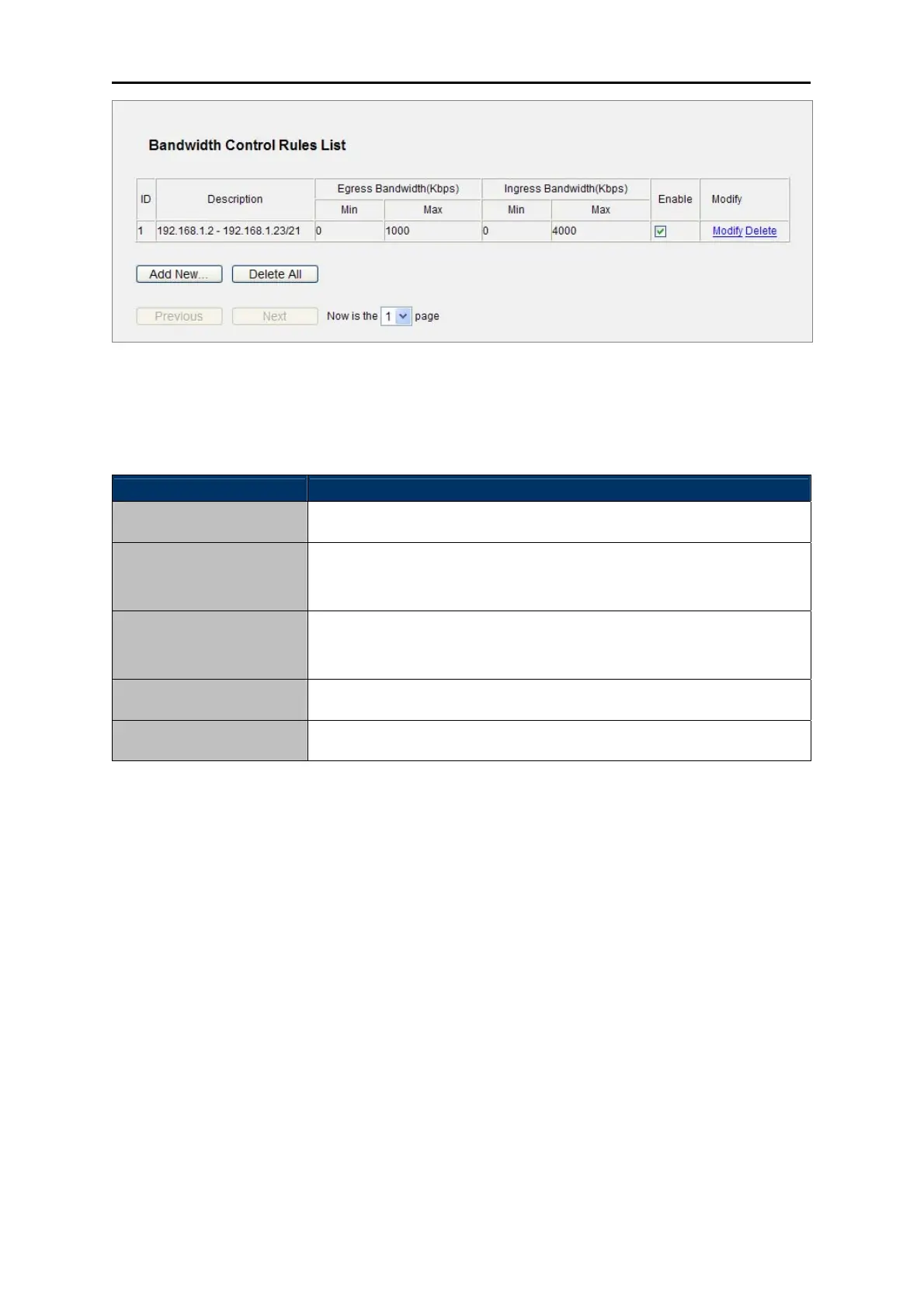
Figure 5-72 Bandwidth Control Rules List
The page includes the following fields:
Object Description
This is the informatio
n about the rules such as address range.
Description
This field
displays the max and mix upload bandwidth through the WAN
port, the default is 0.
Egress bandwidth
This field displays the max and mix do
wnload bandwidth through the
WAN port, the default is 0.
Ingress bandwidth
This display
s the status of the rule.
Enable
Click Modify to edit the rule. Click
Delete to delete the rule.
Modify
Table 5-37
To add/modify a Bandwidth Control rule, follow the steps below.
Step 1: Click Add New… shown in Figure 5-72, you will see a new screen shown in Figure 5-73.
Step 2: Enter the information like the screen shown below.



 To Next Page