User’s Manual of WNRT-627
-152-
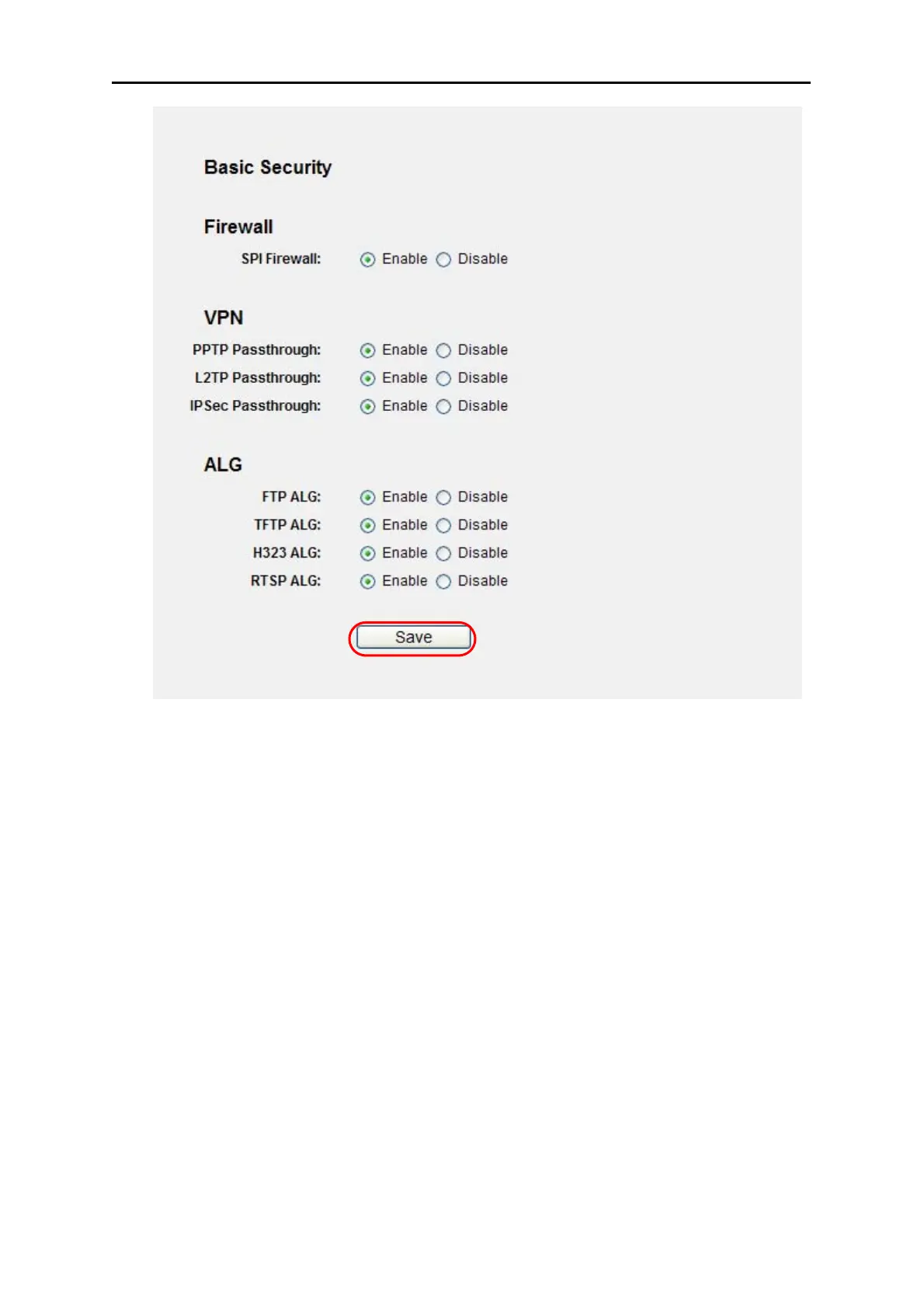
Figure A-6 Basic Security
4. I want to build a WEB Server on the LAN, what should I do?
1) Because the WEB Server port 80 will interfere with the WEB management port 80 on the
Router, you must change the WEB management port number to avoid interference.
2) To change the WEB management port number: Log in to the Router, click the “Security”
menu on the left of your browser, and click "Remote Management" submenu. On the
"Remote Management" page, type a port number except 80, such as 88, into the "Web
Management Port" field. Click Save and reboot the Router.



 To Next Page