User’s Manual of WNRT-627
-30-
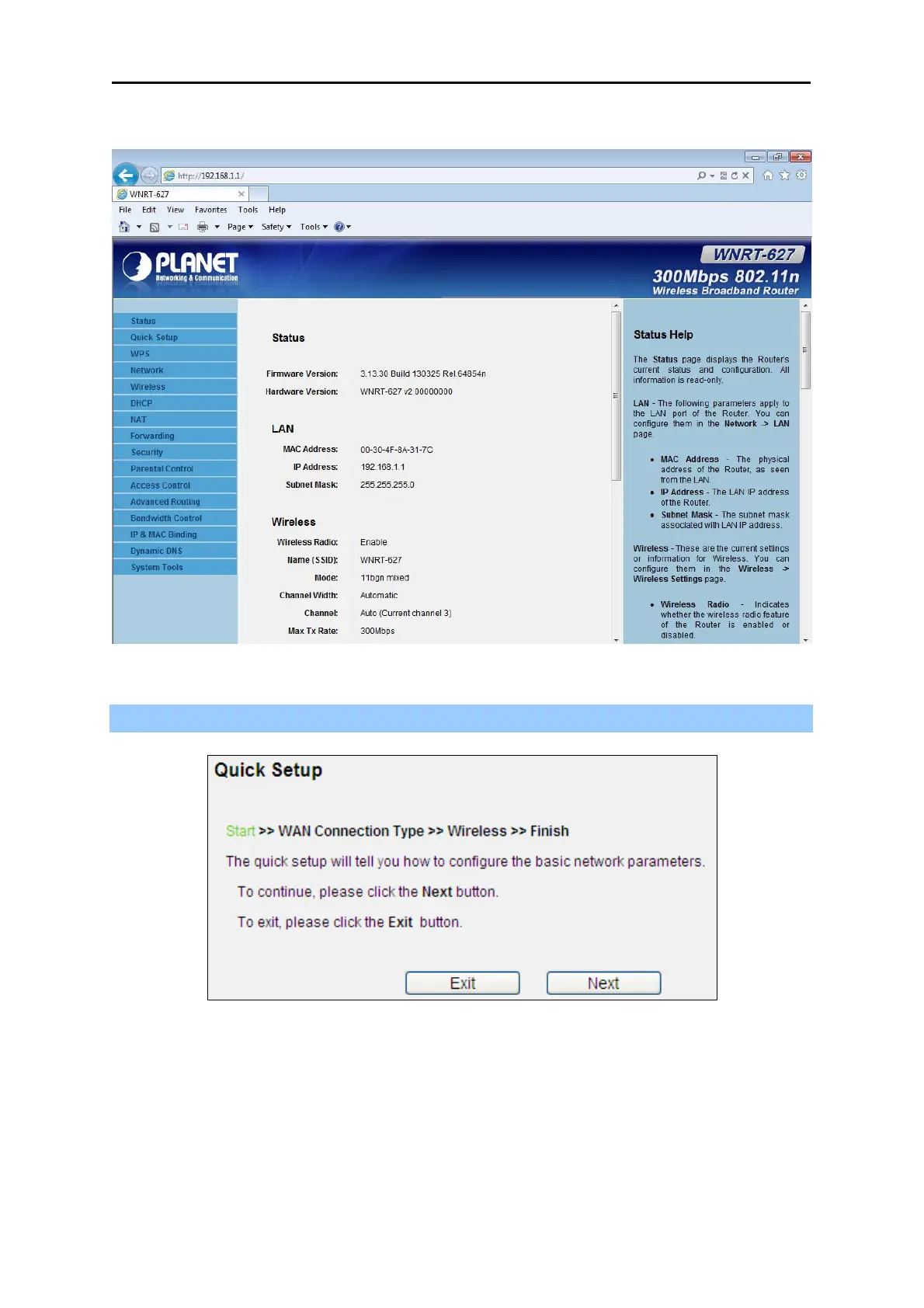
After entering the username and password, the main screen appears as Figure 4-11.
Figure 4-11 WNRT-627 Web UI Screenshot
Step 2. After successfully login, you can click the Quick Setup to quickly configure your Router.
Figure 4-12 Quick Setup
Click Next, and then WAN Connection Type page will appear, shown in Figure 4-13.



 To Next Page