User’s Manual of WNRT-627
-35-
These settings are only for basic wireless parameters. For advanced settings, please refer to Chapter
5.6 Wireless.
Step 5. Click the Next button. You will then see the Finish page.
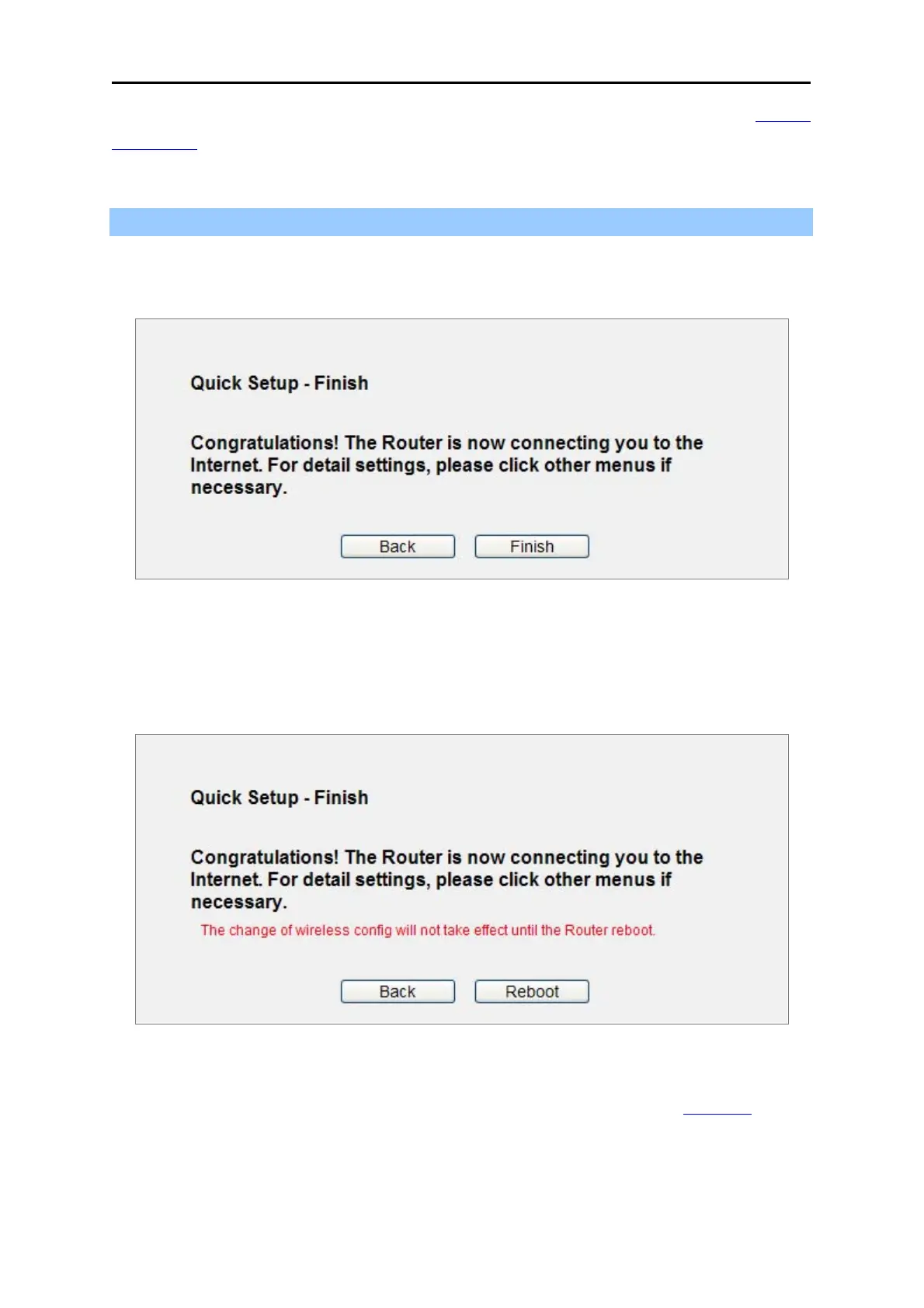
If you don’t make any change on the Wireless page, you will see the Finish page as shown in
Figure 4-18. Click the Finish button to finish the Quick
Setup.
Figure 4-18 Quick Setup – Finish (No
wireless parameter changed)
If there is something changed on the Wireless page, you will see the Finish page as shown in
Figure 4-19. Click the Re
b
oot button to make your wireless configuration to take effect and finish
the Quick Setup.
Figure 4-19 Quick Setup
– Finish (Re
boot is required)
After the rebooting, please check whether you can access the Internet or not in the 5.2
Status page.



 To Next Page