Chapter E - DIMAX3 DIGITAL SYSTEM ADJUSTMENT
E-52 Planmeca Proline CC panoramic x-ray
Technical Manual
6.5 Calibrating the cephalostat sensor head
Remove the sensor alignment tool from the cephalostat quick connector mechanism and attach
the sensor head to the quick connector.
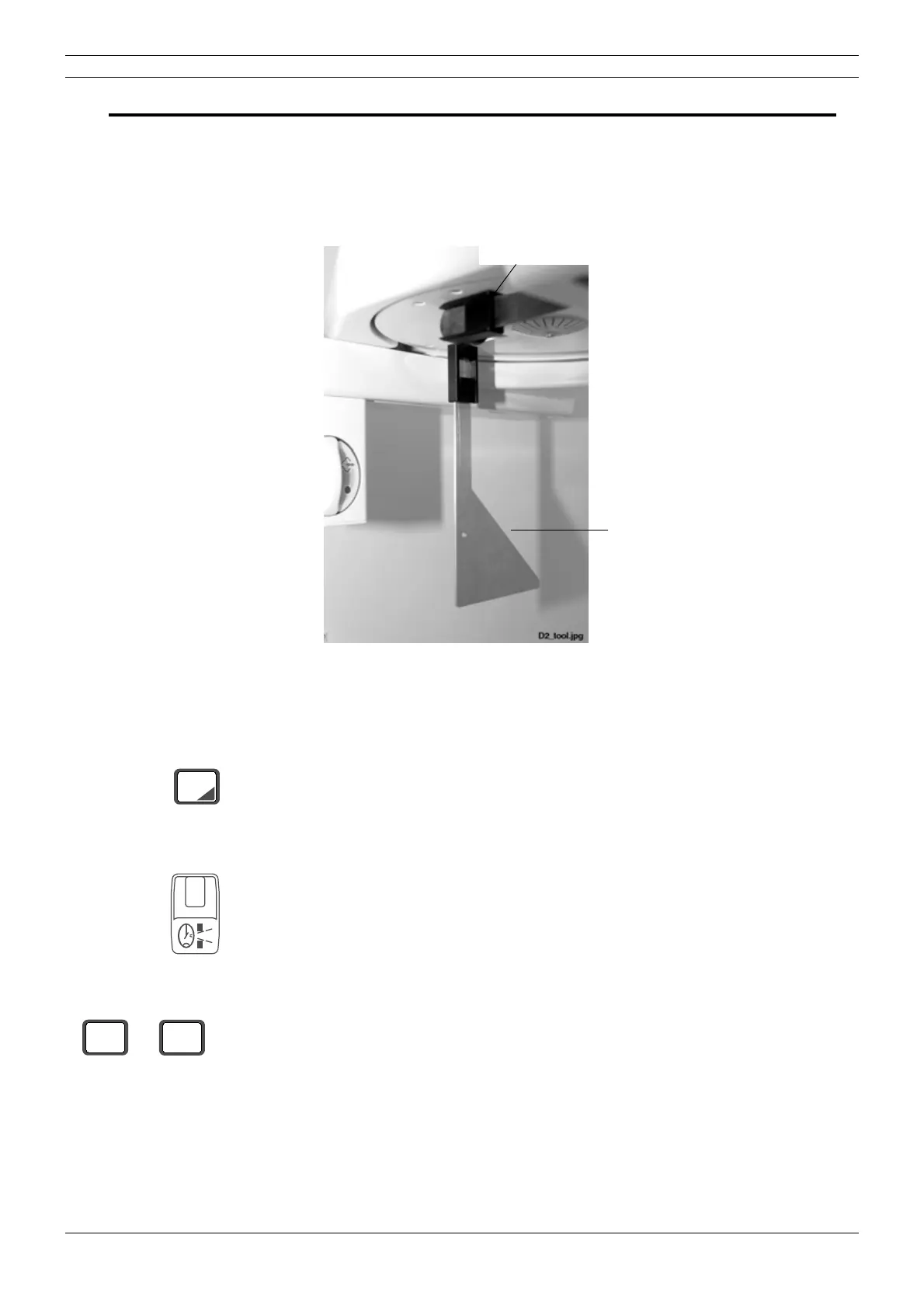
Remove the nasial positioner and the ear posts from their holders. Attach the cephalostat calibra-
tion tool to the right-hand ear post holder (near the sensor head).
Figure 89
Make sure that the second primary slot is in its position.
Press the ceph mode selection key to enter the ceph mode if you are not already in it.
Select the image area number 6 with the primary slot selection key.
The calibration must be performed with 3x3 (enhanced resolution) and 4x4 (normal resolution)
binning. With enhanced resolution select 60 kV and 7 mA, and with normal resolution select 60
kV and 5 mA. Note that these values must be selected to produce a clear exposure.
Cephalostat
Nasial positioner
calibration tool
CEPH
6
kV
mA
7
60



 To Next Page