Chapter D - ADJUSTMENT & CALIBRATION
Planmeca Proline CC panoramic x-ray D-19
Technical Manual
4 PATIENT POSITIONING LIGHTS
4.1 Checking the lights
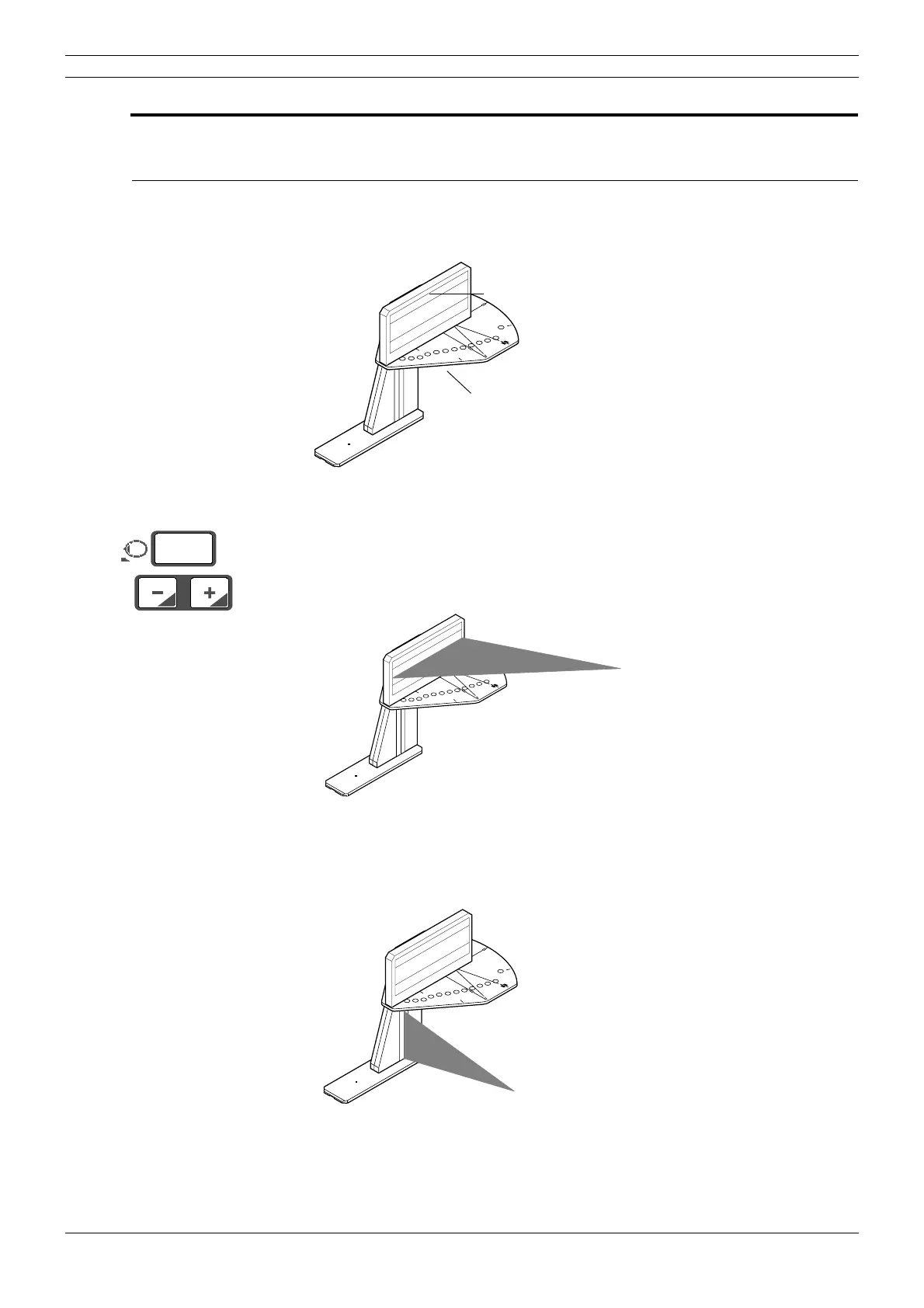
The positions of the light beams from the three patient positioning lights should be checked.
Place the Frankfort plane alignment tool into position on top of the ball phantom.
Figure 27
Press either of the patient positioning keys to switch the positioning lights on and then a second
time to drive the patient positioning mechanism to 00 if it is not already there.
The Frankfort plane light beam should be located between the two black lines on the alignment
tool. It should be horizontal.
Figure 28
The plane-in-focus light beam should be positioned so that it is on the black reference line on the
side of the ball phantom.
Figure 29
START
END
PLANMECA No.50971
X-LINE
Y-LINE
PLANMECA OY
NO.50977
Frankfort plane alignment tool
Ball phantom
°
mm
00
STA
RT
E
ND
PLANM
EC
A
No.50971
X-LINE
Y-LIN
E
PLANMECA OY
NO
.50977
Frankfort plane light beam
START
END
PLANMECA
No.50971
X-LINE
Y-LINE
P
L
A
N
M
E
C
A
O
Y
N
O
.50
9
77
Plane-in-focus light beam



 To Next Page