Chapter E - DIMAX3 DIGITAL SYSTEM ADJUSTMENT
E-64 Planmeca Proline CC panoramic x-ray
Technical Manual
6.9 Second primary slot adjustment
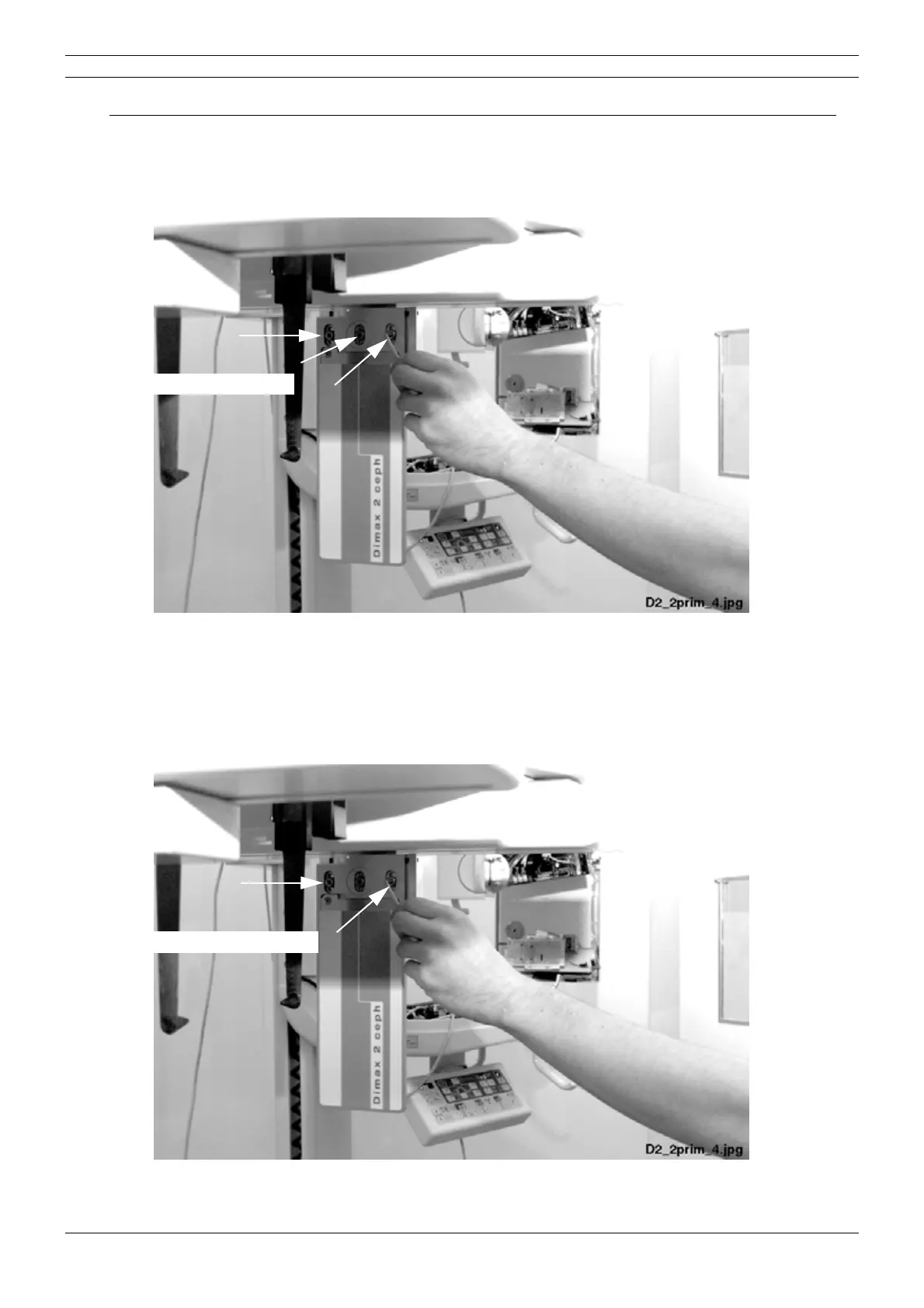
Second primary slot in too low or high position
Loosen all the three screws located on the side of second primary slot with the 4mm allen key.
Figure 111
Move the second primary slot in vertical direction until the slot is correctly positioned. Tighten the
loosened screws.
Second primary slot not vertical
Loosen the two screws located on the side of second primary slot.
Figure 112
Loosen these three screws.
Loosen these two screws.



 To Next Page