Chapter E - DIMAX3 DIGITAL SYSTEM ADJUSTMENT
Planmeca Proline CC panoramic x-ray E-63
Technical Manual
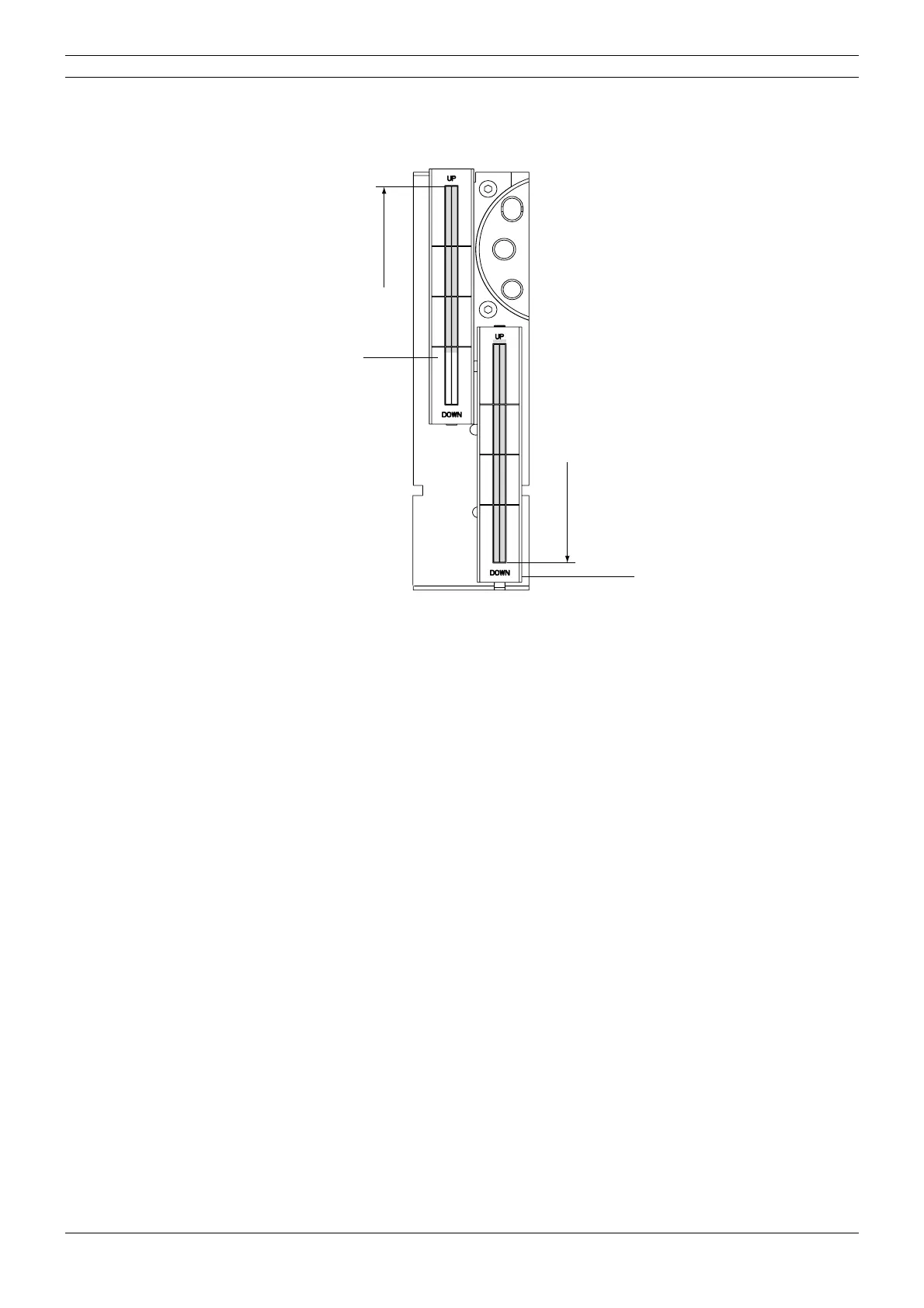
The beam image should appear within the borders of the rectangle marked on the beam align-
ment tool. If it does not adjust the second primary slot position. Refer to section “Second primary
slot adjustment” on page E-64.
Figure 110
Move the beam alignment tool to the upper position on the sensor alignment tool as shown on
the figure above.
Stand behind the tube head and protect yourself from radiation. Press and hold down the expo-
sure button. The image of the radiation beam will appear on the alignment tool.
The beam image should appear within the borders of the rectangle marked on the beam align-
ment tool as shown on the figure above. If it does not adjust the second primary slot position.
Refer to section
“Second primary slot adjustment” on page E-64.
NOTE After checking and adjusting the second primary slot position the cephalostat sensor
head must be calibrated according to the instructions given in section
“Calibrating the
cephalostat sensor head” on page E-52.
D2filt_D.eps
Beam alignment
Beam alignment
tool in upper
position
tool in lower
position



 To Next Page