Chapter B - KEYBOARD FUNCTIONS & MODES
B-16 Planmeca Proline CC panoramic x-ray
Technical Manual
3.10 Model selection
NOTE Always check the model type when the Keyboard processor board is replaced.
The equipment software has been equipped with the software for the PM 2002 CC, Planmeca
Proline CC, PM 2002 EC and Planmeca Proline EC X-ray units. In the service mode it is deter
-
mined what the equipment model is.
CC / CC Proline
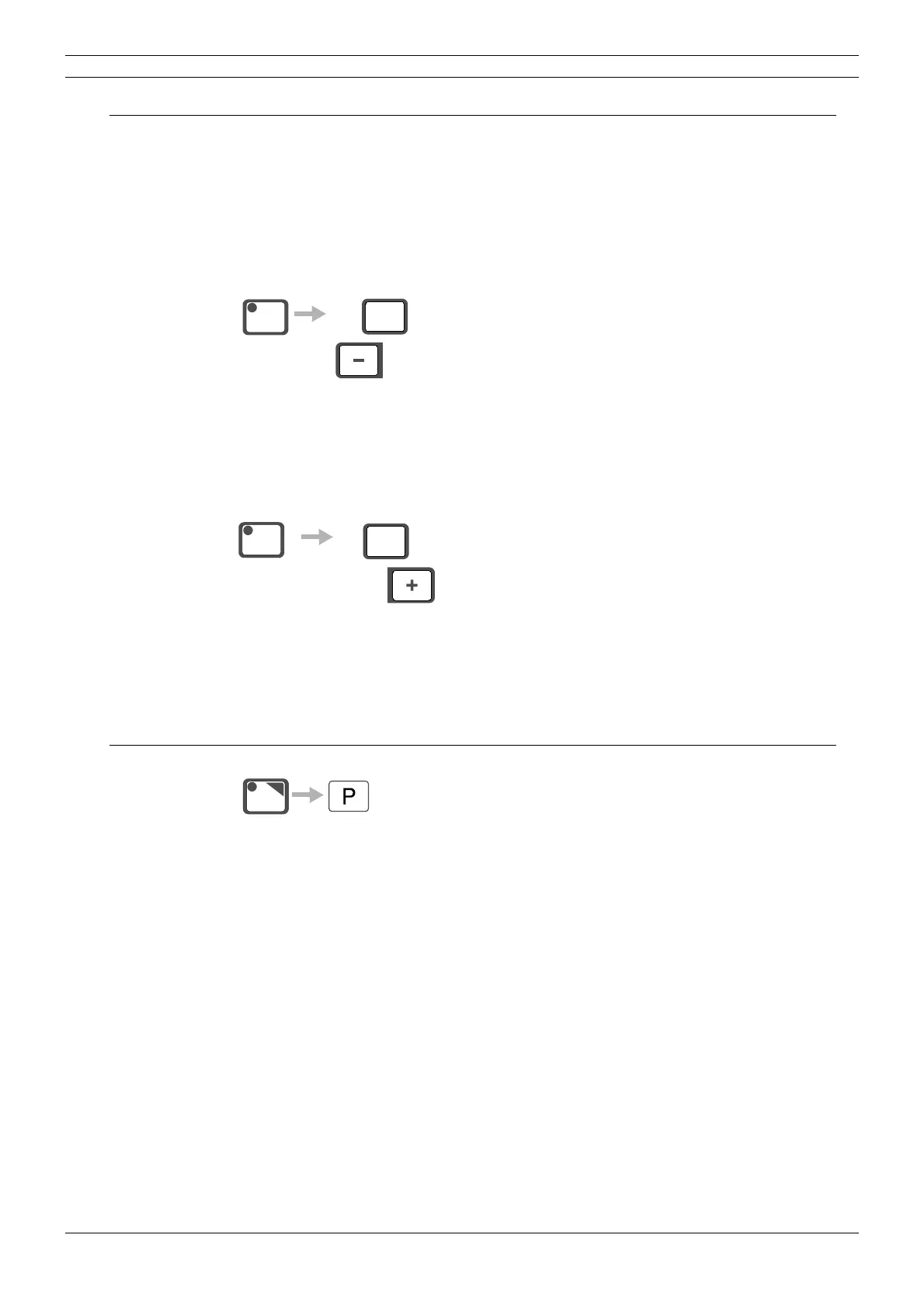
Press the CTL-key and press and hold the mA- -key for 10 seconds to change the model of the
X-ray unit.The X-ray unit will restart and the software version number is shown on the main dis
-
play, 3.00 or larger for the Planmeca Proline CC and 2.xx for the PM 2002 CC X-ray unit.
EC Proline/ CC Proline
Press the CTL-key and press and hold the kV+ -key for 10 seconds to change the model of the
X-ray unit.The new model of the unit is indicated for a few seconds in the main display, EC for the
Planmeca Proline EC and CC for the Planmeca Proline CC X-ray unit.
3.11 Factory preset (recalling factory default quick exposure settings)
Press the auto key and press and hold the program key for 2 seconds to recall the factory default
quick exposure settings: A 60 kV/4 mA; B 62 kV/5 mA; C 64 kV/6 mA; D 68 kV/7 mA; E 70 kV/9
mA.
mA
CTL
hold for
10 seconds
kV
CTL
hold for
10 seconds
AUTO
hold for
2 seconds



 To Next Page