Chapter E - DIMAX3 DIGITAL SYSTEM ADJUSTMENT
Planmeca Proline CC panoramic x-ray E-65
Technical Manual
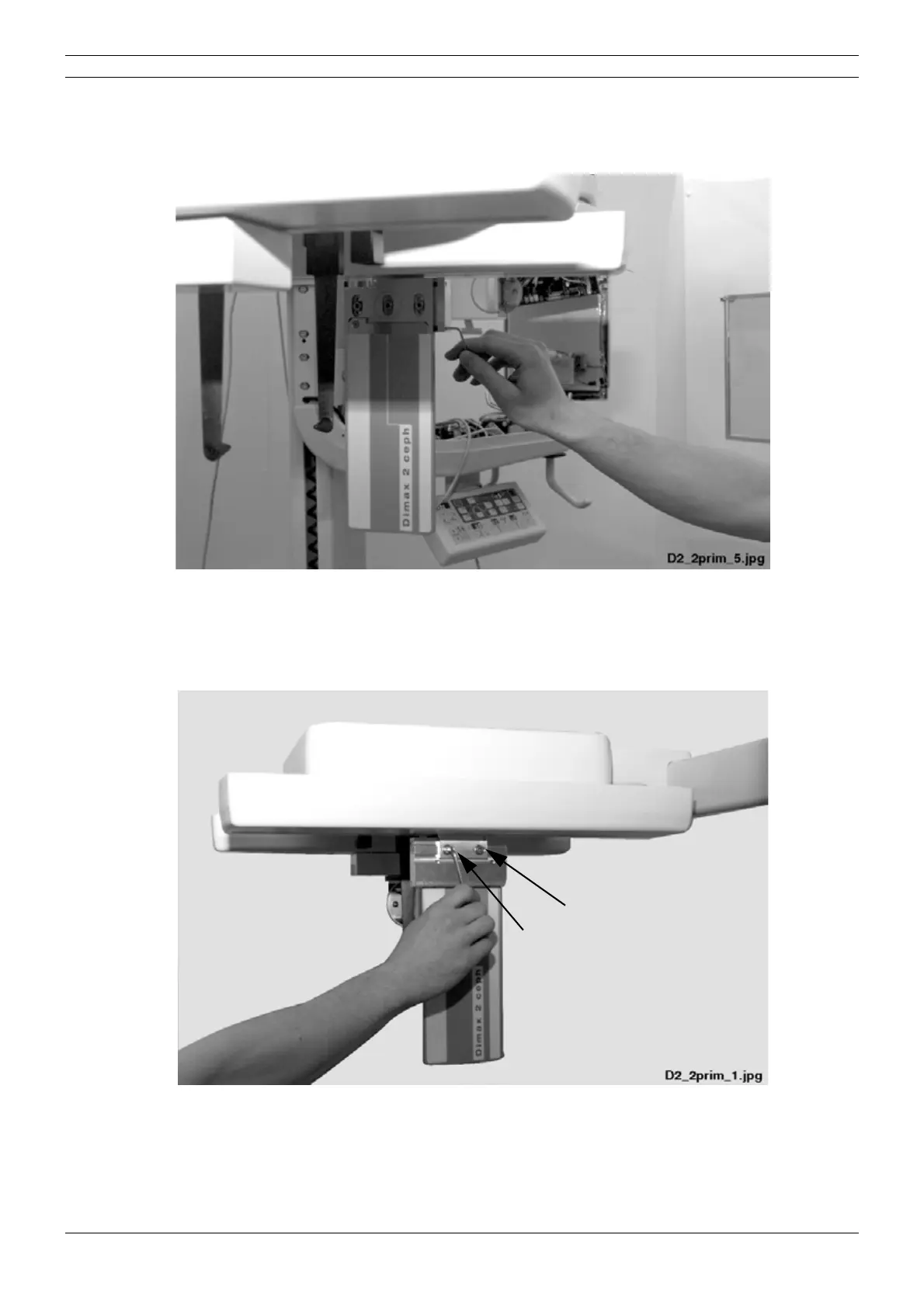
Rotate the second primary slot with the two screws located on the right side of the slot until the
slot is correctly positioned (use the 2.5mm allen key).
Figure 113
Second primary slot too far to the right or left
Loosen the attachment screws of second primary slot with the 4mm allen key and move the slot
in horizontal direction.
Figure 114
NOTE After checking and adjusting the second primary slot position the cephalostat sensor
head must be calibrated according to the instructions given in section
“Calibrating the
cephalostat sensor head” on page E-52.



 To Next Page