Chapter E - DIMAX3 DIGITAL SYSTEM ADJUSTMENT
E-8 Planmeca Proline CC panoramic x-ray
Technical Manual
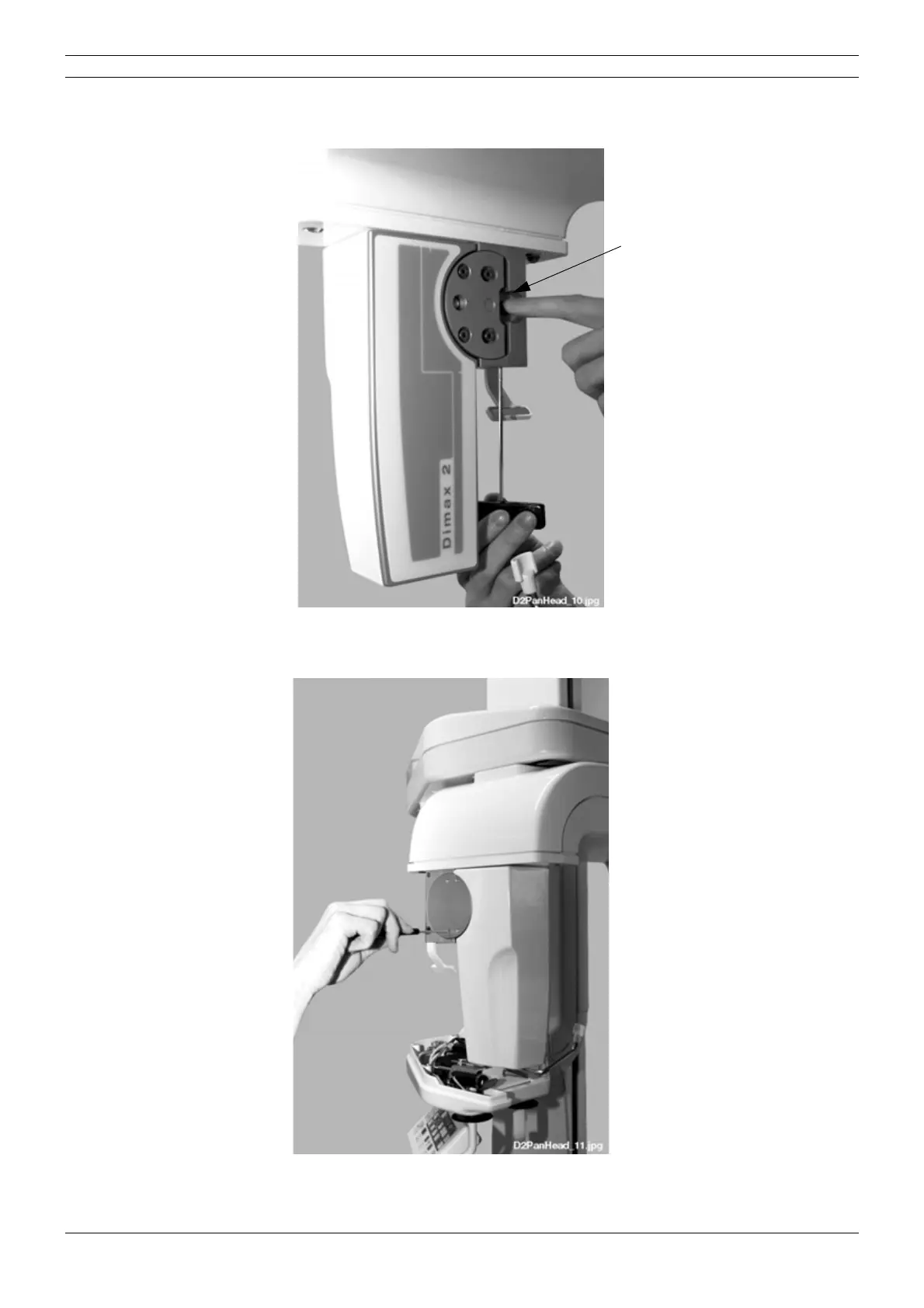
Push the button axle towards the lock disk. Make sure that the head of the axle goes into the hole
on the lock disc and tighten the attachment screw with 3mm allen key.
Figure 8
To remove the sensor head clearance tighten the four screws located on the lock disc slightly
with 2.5mm allen key.
Figure 9
Attach the covers to the adapter.
Button axle



 To Next Page