20
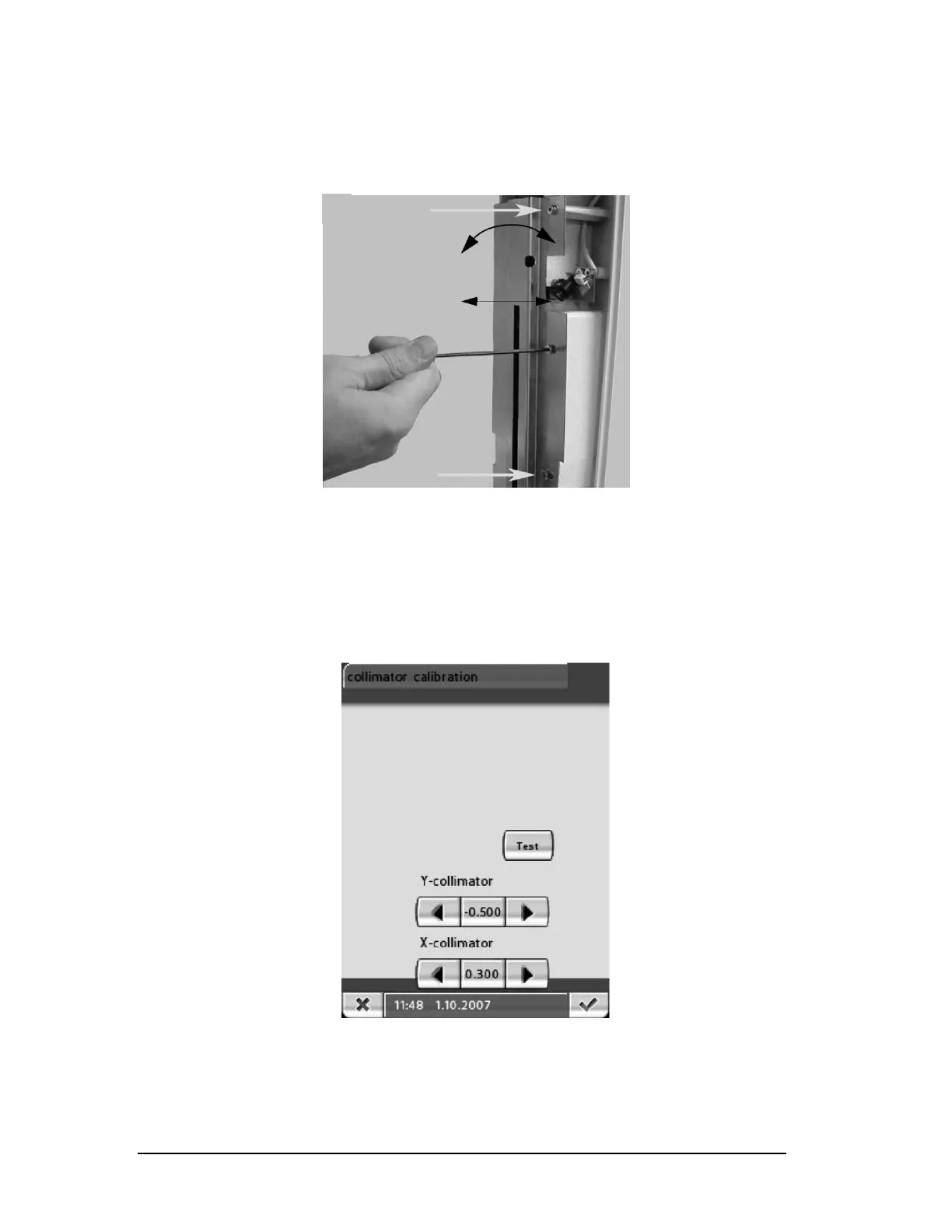
NOTE: If still unable to fix the vertical alignment, loosen the three 2.5mm allen screws
o
n the Sensor Head and make further adjustments there. (Figure 25)
Figure 25
1.2 Horizontal Alignment
1.2.a Left/Right
Press the respective left or right button under X-collimator on the
touch screen to move the collimator to the left or right. (Figure 26)
Figure 26
Press Test and take another exposure. If beam is aligned press the
green check in the lower right corner to save the changes.
Printed copies of this document are considered uncontrolled.
7535.11.Rev001 08.07.2018














 To Next Page