28
3.2.a More than 1mm deviation
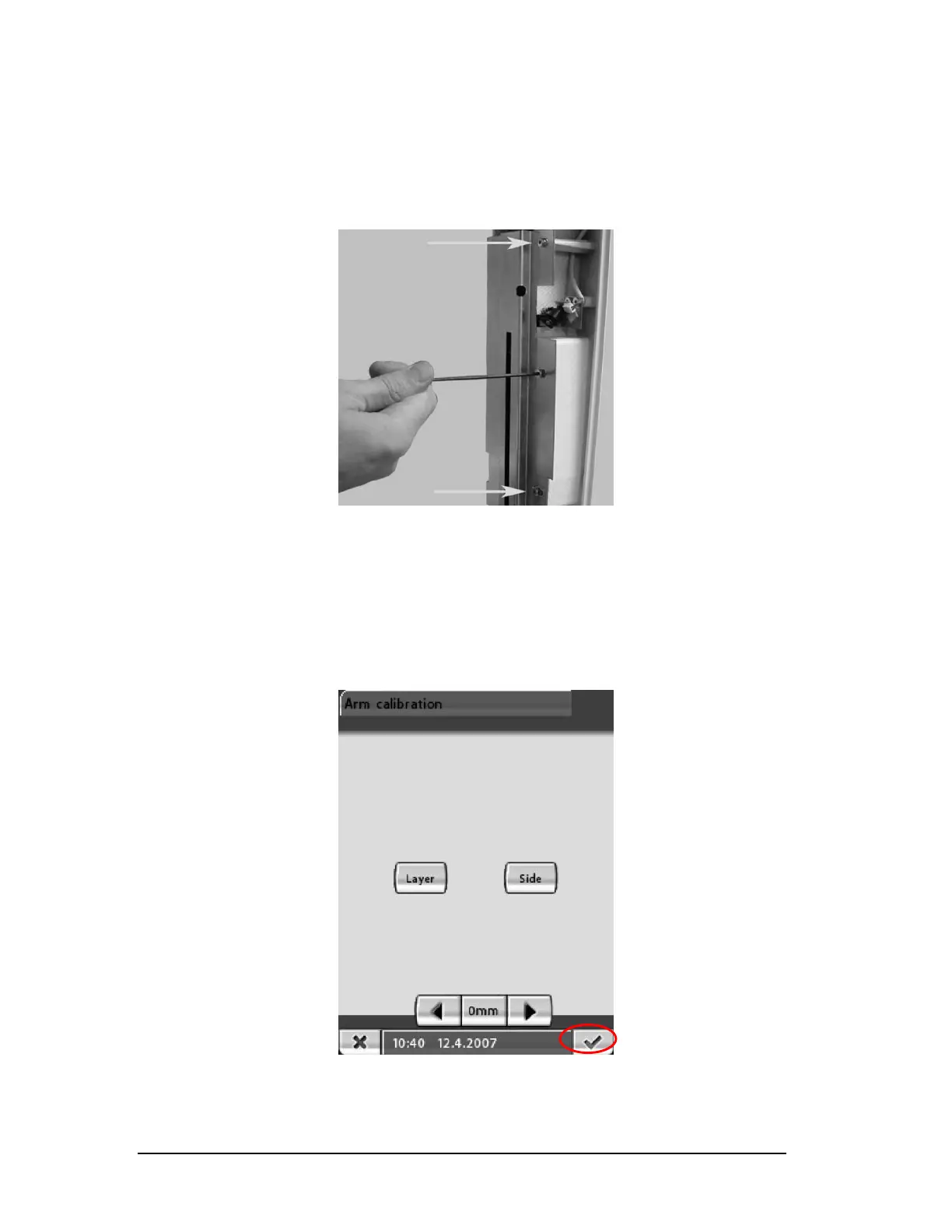
Adjust the sensor position by loosening the three 2.5mm allen
s
crews and adjust the sensor angle by moving it left or right.
(Figure 42)
Figure 42
NOTE: Correct the deviation by only half here and half in position 1.
Go back to Beam adjustment, pg.17, if the sensor angle was
adjusted and re-check everything again from there.
Press the green check to accept all the changes made to exit the Arm
c
alibration mode. (Figure 43)
Figure 43
Remove the alignment ruler and alignment pin.
Printed copies of this document are considered uncontrolled.
7535.11.Rev001 08.07.2018














 To Next Page