37
3 Calibration file creation
C
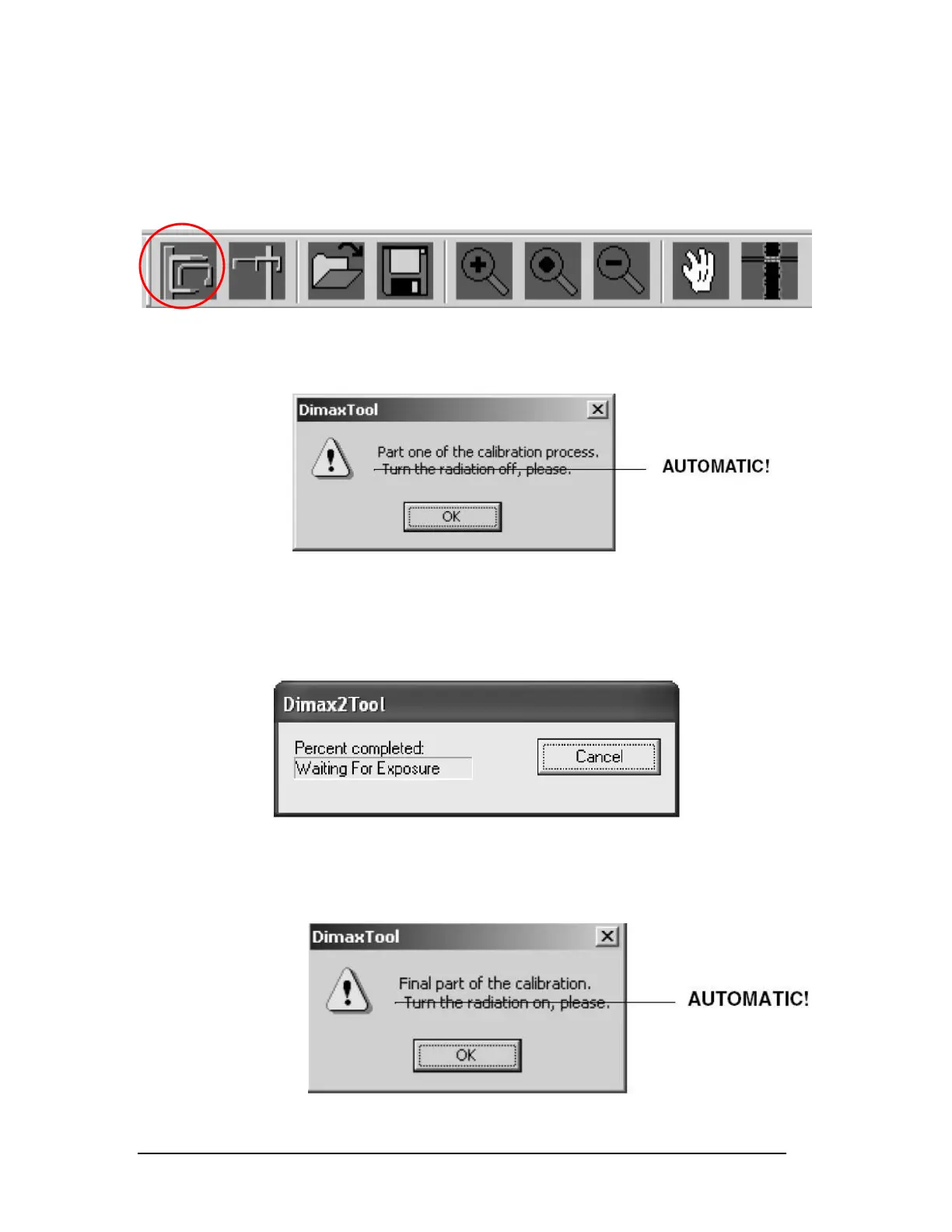
lick the Panoramic Exposure button. (Figure 58)
Figure 58
When prompted to turn the radiation off, click OK. (Figure 59)
Figure 59
NOTE: The radiation is turned off and on automatically.
Wait until the screen displays “Waiting for Exposure.” (Figure 60)
Figure 60
Take the exposure. Again there will be a prompt to turn the radiation on, Click
OK to continue. (Figure 61)
Figure 61
Printed copies of this document are considered uncontrolled.
7535.11.Rev001 08.07.2018














 To Next Page