21
2 Ball Phantom y-line
R
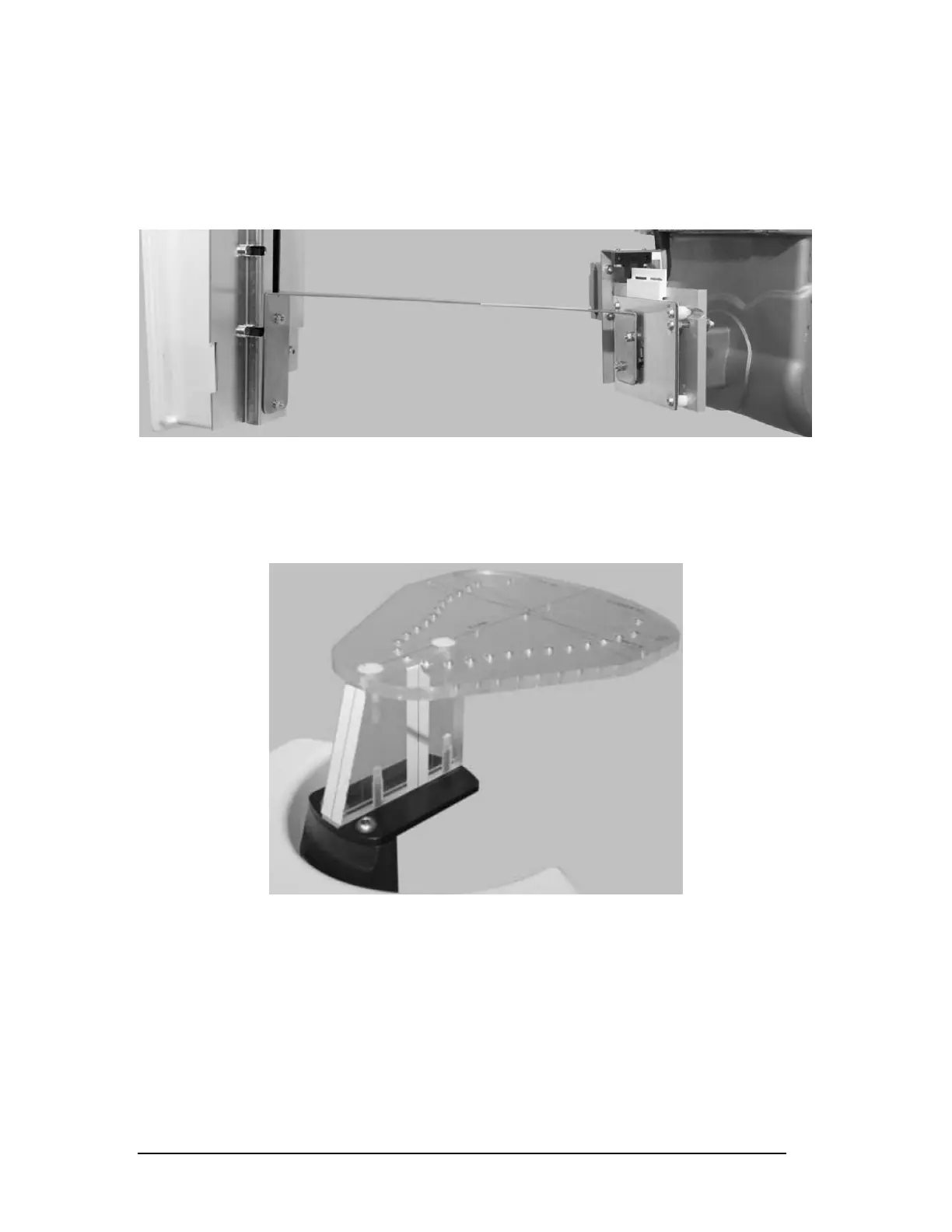
emove the fluorescent screen from the Sensor Head. Attach the alignment ruler
between the collimator and the sensor. (Figure 27)
Figure 27
NOTE: Be careful not to make cuts on the lead blades.
Put the ball phantom into the patient positioning mechanism. (Figure 28)
Figure 28
NOTE: Make sure the unit is off before continuing.
Printed copies of this document are considered uncontrolled.
7535.11.Rev001 08.07.2018














 To Next Page