36
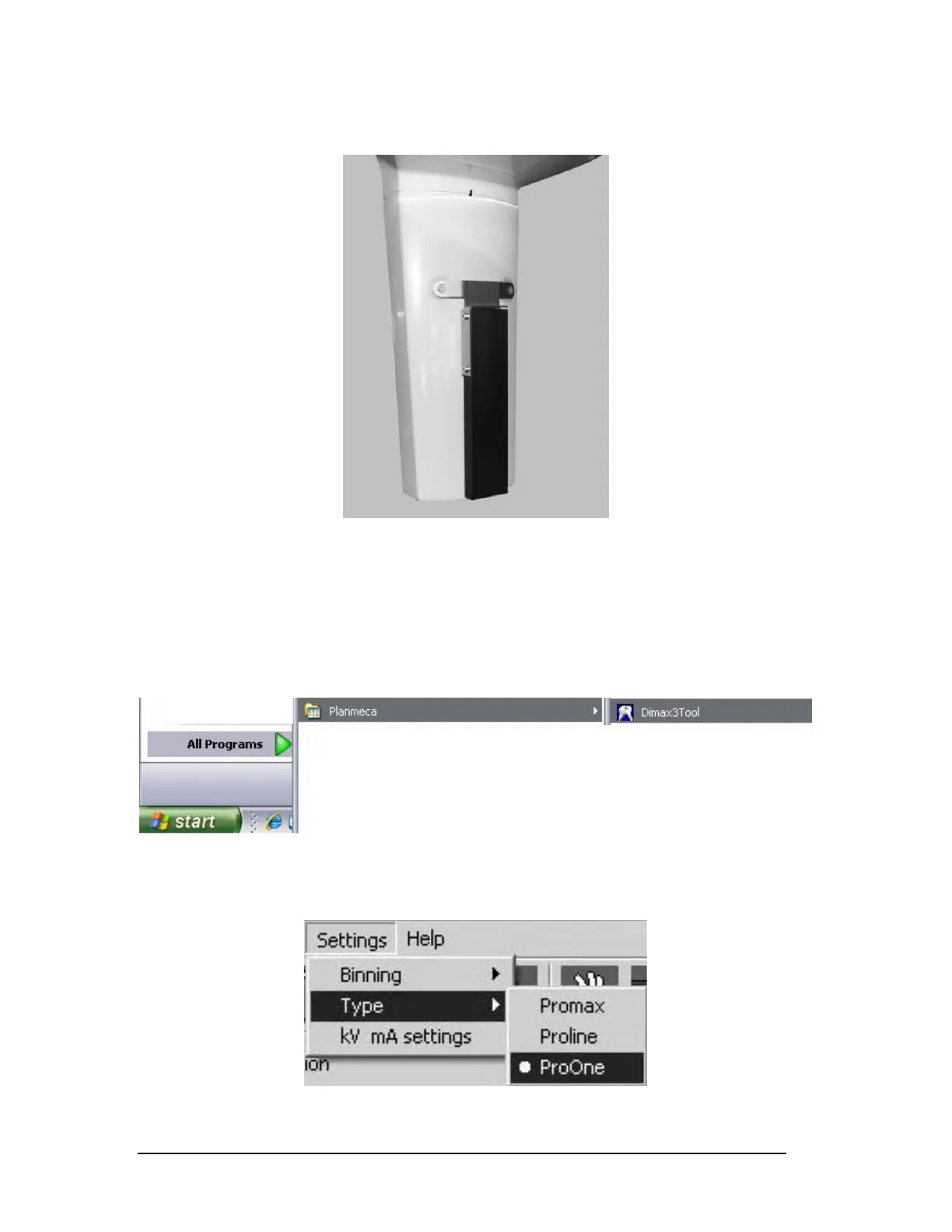
Place the calibration block over the sensor. (Figure 55)
Figure 55
NOTE: The sensor is located between the two gray hash marks on the sensor head cover.
2 Computer setup
C
lick Start, All Programs, Planmeca, Dimax3 Tool. (Figure 56)
Figure 56
Click Settings, Type, ProOne. (Figure 57)
Figure 57
Printed copies of this document are considered uncontrolled.
7535.11.Rev001 08.07.2018














 To Next Page