Section 3. Getting Started
PlexTools Professional Reference Guide 7
Using the Options Menu
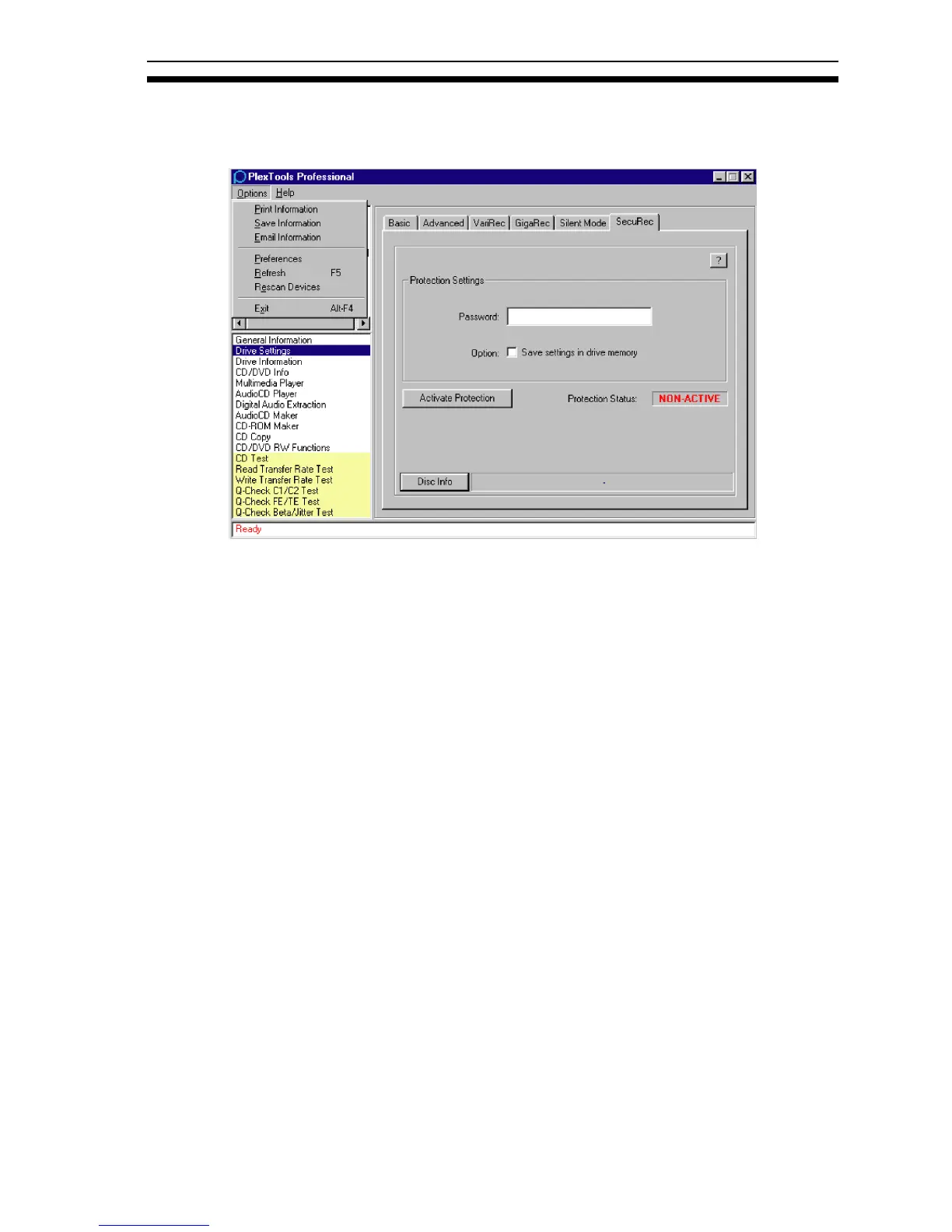
To view extra features, click the Options selection in the menu bar.
Figure 4: Options Menu
• Print Information: Prints system information.
• Save Information: Saves system information. Plextor’s Technical Support staff
can use this information to help you solve certain problems.
• Email Information: Sends your system information to Plextor Technical
Support.
• Preferences: Gives you access to the General Preferences and other Preferences
settings.
• Refresh (F5): Refreshes the displayed information about the selected drive.
• Rescan Devices: Rescans for devices and updates all information.
• Exit (Alt-F4): Exits PlexTools Professional.



 To Next Page