Section 4. PlexTools Professional Functions
54 PlexTools Professional Reference Guide
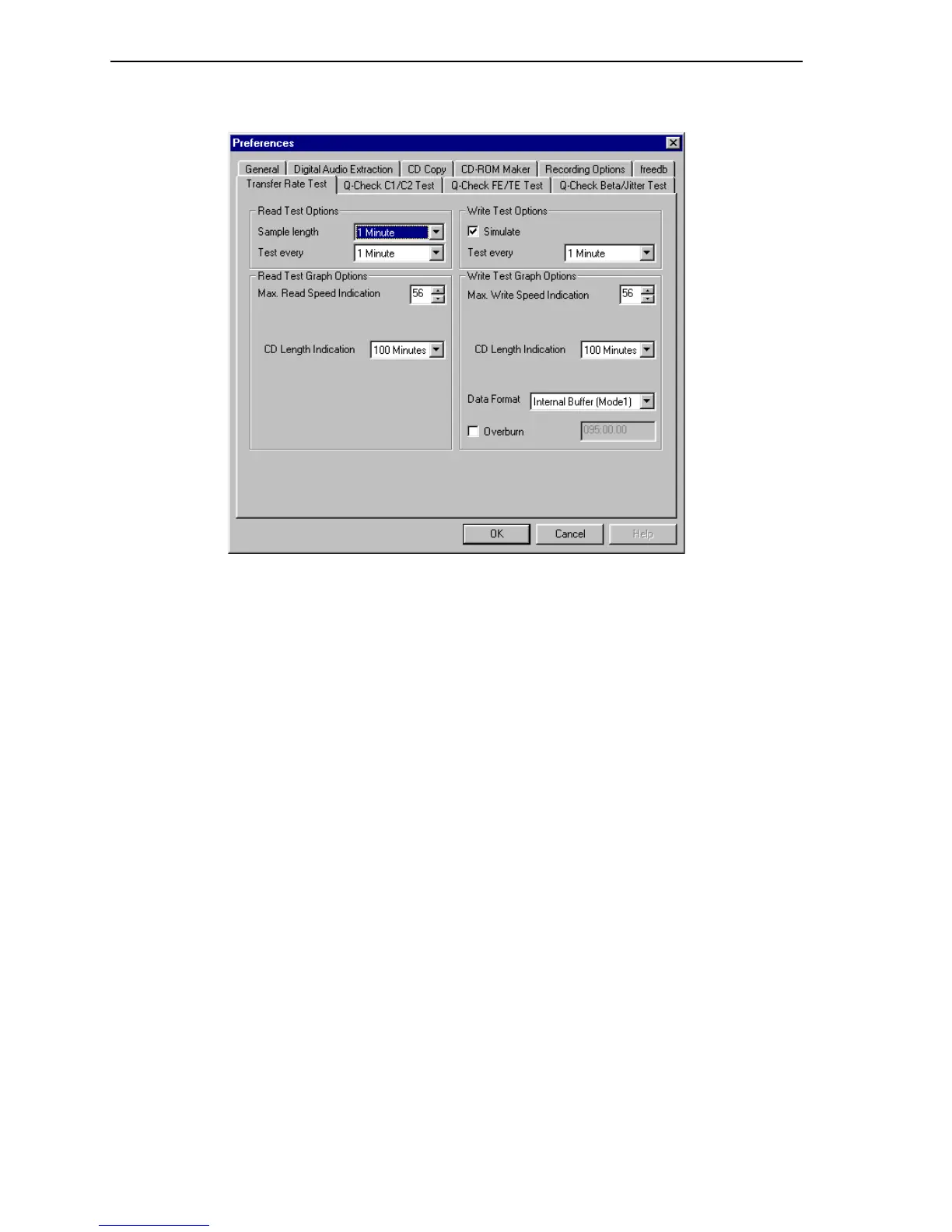
Choosing Transfer Rate Test Preferences
Figure 49: Transfer Rate Test Preferences Window
Read Test Options:
• Sample length: Specifies the time of each read sample.
• Test every: Specifies how often to perform the test.
Read Test Graph Options:
• Max. Read Speed Indication: Specifies the maximum read speed shown on the
test graph.
• CD Length Indication: Specifies the total length of the visible CD graph.
Write Test Options:
Simulate: Enables simulation (non-destructive) testing instead of actually writing to
the disc.
• Test every: Specifies how often to perform the test.
Write Test Graph Options:
• Max. Write Speed Indication: Specifies the maximum write speed shown on
the test graph.
• CD Length Indication: Specifies the total length of the visible CD graph.
• Data Format: Specifies the data format.
Internal buffer (CD-DA): Specifies CD-DA (digital audio) format.
Internal buffer (Mode 1): Specifies Mode 1 data format.
• Overburn: Enables overburning a disc.



 To Next Page