Section 4. PlexTools Professional Functions
64 PlexTools Professional Reference Guide
Submit/Save Options:
• Submit to freedb server: Specifies that PlexTools Professional will submit track
and CD information to the freedb server.
• Submit email address: Specifies the e-mail address used for requests and
submissions. After a submittal, any rejection notices from freedb will be sent to
this address.
• Submit through: Specifies how to submit to freedb.
HTTP: Submit via HTTP.
Email: Submit via e-mail.
• Save to user database: Saves your freedb submission to your own user database
as well.
• Hide freedb status window: Hides the freedb status window. Default is to show
the window.
• User email address: Specifies your e-mail address.
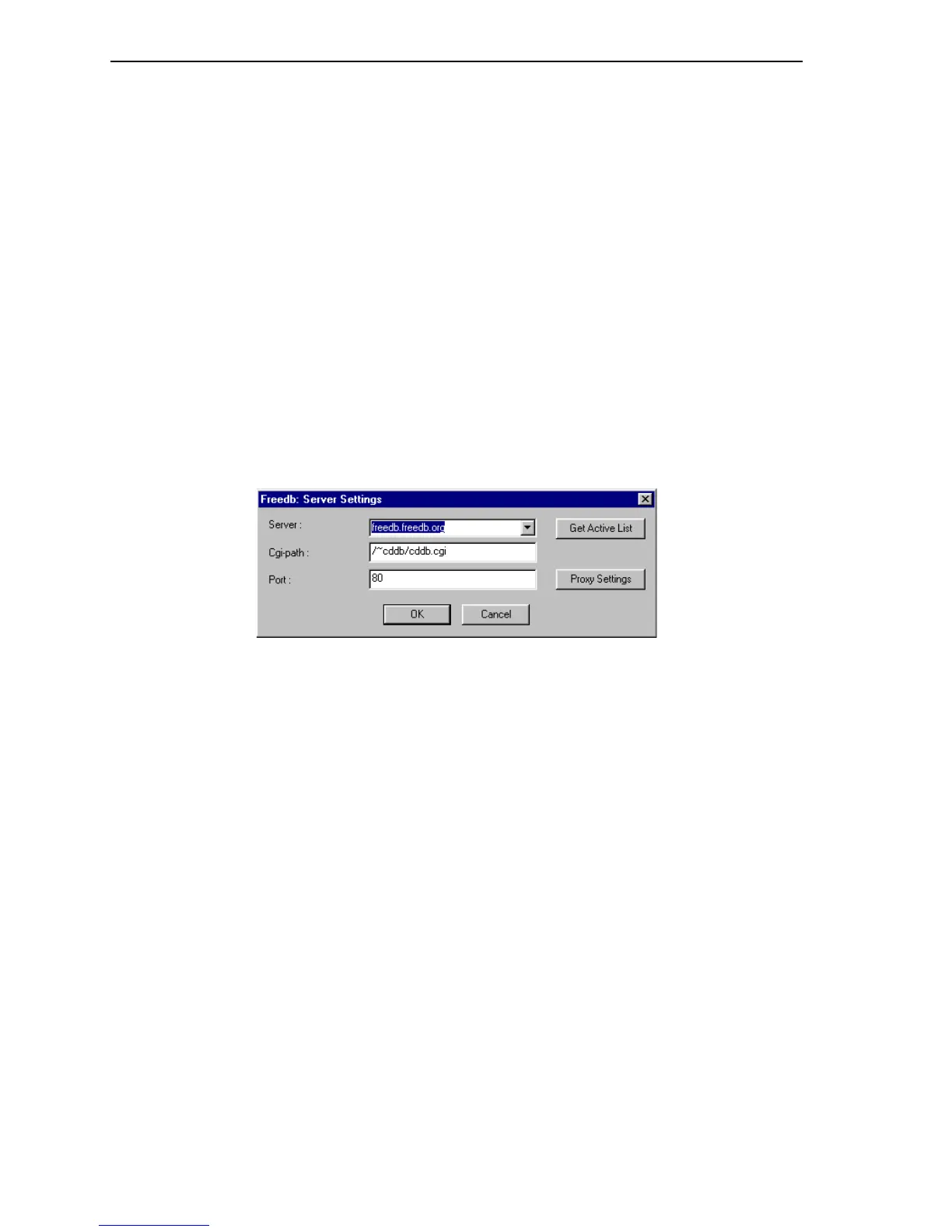
freedb Server Settings
Figure 58: freedb Server Settings Window
• Server: Lists several freedb HTTP servers.
• Get Active List: Click here to get additional freedb servers.
• Cgi-path: Shows path used for HTTP access on the freedb server.
• Port: Shows the port used to connect to the freedb server.
• Proxy Settings: Displays Proxy Settings window for you to enter your proxy
server settings such as user name, password, server name and port number (if
needed).



 To Next Page