Section 4. PlexTools Professional Functions
PlexTools Professional Reference Guide 29
Track Options
Right-clicking on a track will show the following options:
• Extract Selected Tracks: This option will extract all the selected tracks.
• Play track: Plays the currently selected track (digitally).
• Select All: Selects all tracks.
• Select None: Selects no tracks.
• Edit Track: Allows the name of the track to be altered.
• Select Start/Stop position: Lets you enter the position where the extraction of
the selected track should start and stop.
• Filename options: Allows the filename options to be changed.
Other Options
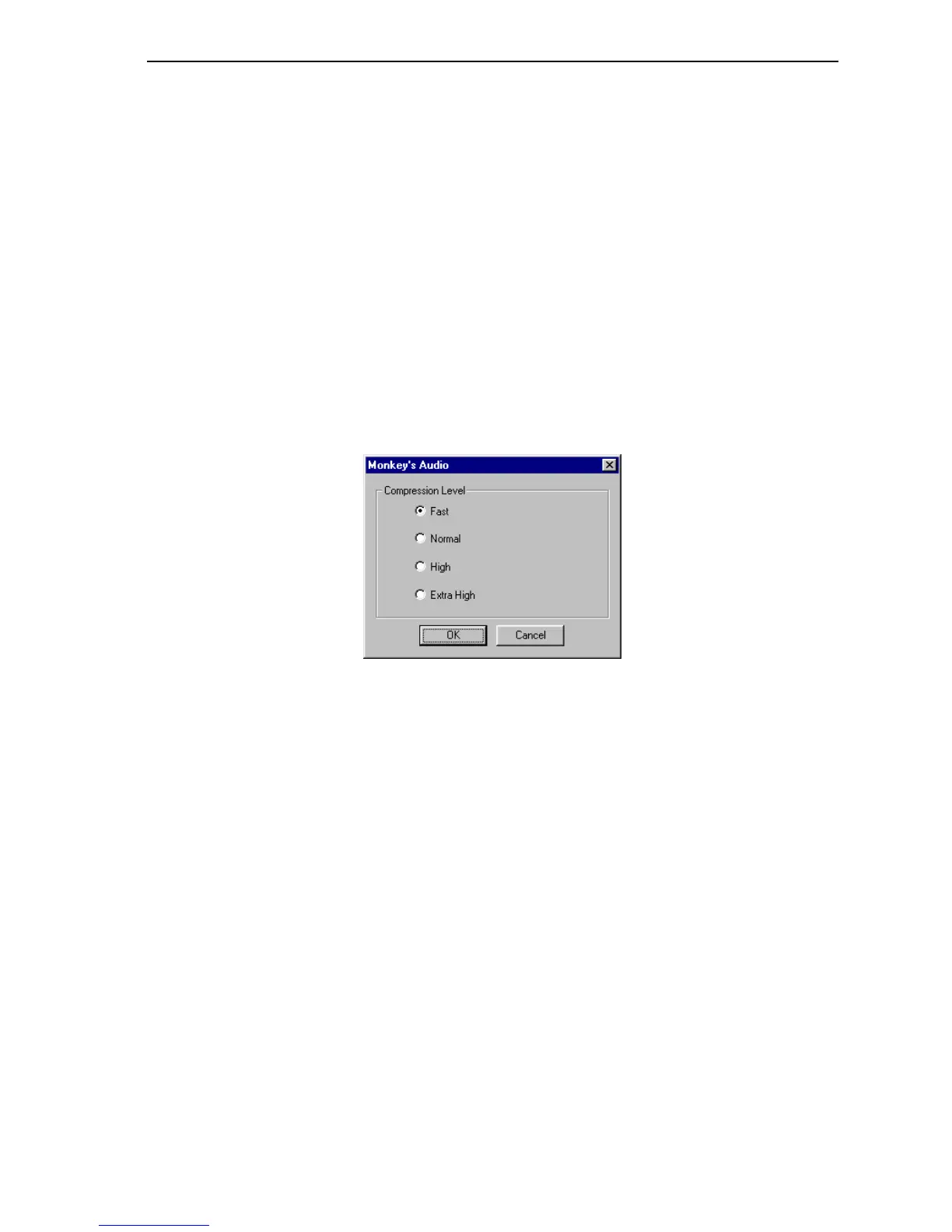
When extracting to the MP3/Monkey’s Audio/Ogg Vorbis format additional options
will also be available.
Figure 26: MP3/Monkey’s Audio/Ogg Vorbis Options Window
• Compression Level:
Fast: Low compression, fast extraction.
Normal: Normal compression.
High: High compression.
Extra High: Highest compression



 To Next Page