Section 4. PlexTools Professional Functions
30 PlexTools Professional Reference Guide
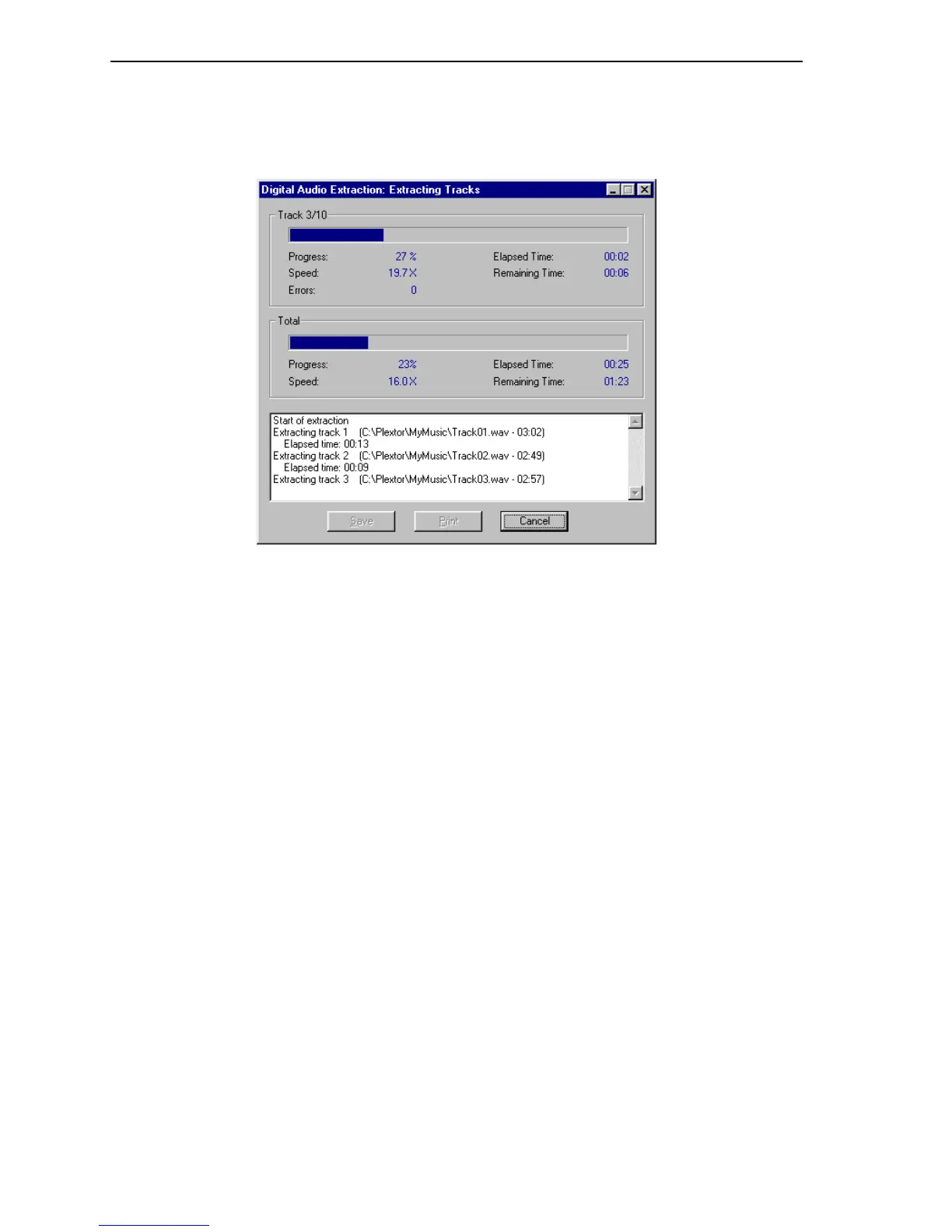
DAE Progress Window
During audio extraction, you will see a progress indicator. If any problems occur
during the reading of an audio track, they will be displayed here.
Figure 27: Digital Audio Extraction Progress Window
• Print: Prints extraction data, together with information about operating system
and controllers.
• Save: Saves extraction data to a file, together with information about operating
system and controllers.
After printing or saving, you can complete the resulting log page and sent to Plextor
Technical Support for assistance in solving problems. Please do not forget to fill in
your personal data.



 To Next Page