PlexTools Professional Reference Guide 3
2. Installing PlexTools Professional
The latest version of PlexTools Professional is shipped on the CD-ROM included
with your PlexWriter Premium. Updates will be made available on the Plextor Web
site at: http://www.plextor.be
To install PlexTools Professional:
• Insert the Plextor CD-ROM in your drive.
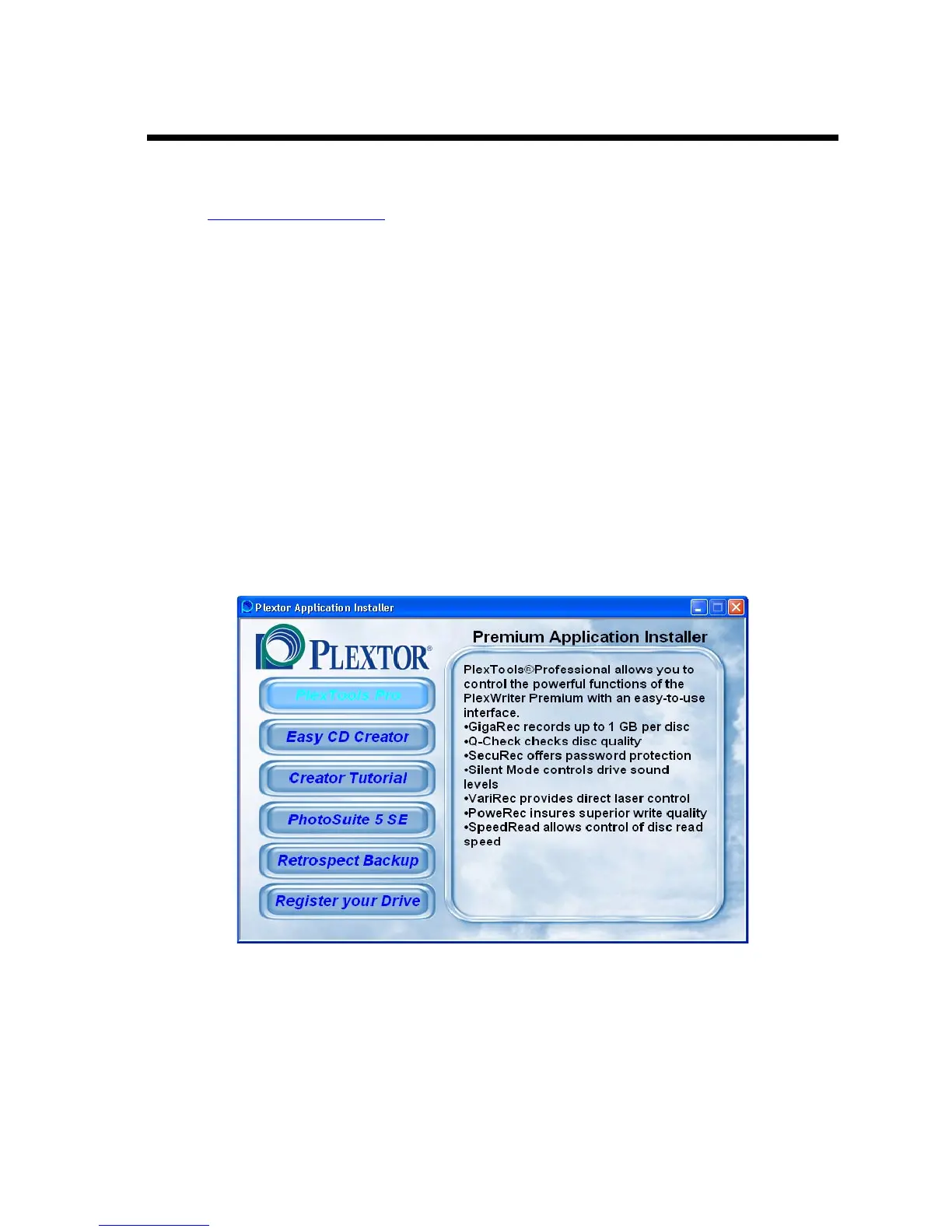
If the autorun feature of your system is enabled, the installation procedure
should launch automatically. Please follow the instructions shown on the
startup menu.
In other cases, start the installation by executing the setup program on the
disc: In Windows select Start | Run and type D:\setup.exe where <D>
stands for your CD-ROM drive letter.
-or-
Launch Windows Explorer, select the CD-ROM drive, and double-click on
the file setup.exe.
In order to be able to read the PlexTools Professional manual you need to install
Adobe Acrobat Reader.
Figure 1: PlexTools Professional Installation Window



 To Next Page