Section 4. PlexTools Professional Functions
36 PlexTools Professional Reference Guide
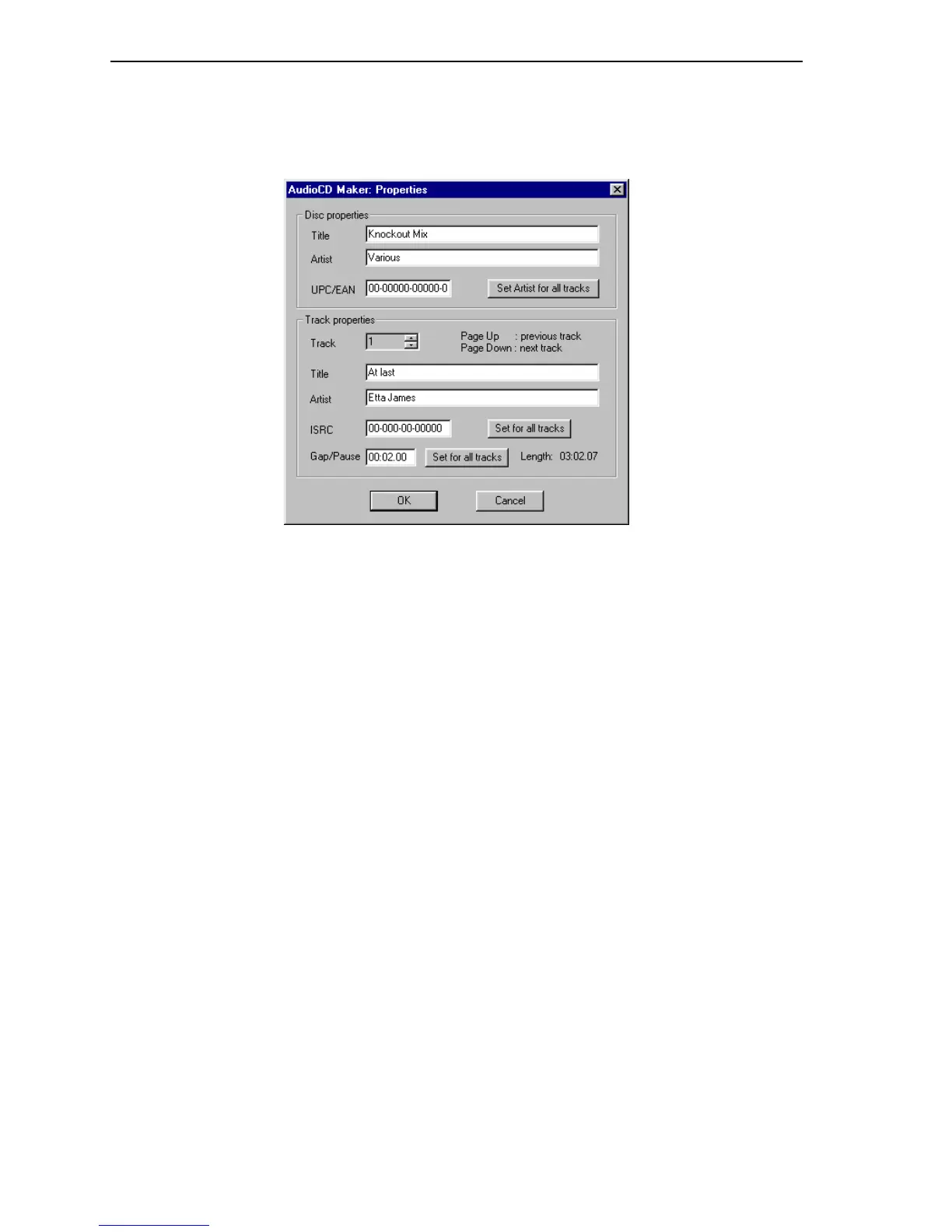
Audio CD Maker Properties
This window is visible when you double-click the track list or select the Properties
button in the Audio CD Maker window.
Figure 33: Audio CD Maker Properties Window
Disc properties:
• Title: Change or add CD TEXT information for this disc.
• Artist: Change or add CD TEXT information for this disc.
• UPC/EAN: Alter the UPC/EAN code.
• Set Artist for all tracks: The current Artist name is set for each track.
Track properties:
• Title: Change or add CD TEXT information for this track’s title.
• Artist: Change or add CD TEXT information for this track’s artist.
• ISRC: Specify the ISRC code.
• Gap/Pause: Specify the pregap size for this track.
• Set for all tracks: Click to use the current ISRC code or gap/pause size for all
tracks.



 To Next Page