Section 4. PlexTools Professional Functions
PlexTools Professional Reference Guide 27
Using Audio CD Player
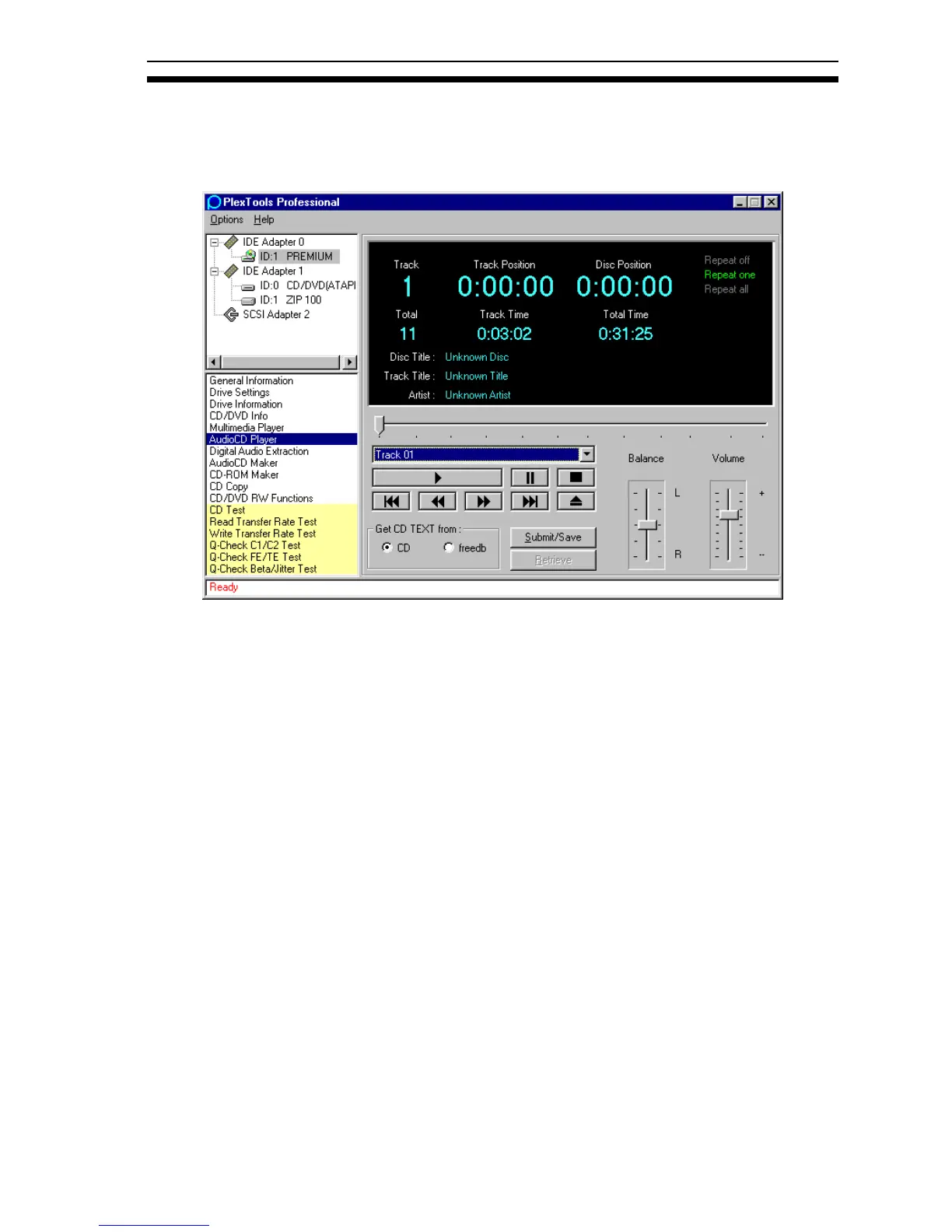
With Audio CD Player, if you select a device that can play tracks directly from a
CD, and a suitable CD is inserted, you can play all the tracks from the disc.
Figure 24: Audio CD Player Window
• Get CD TEXT from CD: Uses the CD TEXT information (if available and your
drive supports this feature) on the CD to display the Disc Title, Track Title and
Artist name.
• Get CD TEXT from freedb: Uses the information on the freedb server to
display the Disc Title, Track Title and Artist name.
• Submit/Save: Submits or saves information about the currently inserted audio
CD.
• Retrieve: Retrieves information about the currently inserted audio CD from the
freedb server.



 To Next Page