PlexTools Professional Reference Guide 9
4. PlexTools Professional Functions
This section gives information about PlexTools Professional functions.
General Information
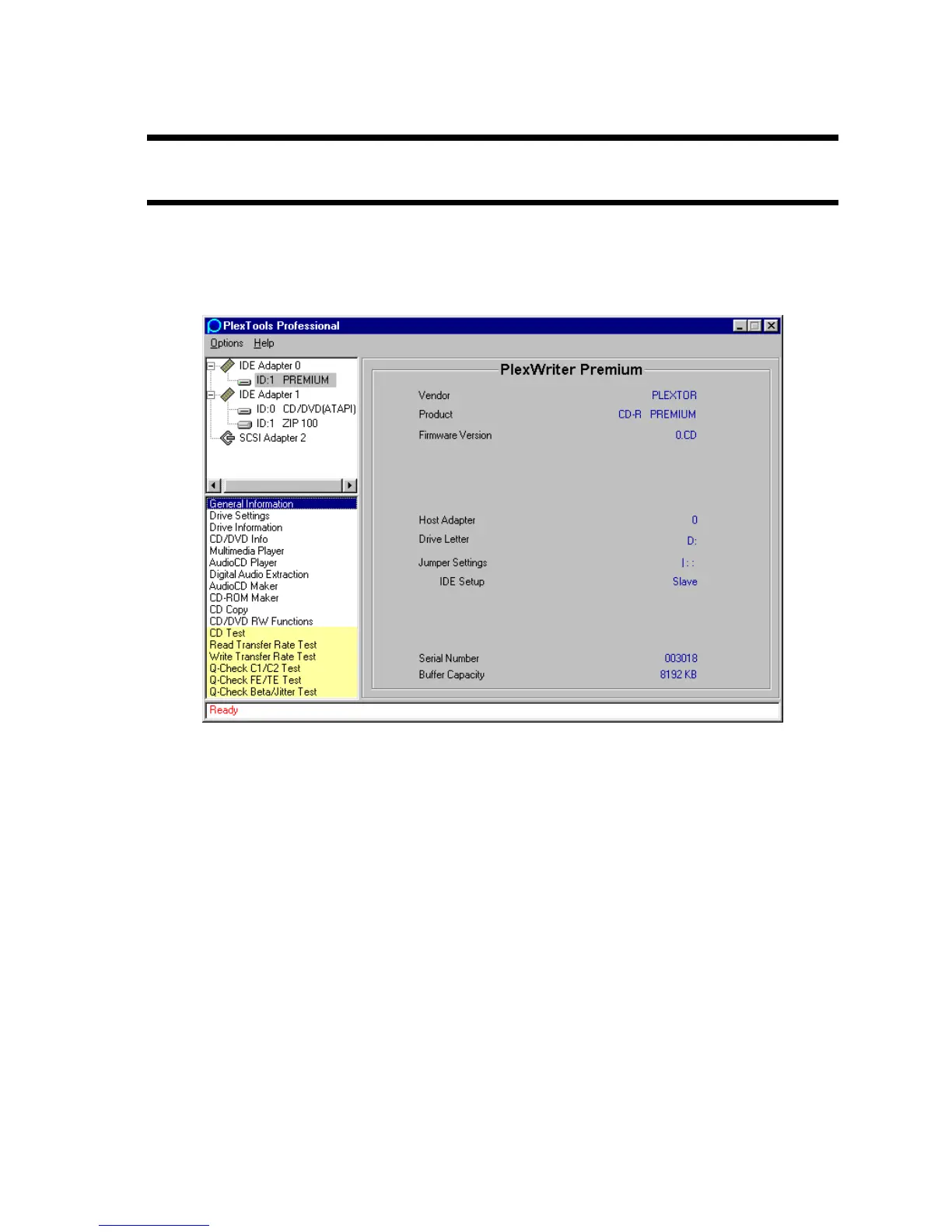
To find more information about a Plextor drive, select the drive and choose the
General Information option.
Figure 6: General Information Window for a Plextor Drive
General information:
• Vendor: Manufacturer of the drive
• Product: Name of drive.
• Firmware Version: Current version of firmware loaded into the drive.
• Serial Number: Shows the drive’s serial number.
• Buffer Capacity: Indicates the drive’s buffer memory capacity.
• Drive Letter: Letter used by the drive.
For SCSI drives only:
• Host Adapter: SCSI ID of the host adapter.
• Jumper Settings: Visual indication of the settings on the selected drive.
• SCSI ID, Termination & Parity: Shows the SCSI ID, the status of termination
and the parity for the selected drive.



 To Next Page