Section 4. PlexTools Professional Functions
PlexTools Professional Reference Guide 39
Using CD-ROM Maker
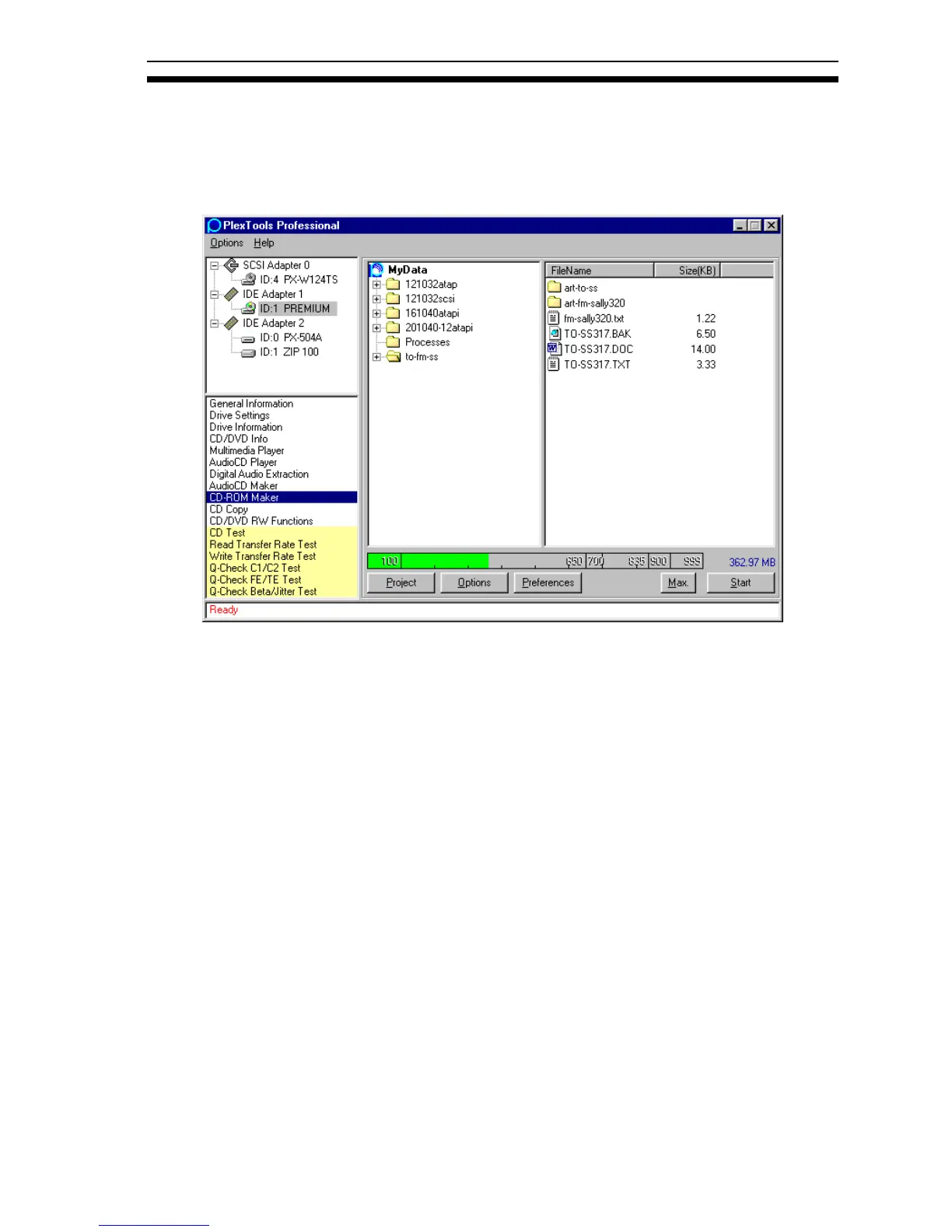
CD-ROM Maker allows the creation of custom CD-ROMs by simply using
Windows Explorer to drag and drop files and folders into the window, then starting
the write process.
Figure 36: CD-ROM Maker Window
• Project: Creates a new project or opens an existing one.
• Options: Displays the options window to select options.
• Preferences: Displays the CD-ROM Maker Preferences window.
• Max: Maximizes the CD-ROM Maker window to the size of PlexTools
Professional. (Use Min. to return to the default size.)
Before writing starts, an ISO image file is created.



 To Next Page