Icon Description
Rotating arrow
Displayed when the dryer is in its working phases.
Stationary vertical bars
Displayed when the dryer is in the FREEZE status.
Stationary square
Displayed when the dryer is stopped.
The various working phases are:
Phase Text displayed on screen Translation
Stop STOPPED STOPPED
Shifting SHIFTING SHIFTING
Adsorbing ADSORBING ADSORBING
Pressure relief DEPRESS DEPRESS
Regeneration REGENERAT REGENERAT
Pressure equalize EQUALIZE EQUALIZE
Freeze FREEZE FREEZE
Standby STANDBY STANDBY
Blowing off BLOW OFF BLOW OFF
4.3 Selection Menu
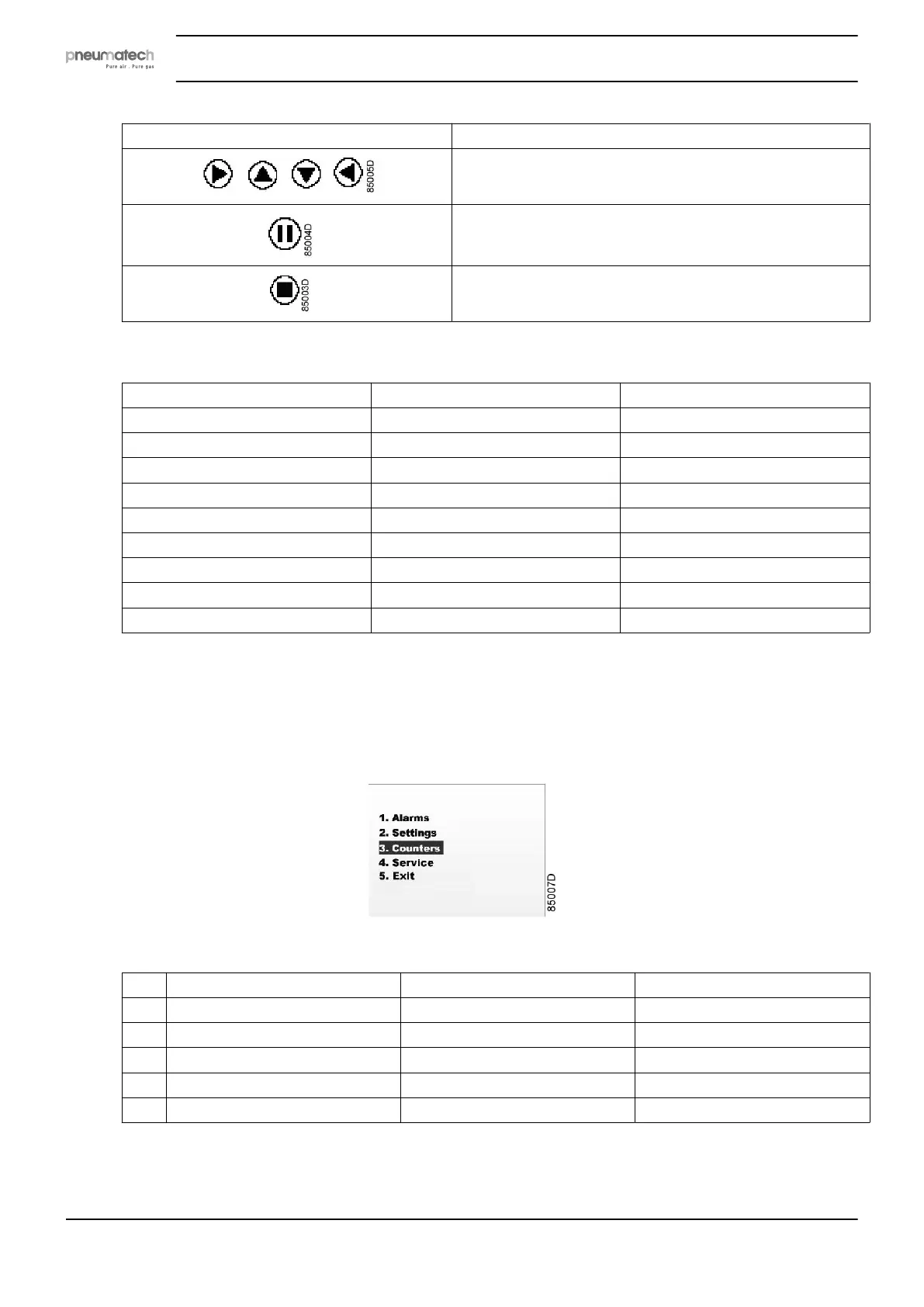
When you press ENTER in the normal operation main screen (not during alarm!), you will see the
following selection menu:
Press LEFT or RIGHT to navigate to the required menu item and press ENTER to select.
Selection Translation Description
1 Alarms Alarms Alarms browser
2 Settings Settings Parameters list
3 Counters Counters Counters status
4 Service Service Service status
5 Exit Exit Back to the main display
Select item 5 (Exit) to return to the main screen or wait approximately 30 seconds.
Instruction book
18 2920 7111 23



 To Next Page