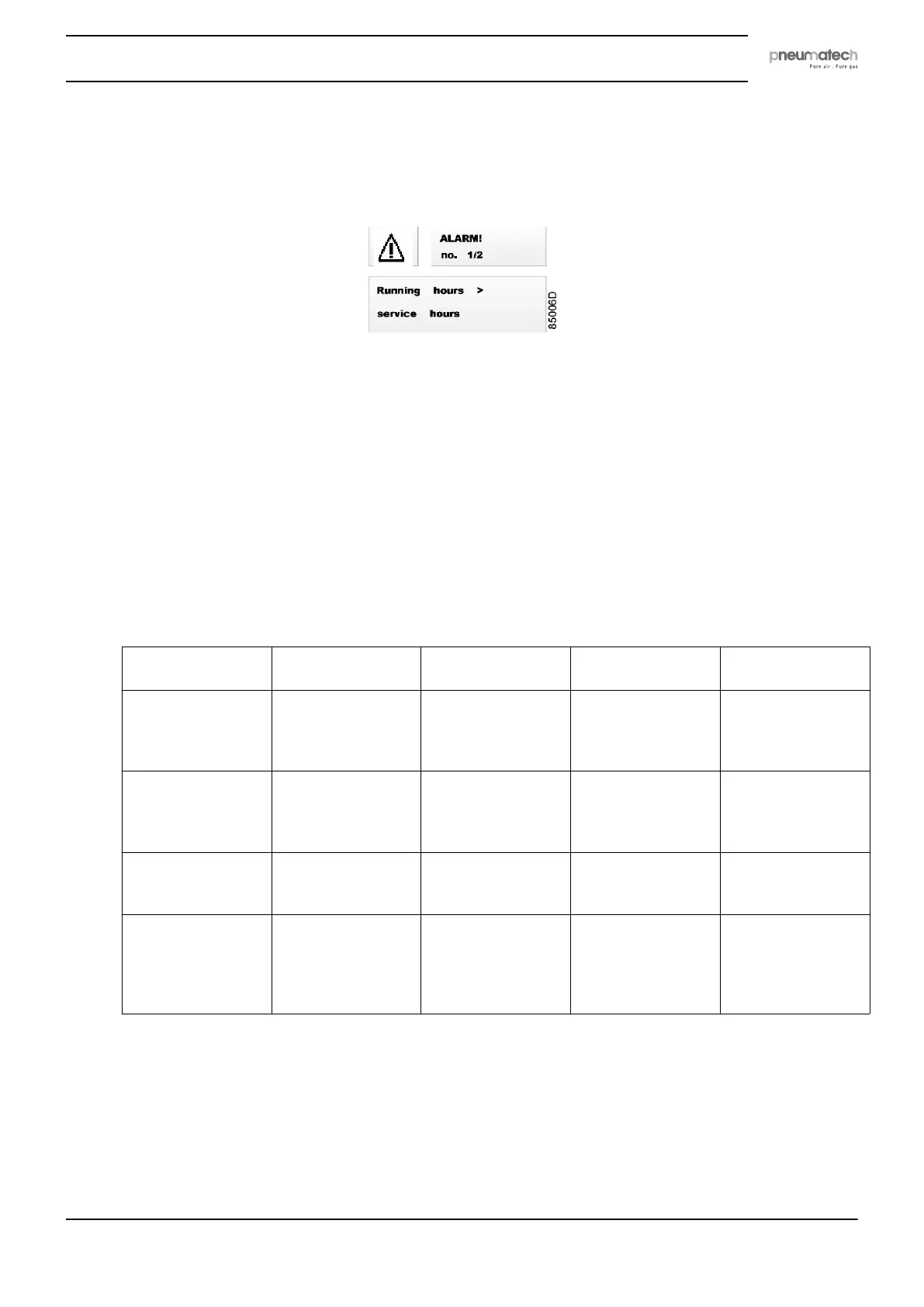
4.4 Alarm screen
When there is an alarm, you will see the following image on your screen:
When one or more alarms are active, the alarm screen overrides the main screen.
In the upper right area, the current alarm number and the total active alarms number are
displayed.
In the lower area, the current alarm description is displayed.
If more than one alarm is active, the fault messages are shown every 2 seconds.
Pressing ENTER acknowledges the alarm currently being displayed.
If all the alarms have been cleared, you will return automatically to the main screen.
After one minute, if the acknowledged alarm is still active, the alarm display is shown again.
The icon in the upper left area blinks.
Possible alarm causes:
Module involved Cause Message on the
display
How to clear the
alarm
Alarm LED status
PDP
(English:Pressure
Dew Point) sensor
PDP above or equal
to the minimum
value of the PDP
range
PDP is not
connected
Verify if the PDP
sensor is correctly
connected and if it
is not damaged.
Blinking
PDP lower than or
equal to the
minimum value of
the PDP range
PDP measure is
wrong
Verify if the PDP
sensor is correctly
connected and if it
is not damaged.
Blinking
PDP sensor supply
voltage < 20 V
PDP supply is in
fault
Verify if the sensor
supply voltage is
correct.
Blinking
PDP more than 10
°C (18 °F) above
the desired setpoint
PDP meas > the
setpoint
The alarm is
automatically
cleared when the
desired dew point is
reached.
Blinking
Instruction book
2920 7111 23 19



 To Next Page