Reference Designation Function
14 Start button Button to start the dryer. LED (7) lights up indicating that
the controller is operative.
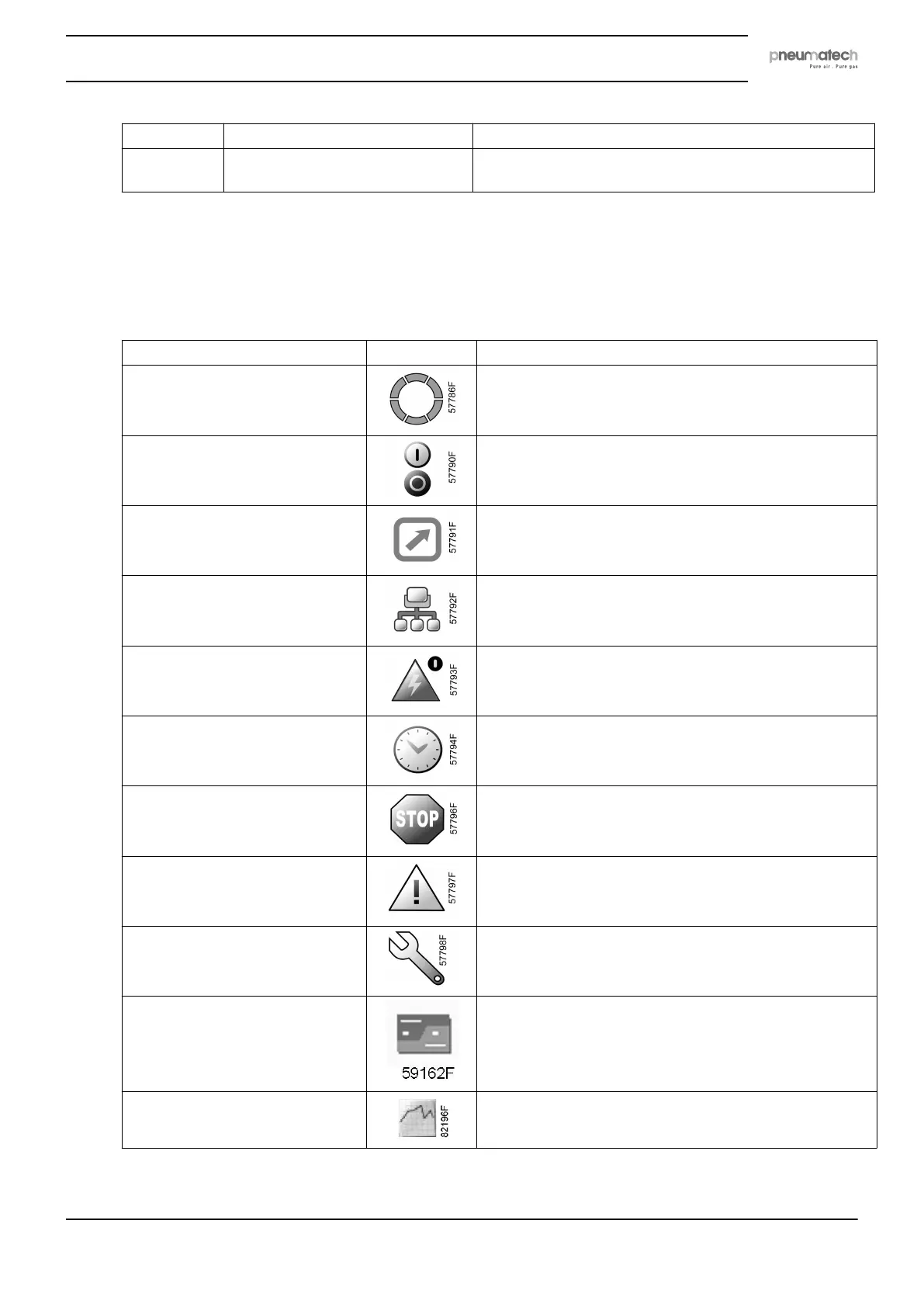
5.3 Icons used
Status icons
Name Icon Description
Stopped/Running When the dryer is stopped, the icon stands still.
When the dryer is running, the icon is rotating.
Machine control mode Local start/stop
Remote start/stop
Network control
Automatic restart after voltage
failure
Automatic restart after voltage failure is active
Week timer Week timer is active
Shutdown
Warning
Service Service required
Main screen Change main screen
Main chart
Instruction book
2920 7111 23 25



 To Next Page