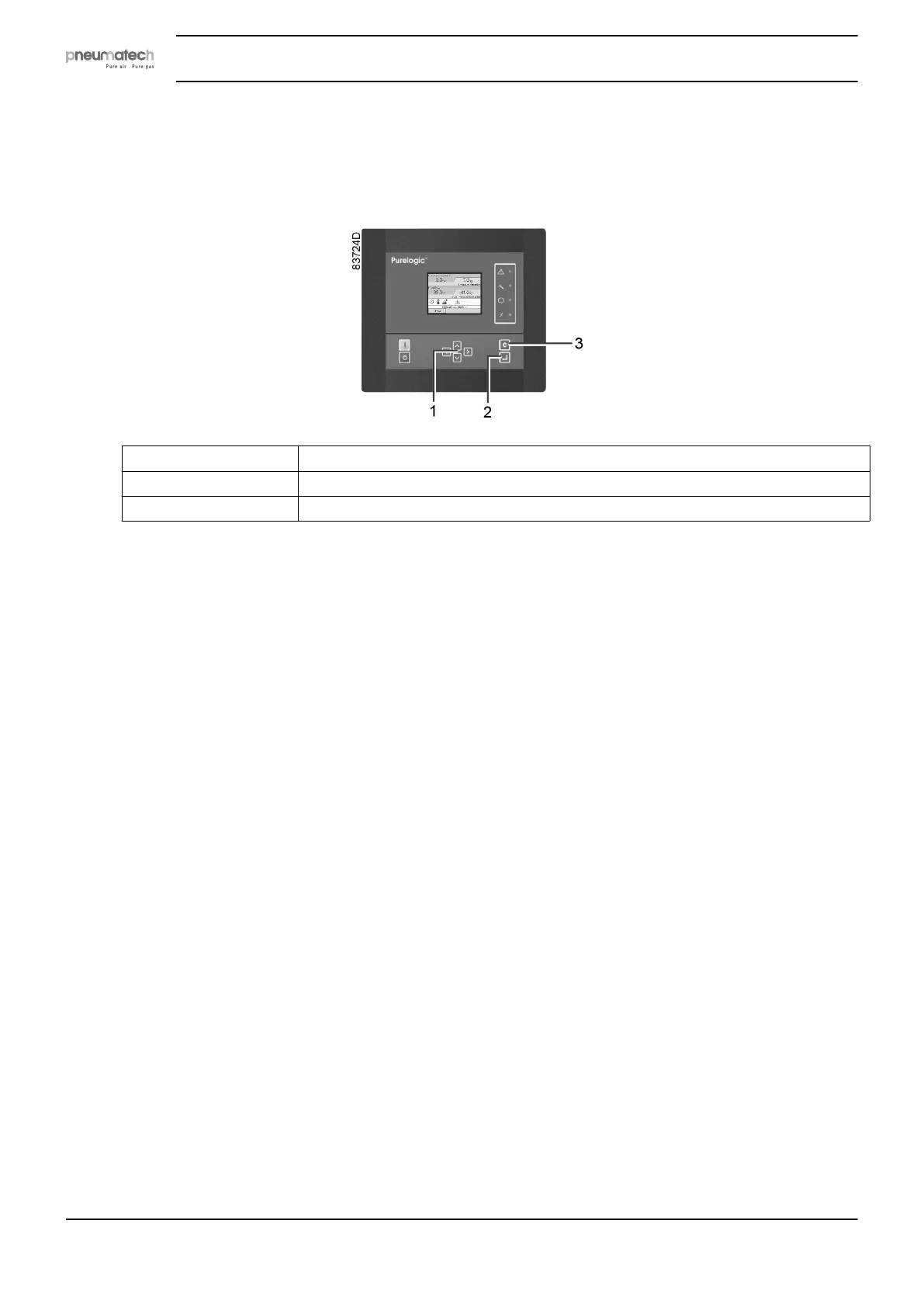
5.4 Main screen
Control panel
(1) Scroll keys
(2) Enter key
(3) Escape key
Function
The main screen shows the status of the dryer operation and is the gateway to all functions
implemented in the controller.
The main screen is shown automatically when the power is switched on and one of the keys is
pushed. It is switched off automatically after a few minutes when no keys are pushed.
Six different main views can be chosen:
1. Dryer animation
2. Two value lines
3. Four value lines
4. Chart (High Resolution)
5. Chart (Medium Resolution)
6. Chart (Low Resolution)
Instruction book
28 2920 7111 23



 To Next Page