Service level, Running hours or Real time hours), use the Scroll keys to select the desired action
and press the Enter key.
5.12 Protections menu
Menu icon, Protections
Function
To call-up the protections.
Before resetting a warning or shut down message, always remedy the problem.
Frequently resetting these messages without remedying may damage the dryer.
Procedure
Starting from the Main screen (see Main screen):
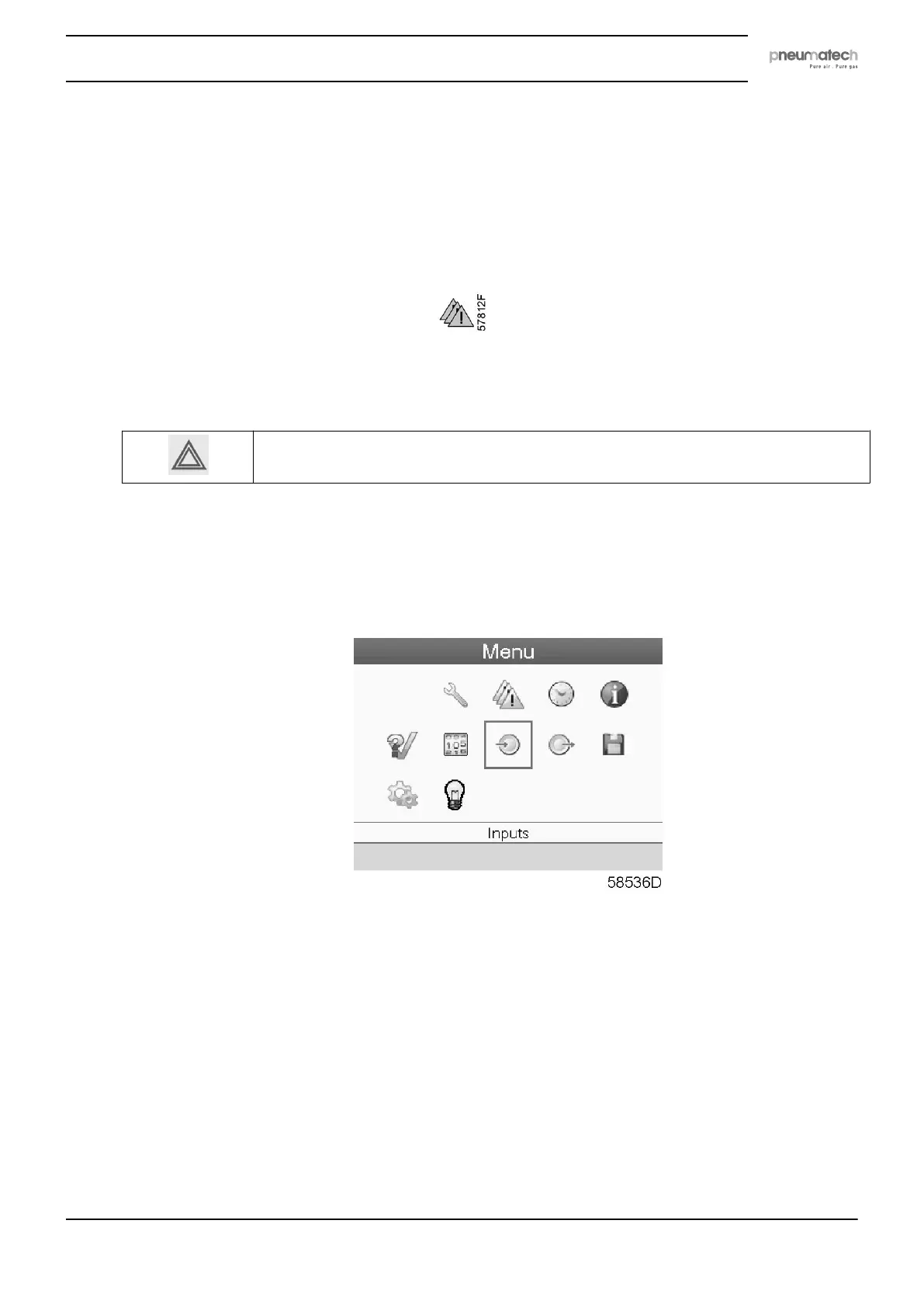
• Move the cursor to the action button Menu and press the enter key (2). Following screen
appears:
• Using the scroll keys (1), move the cursor to the protections icon (see above, section Menu
icon).
• Press the enter key (2). Following screen appears:
Instruction book
2920 7111 23 43



 To Next Page