• Regeneration cycles vessel B: integer that counts how many cycles vessel B has
performed.
• Standby time: shows how long the dryer has been in standby mode since the last
reset of the energy counters. This counter will not be reset when the standby state has
ended and a vessel switch is performed. The next time the dryer is in the standby state,
it resumes at the previous value. The counter is automatically reset when the energy
counters are reset.
• Energy saving PDP sensor: shows how much energy is saved (in %) by having the
PDP sensor since the energy counters have been reset, so it equals StandbyTime/
LoadedTime.
• Average heating power: shows the 24/24h average of heating power consumed since
the last reset of the energy counters. This timer equals the (Heater Contactor Time x
Heater Power) / (Loaded Time). The Heater Contactor Time is an internal timer and can
not be called up on the screen. The Heater Contactor Time is reset when the energy
counters are reset.
• Module hours: shows how long the controller has been active. This timer can not be
reset, not even when downloading new controller software.
5.9 Event history menu
Menu icon, Event History
Function
To call up the last shutdown and last emergency stop data.
Procedure
Starting from the Main screen (see Main screen),
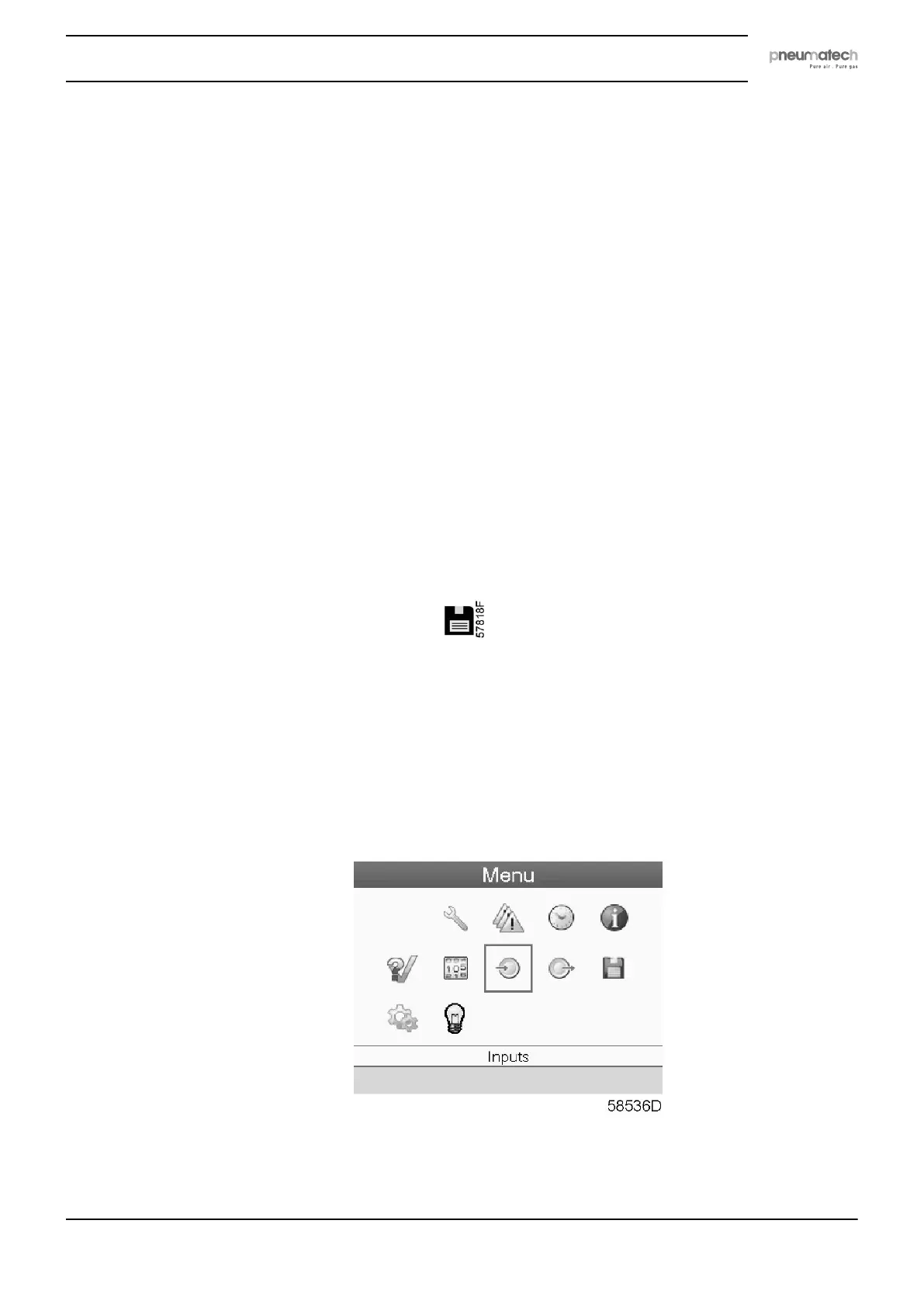
• Move the cursor to the action button Menu and press the Enter key. Following screen
appears:
• Using the Scroll keys, move the cursor to the Event History icon (see above, section Menu
icon).
• The list of last shutdown and emergency stop cases is shown.
Instruction book
2920 7111 23 37



 To Next Page