5.14 Info menu
Menu icon, Info
Function
To show the Pneumatech internet address.
Procedure
Starting from the Main screen (see Main screen),
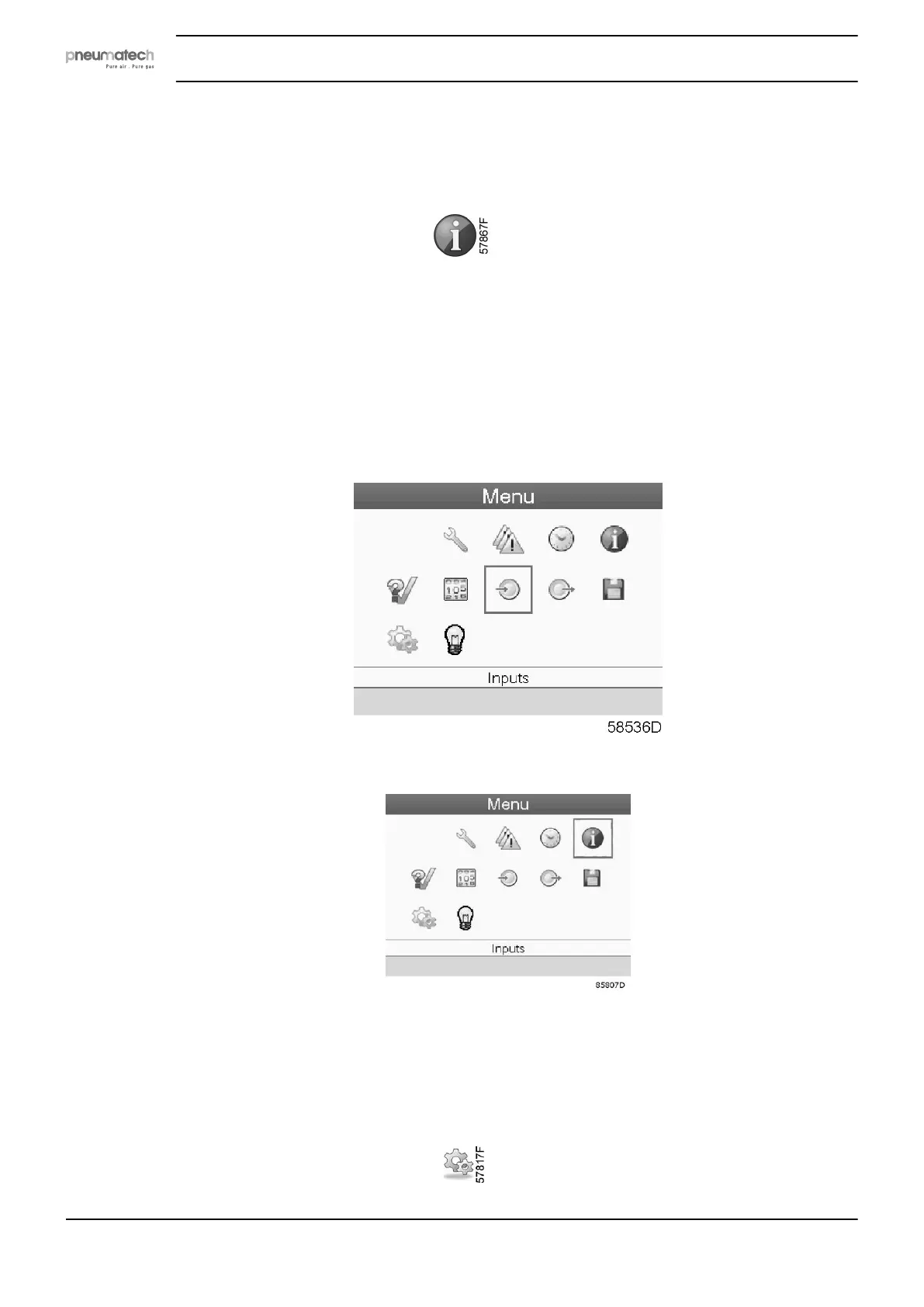
• Move the cursor to the action button Menu and press the Enter key. The following screen
appears:
• Using the Scroll keys, move the cursor to the Info icon (see above, section Menu icon). The
following screen appears:
• Press the Enter key. Pneumatech internet address appears on the screen.
5.15 Modifying settings
Menu icon, Settings
Instruction book
54 2920 7111 23



 To Next Page