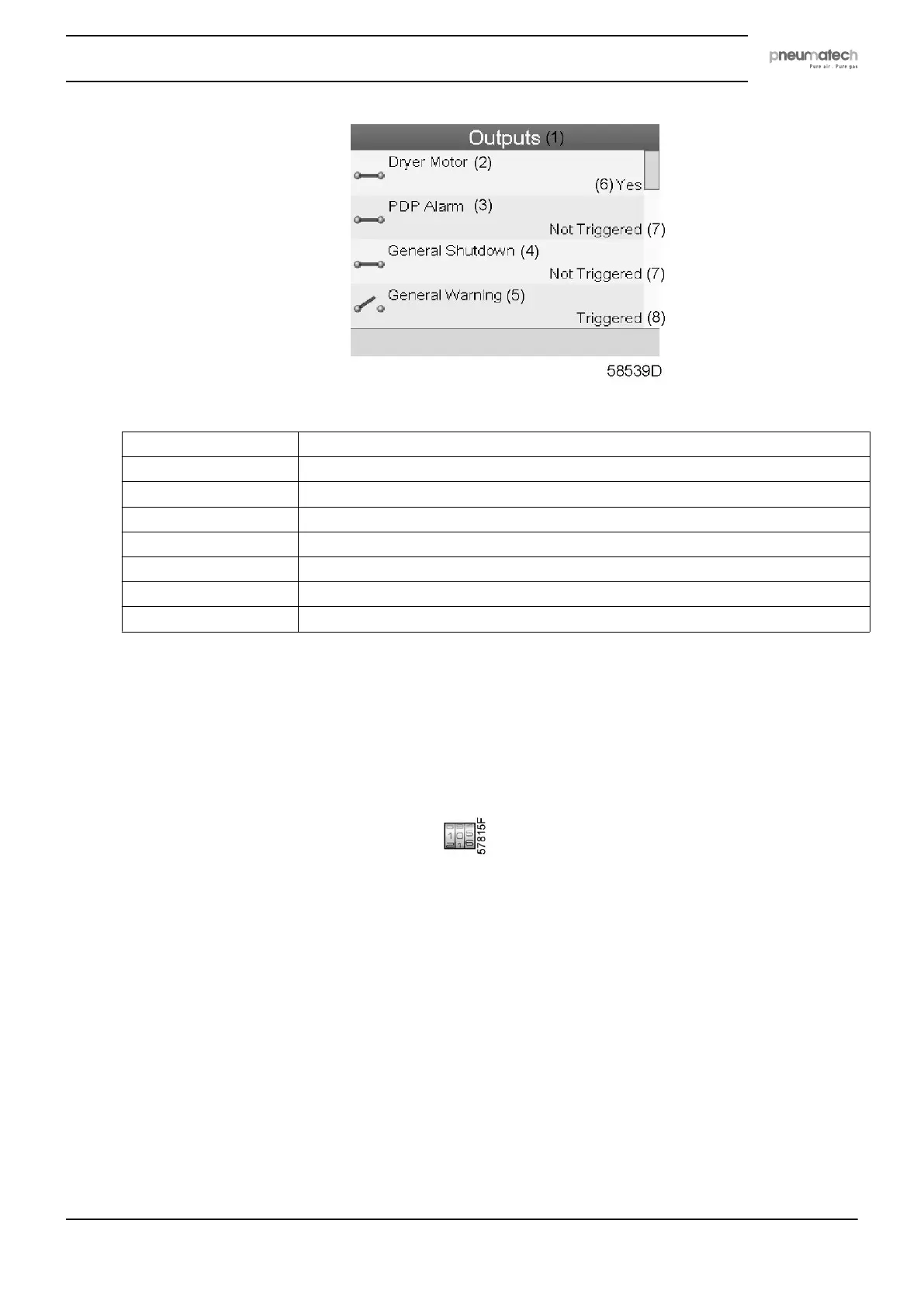
Text on figure
(1) Outputs
(2) Dryer motor (means the dryer is operating)
(3) PDP alarm
(4) General shut-down
(5) General warning
(6) Yes
(7) Not triggered
(8) Triggered
• The screen shows the first items of a list of all outputs with their corresponding icons and
readings. Use the scroll button to see the other items in the list.
5.8 Counters
Menu icon, Counters
Function
To call up:
• The running hours
• The number of dryer starts
• The number of hours that the regulator has been powered
• The operational state timers
Procedure
Starting from the Main screen (see Main screen),
• Move the cursor to the action button Menu and press the Enter key. Following screen
appears:
Instruction book
2920 7111 23 35



 To Next Page