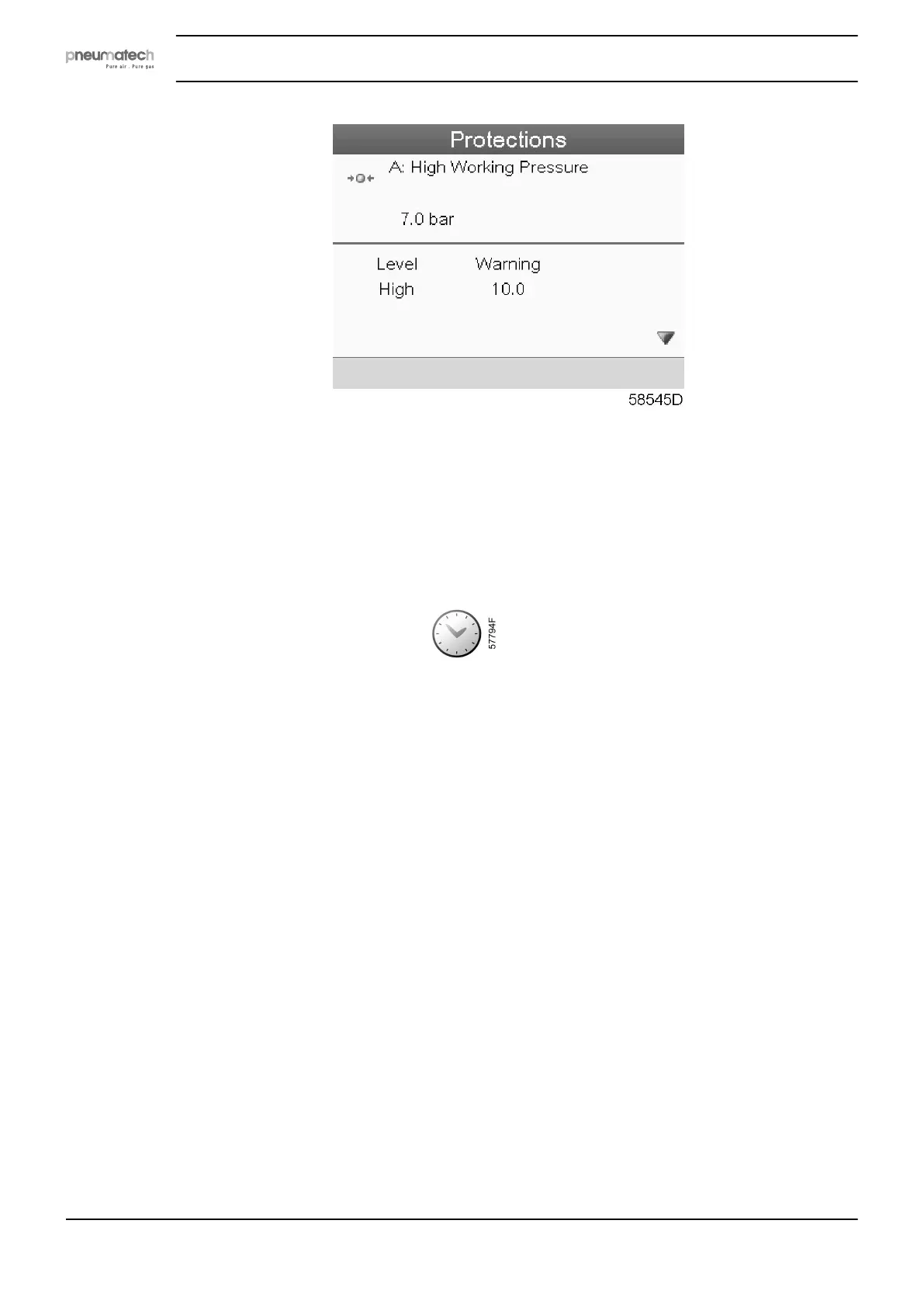
• The screen shows a list of all shutdown and shutdown warning settings and the actual
reading. Active alarms are highlighted in yellow. In case of a shutdown, the protection can
be reset after remedying.
5.13 Week timer menu
Menu icon, Week timer
Function
• To program time based start/stop commands for the dryer.
• To program time based change-over commands for the net pressure band.
• Four different week schemes can be programmed.
• A week cycle can be programmed; a week cycle is a sequence of 10 weeks. For each week
in the cycle, one of the four programmed week schemes can be chosen.
Procedure
Starting from the Main screen (see Main screen),
• Move the cursor to the action button Menu and press the Enter key. Use the Scroll buttons
to select the Timer icon.
Instruction book
44 2920 7111 23



 To Next Page