• Scroll through the items to select the desired shutdown or emergency stop event.
• Press the Enter key to find the date, time and other data reflecting the status of the dryer
when that shutdown or emergency stop occurred.
5.10 Test menu
Menu icon, Test
Function
• To depressurize the vessels and to test the output contacts.
• The vessels can only be depressurized when the dryer is stopped (off state).
• The test procedure will be stopped as soon as another menu is selected on the
regulator.
Procedure
Starting from the Main screen (see Main screen):
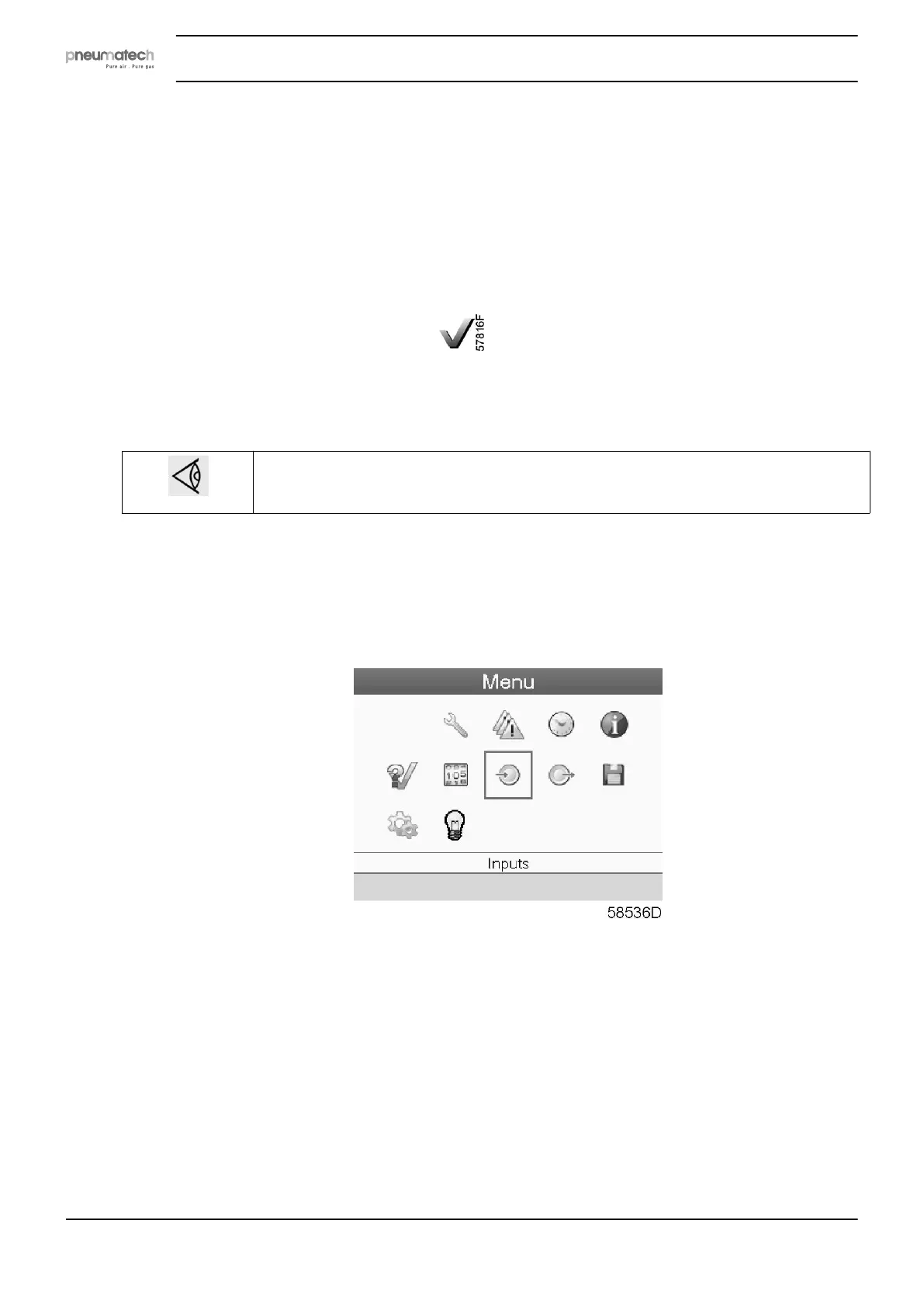
• Move the cursor to the action button Menu and press the enter key (2); following screen
appears:
• Using the scroll keys (1), move the cursor to the test icon (see above, section Menu icon).
• Press the Enter key (2). Following screen appears:
Instruction book
38 2920 7111 23



 To Next Page