Text on figure
(1) Monday
(2) Start
(3) Save
(4) Modify
• To adjust the time, use the Scroll keys on the controller and press the Enter key to confirm.
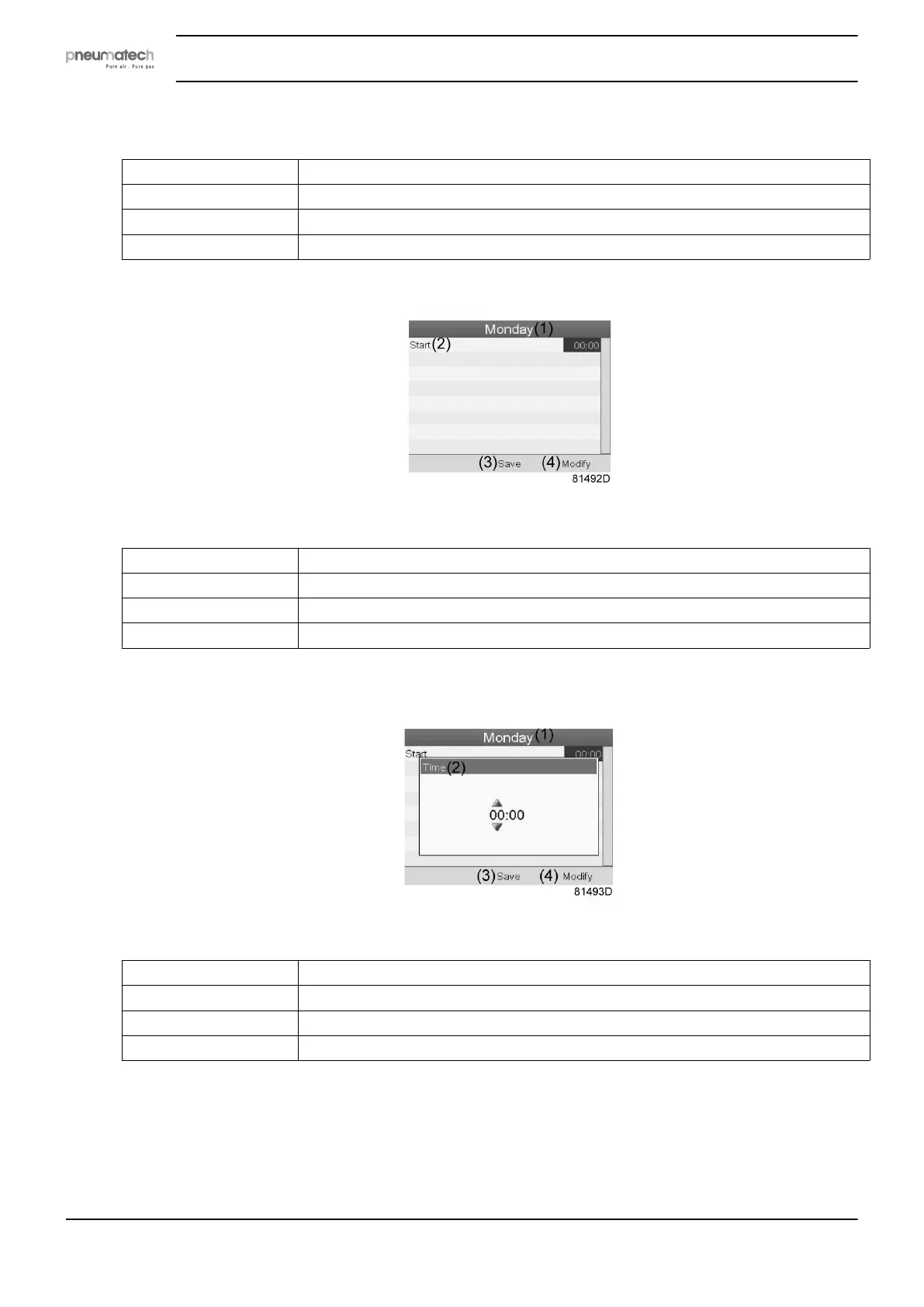
Text on figure
(1) Monday
(2) Start
(3) Save
(4) Modify
• A pop-up window opens. Use the ↑ or ↓ key of Scroll keys to modify the values of the hours.
Use the ← or → Scroll keys to modify the minutes.
Text on figure
(1) Monday
(2) Time
(3) Save
(4) Modify
• Press the Escape key on the controller. The action button Modify is selected. Use the Scroll
keys to select the action Save.
Instruction book
48 2920 7111 23



 To Next Page