Icon Function
Network settings
General settings
Regulation settings
Automatic restart after voltage failure (ARAVF)settings
Access key
User password
• Move the cursor to the icon of the function to be modified and press the Enter key.
Modifying network settings
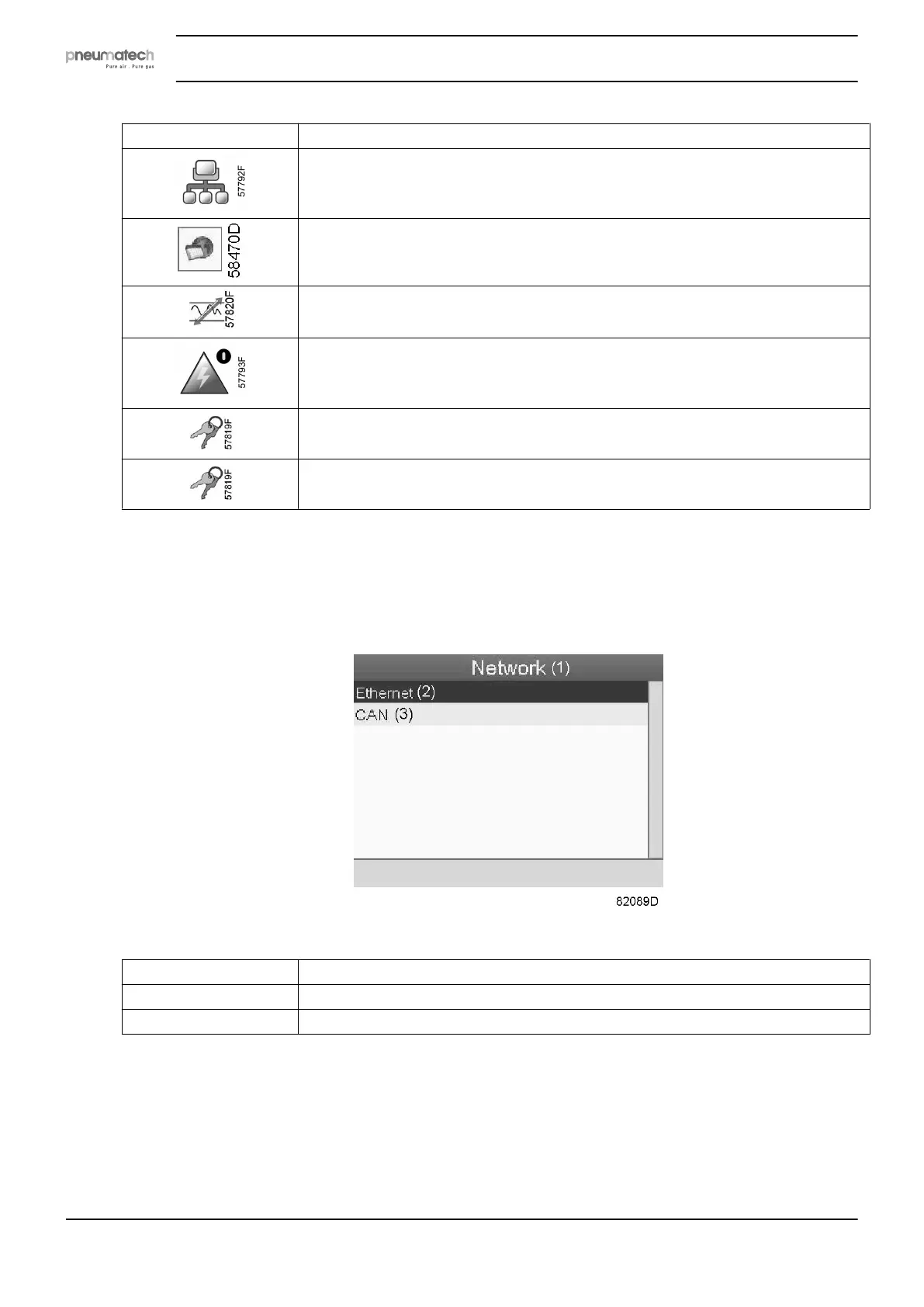
• Select the network settings icon as described above and press the Enter button (2). The
following screen appears:
Text on figure
(1) Network
(2) Ethernet
(3) CAN
• A red selection bar is covering the first item (Ethernet). Use the ↓ key of the Scroll keys to
select the setting to be modified and press the Enter key. The following screen appears:
Instruction book
56 2920 7111 23



 To Next Page