22 MAN. PS 254 EN – Ind. 2
3. OPERATION OF THE PS 254
3.1. Fundamental procedures
3.1.1. Switching on
With the installation properly connected (see
chapter 2), turn the switch FA 1 to the position
1. After a short period the power source is
ready to be used, the screen should be lit.
Note: The remote control must be
connected to the PS 254 in order to make
the power source work.
If a problem should occur, please refer to
Chapter 4.2.2 "Maintenance and
Troubleshooting".
3.1.2. Positioning the welding head on
the workpiece
Please read the manual supplied with each
welding head before positioning a
POLYSOUDE or ASTRO ARC POLYSOUDE
welding head on a workpiece. Once the
welding head is positioned, you can drive the
electrode exactly where you want the cycle to
start by using the head rotation buttons BT 13
and BT 14 on the remote control pendant.
Warning : with some enclosed welding heads,
the cycle can only be started with the electrode
in home position.
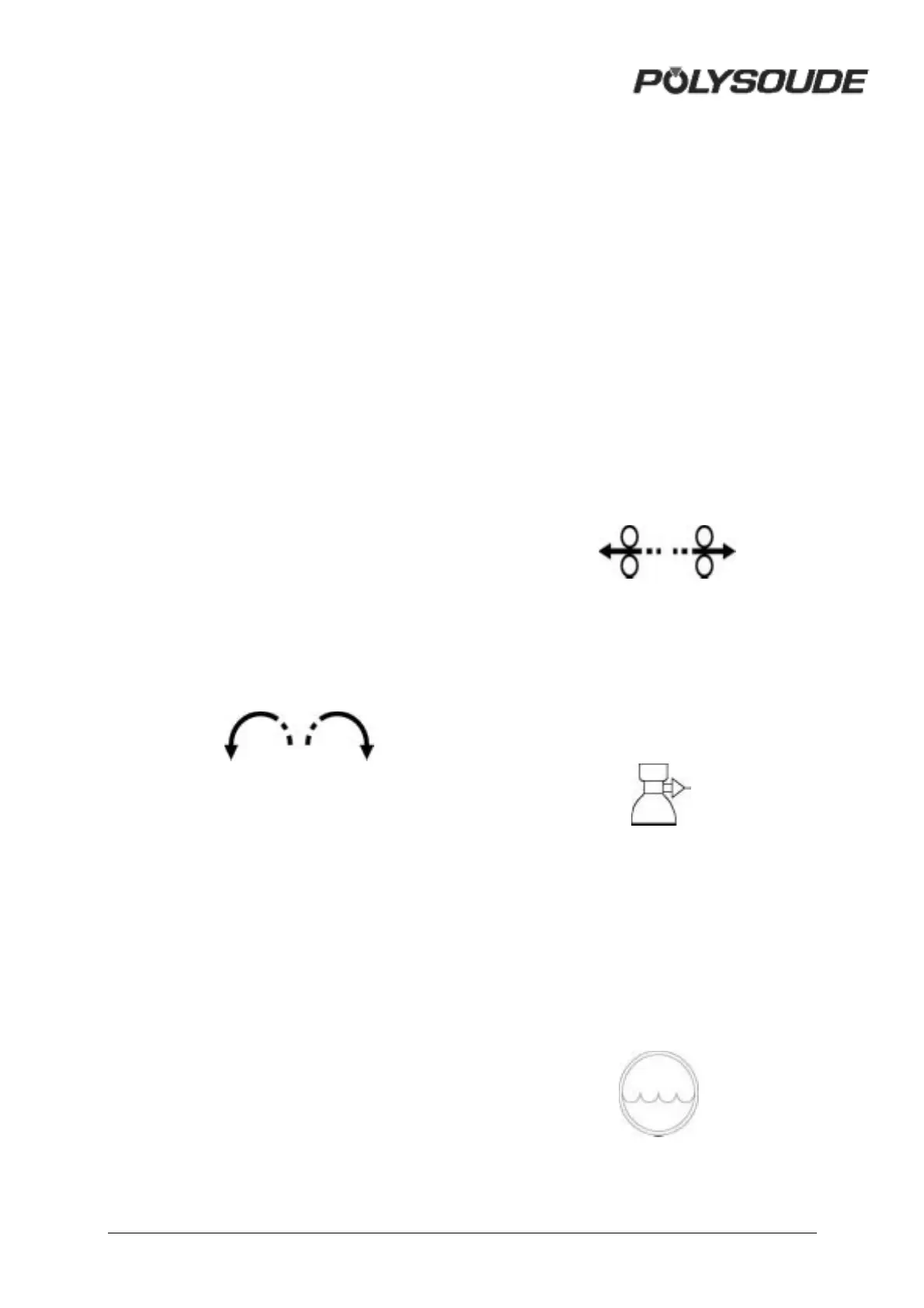
Fig. 3.1 : Buttons for manual rotation of
the welding head on the remote control
pendant
This action is comprised of two stages: during
the first two seconds the rotation speed is
reduced to 20 % of the maximum speed,
afterwards the rotation speed becomes 100 %.
This allows both quick and accurate
positioning of the electrode.
In the case of welding heads fitted with a home
position contact, the manual rotation stops
when the head is in the "open" position. By
releasing the button and pressing it again the
rotation can be continued. This command is
very useful because a closed welding head
can only start in the open position.
3.1.3. Wire setting
Combined with the "Auto / Manual Wire" switch
(BT 12), the two buttons BT 9 and BT 8 on the
remote control pendant permit precise
positioning of the wire.
If the switch BT 12 is in the "Auto" position,
pressing one of these buttons advances (BT 8)
or retracts (BT 9) the wire. This action is
comprised of 2 speeds: during the first 2
seconds the wire moves at a reduced speed of
20 % of the maximum speed, afterwards it
moves at 100 %. This allows both rapid and
precise positioning of the wire.
If the switch is in the "Manual" position, the
function of the wire retract button BT 9 remains
as stated above. However, by pressing the
wire advance button for a first time the wire is
advanced at a high speed, a second pressing
of the button causes the wire to stop. This
function is particularly useful when loading the
wire into the wire guide sheath.
Fig. 3.2 : Remote control pendant buttons
for wire positioning
3.1.4. Adjustment of the gas flow
The gas flow has to be adjusted with a
flowmeter at the gas source. The push button
BT 16 energises the gas valve.
Fig. 3.3 : Gas test button
3.1.5. Manual cooling system start
After changing a welding head, and particularly
if you use an extension cable, it is possible that
the coolant system contains some air. After the
start of a cycle a fault in the cooling system
can be detected (11 is the number of this error
code). With the button BT 15 you can switch
on the cooling circuit pump to replenish the
system before starting the next cycle.
Fig. 3.4 : Push button "cooling circuit"-
Start pump "cooling circuit"



 To Next Page