MAN. PS 254 EN – Ind. 2 47
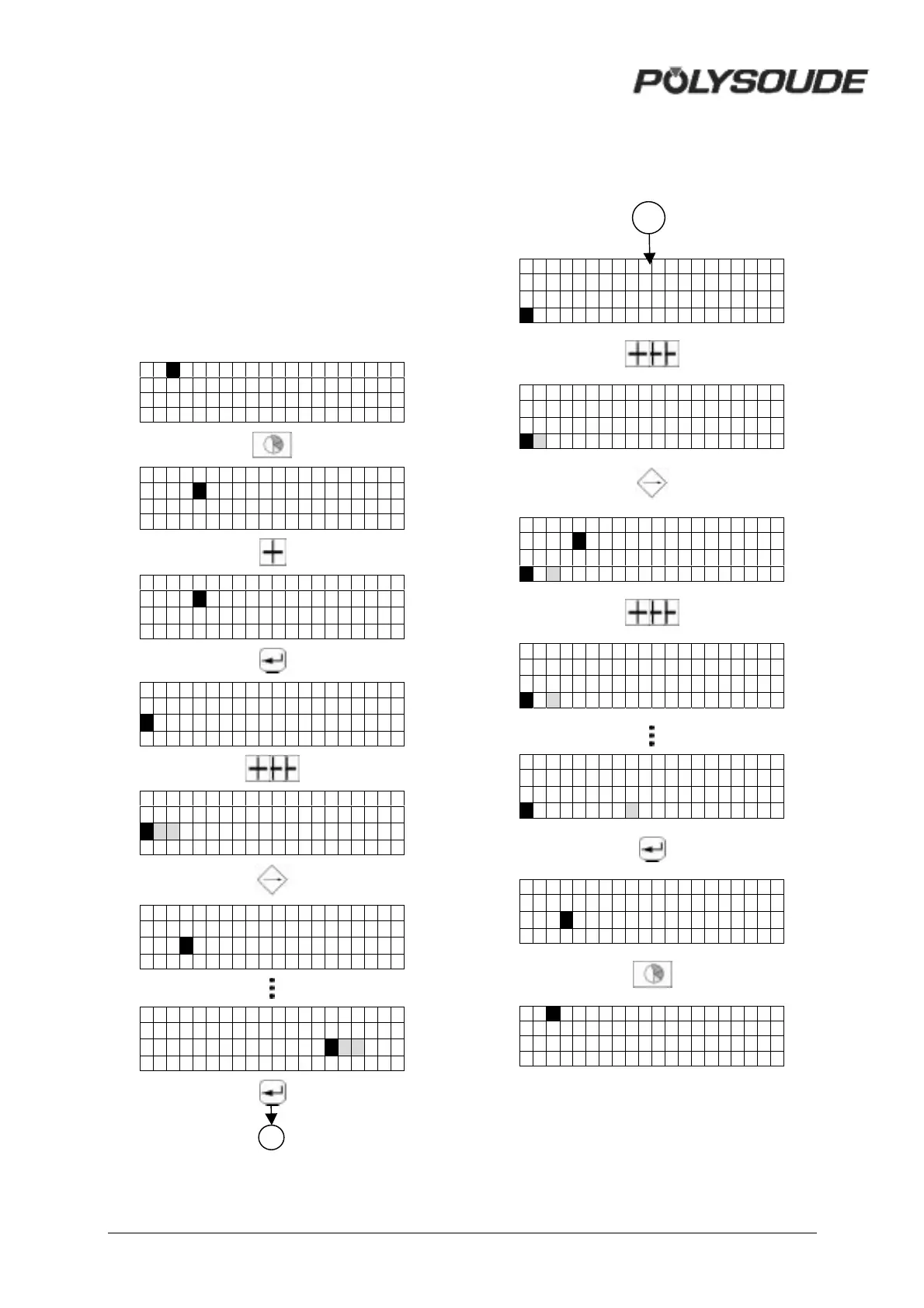
3.3.7. Entering the time and date
With the key switch in the open position, and
when creating or modifying the name of a
program, you can also access the mode for
entering or modifying the time, the date and
the company name by pressing the "sector"
key.
By pressing the "enter" key you can change
between the displays for the time, the date and
the company name. You can exit this mode by
pressing the "sector" key.
01 NANTES
PS 254
0->24H
20: 30 :20 04-08- 96
PS 254
0->12H
08: 30 :20pm 08-04- 96
PS 254
0->12H
08: 30 :20pm 08-04- 96
PS 254
0->12H
1 0 : 30 :20pm 08- 04-96
c PS 254
0->12H
10 30 : 2 0 pm 0 8 - 0 4 - 9 6
PS 254
0->12H
10: 31 :20pm 08 2 5 -96
3.3.8. Entering / modifiying the company
name
PS 254
0->12H
10: 31 :20pm 08-24- 96
PS 254
0->12H
10: 31 :20pm 08-25- 96
C
PS 254
0->12H
10: 31 :20pm 08-25- 96
C U
PS 254
0->12H
10: 31 :20pm 08-25- 96
C U
PS 254
0->12H
10: 31 :20pm 08-25- 96
CUSTOMER
PS 254
0->12H
10 31 : 2 0 pm 0 8 - 2 5 - 9 6
CUSTOMER
01 NANTES
27
27



 To Next Page